Detect Network Scanning: Log Signals, Blind Spots and Tools
Most scanning goes unseen because defenders monitor connection successes while attackers rely on silent failures to map your perimeter without triggering alarms.
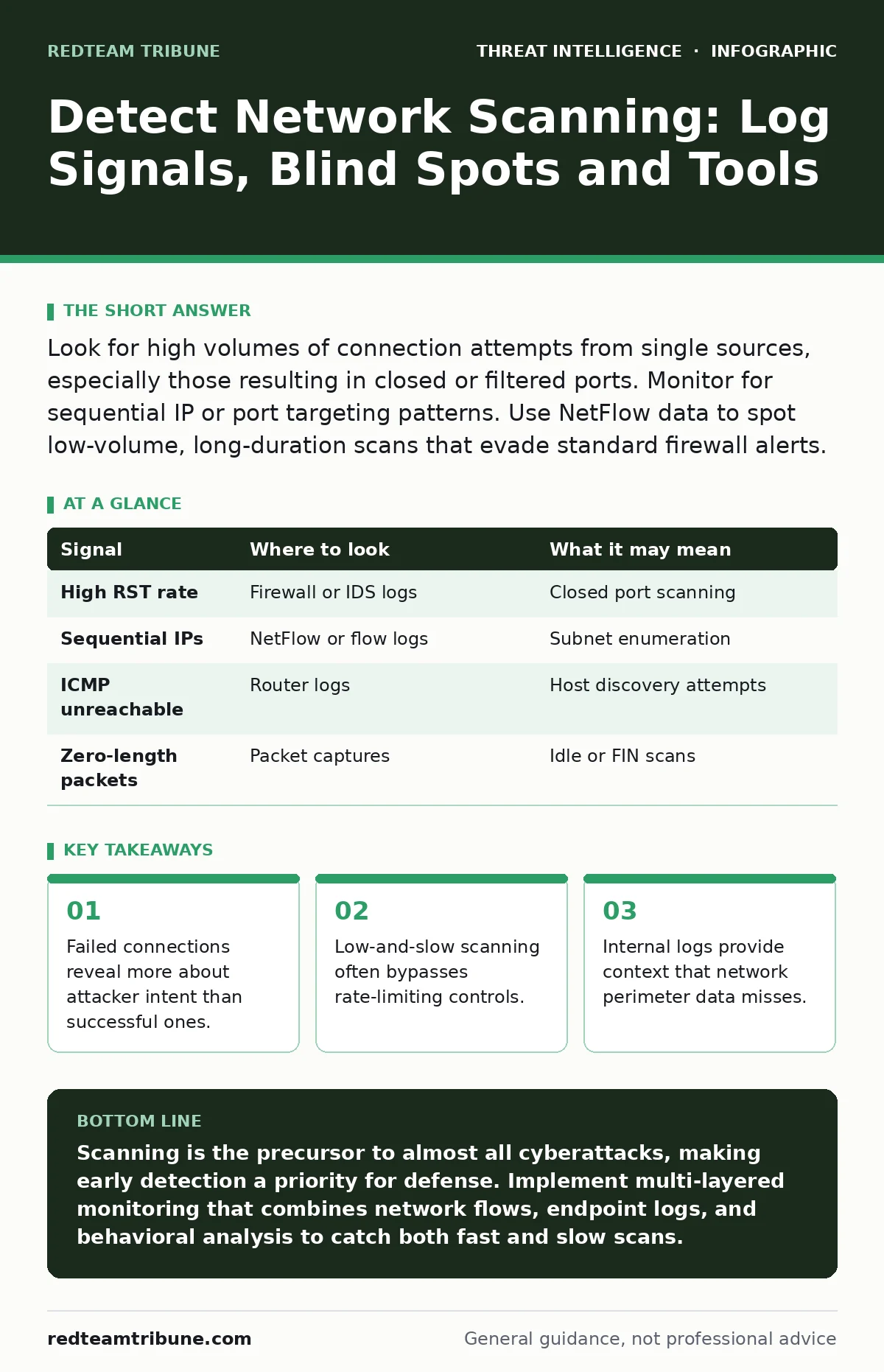
Look for high volumes of connection attempts from single sources, especially those resulting in closed or filtered ports. Monitor for sequential IP or port targeting patterns. Use NetFlow data to spot low-volume, long-duration scans that evade standard firewall alerts.
The Anatomy of a Scan
Network scanning is the process of probing a system to discover active hosts, open ports, or vulnerable services. Attackers perform this step to build a map of your infrastructure before attempting exploitation. You cannot stop every scan, but you can detect the patterns that distinguish routine noise from targeted reconnaissance.
Scanning leaves traces in multiple places. Network devices record the flow of packets. Servers log connection attempts. Applications record authentication failures. You must correlate these data sources to see the full picture. Relying on a single source creates blind spots that attackers exploit.
Signals in Network Traffic
Network traffic analysis provides the first line of detection. Look for unusual volumes of traffic from a single source IP address. A spike in outbound connections from your internal network may indicate a compromised host scanning other systems.
Pay attention to the flags in TCP packets. A SYN scan sends a SYN packet to initiate a connection. If the target port is closed, it responds with a RST packet. If the port is open, it responds with a SYN-ACK. Monitoring for high rates of RST responses from specific destinations indicates closed port scanning.
| Signal | Where to look | What it may mean |
|---|---|---|
| High RST rate | Firewall or IDS logs | Closed port scanning |
| Sequential IPs | NetFlow or flow logs | Subnet enumeration |
| ICMP unreachable | Router logs | Host discovery attempts |
| Zero-length packets | Packet captures | Idle or FIN scans |
Logs on Endpoints and Servers
Endpoint logs capture the final stage of a scan attempt. When a scanner reaches an open port, the service on that port may log the connection. Web servers log HTTP requests. SSH servers log authentication attempts.
Look for repeated connection attempts from the same source to different ports on your server. This is known as port sweeping. It differs from a single-port brute force attack. Port sweeping aims to find what services are running.
Windows Event Logs record connection attempts in the Security log. Look for Event ID 5156, which logs filtered connection attempts. Linux systems record these in syslog or auditd logs. The key is to look for failures, not just successes.
Behavioral Indicators
Behavioral detection looks at how an entity interacts with your environment over time. A human user typically accesses a few specific services. A scanner accesses many services in a short period.
Time is a critical factor. Scanning often happens in bursts. You may see a sudden increase in traffic that then stops abruptly. This stop-and-go pattern can indicate an automated tool that has finished its job or encountered a block.
Imagine a scenario where an attacker uses a slow scan technique. They send one packet per minute to avoid rate-limiting. Traditional thresholds based on packet count per second will miss this. You need temporal analysis to detect this behavior.
Common Blind Spots
Many organizations miss scanning activity because they only monitor encrypted traffic. If your network uses TLS, the payload is encrypted. However, the metadata, such as source and destination IPs and ports, is visible. Focus on this metadata.
Another blind spot is internal scanning. Defenders often focus on perimeter threats. However, a compromised internal host can scan the rest of the network. This traffic does not traverse the external firewall. You need internal network monitoring to detect this.
See also: Why Is Spear Phishing Difficult to Detect: The Hidden Mechanics · How Sigma Rules Detect Threats: The Translation Mechanism Explained
Tools for Detection
You need tools that can process large volumes of data quickly. Intrusion Detection Systems (IDS) like Suricata or Snort can be configured with Sigma rules to detect known scanning patterns. These tools inspect packet headers for suspicious sequences.
Network Flow analysis tools are essential for seeing traffic patterns. They aggregate packet data into flows, showing who is talking to whom and how much data is transferred. This helps identify low-volume, long-duration scans that IDS might miss.
Endpoint Detection and Response (EDR) tools provide visibility on the host itself. They can see when a process attempts to connect to a network port. This is useful for detecting scanning tools running directly on a server.
Correlation and Context
Detection engineering involves creating rules that combine multiple data sources. A single scan attempt is not significant. A series of scan attempts from the same source to different targets is.
Use the Diamond Model of intrusion analysis to correlate data. The model includes adversary, infrastructure, capability, and victim. Linking the scanning IP (infrastructure) to the target systems (victim) helps prioritize alerts.
False positives in threat detection are common. Legitimate services, such as health checks or monitoring tools, may look like scanning. You must tune your alerts to exclude known good traffic. Otherwise, alert fatigue will cause your team to ignore real threats.
Next Steps for Defenders
Start by baselining your normal network traffic. Understand what typical connection patterns look like. This makes it easier to spot anomalies.
Implement monitoring for both inbound and outbound scanning activity. Ensure your logs are forwarded to a central repository for correlation. Regularly review and update your detection rules to adapt to new techniques.
Key takeaways
- Failed connections reveal more about attacker intent than successful ones.
- Low-and-slow scanning often bypasses rate-limiting controls.
- Internal logs provide context that network perimeter data misses.
Scanning is the precursor to almost all cyberattacks, making early detection a priority for defense. Implement multi-layered monitoring that combines network flows, endpoint logs, and behavioral analysis to catch both fast and slow scans.
Frequently asked questions
How do I distinguish between a legitimate port scanner and an attacker?
Look at the source. Legitimate scans often come from known monitoring IPs or internal management tools. Unknown external IPs performing scans are suspicious.
Do firewalls block network scanning?
Firewalls can block known malicious IPs, but they cannot stop all scanning. Many scans use legitimate ports and protocols that firewalls allow.
How this guide was produced: written by the RedTeam Tribune editorial team with AI assistance, checked against the public references listed below, and reviewed when the facts change. See our editorial policy or report an error.