Implement Network Traffic Analysis: A Step-by-Step Operational Guide
Most organizations capture only packet headers, missing the encrypted payload anomalies that reveal early-stage lateral movement and data staging.

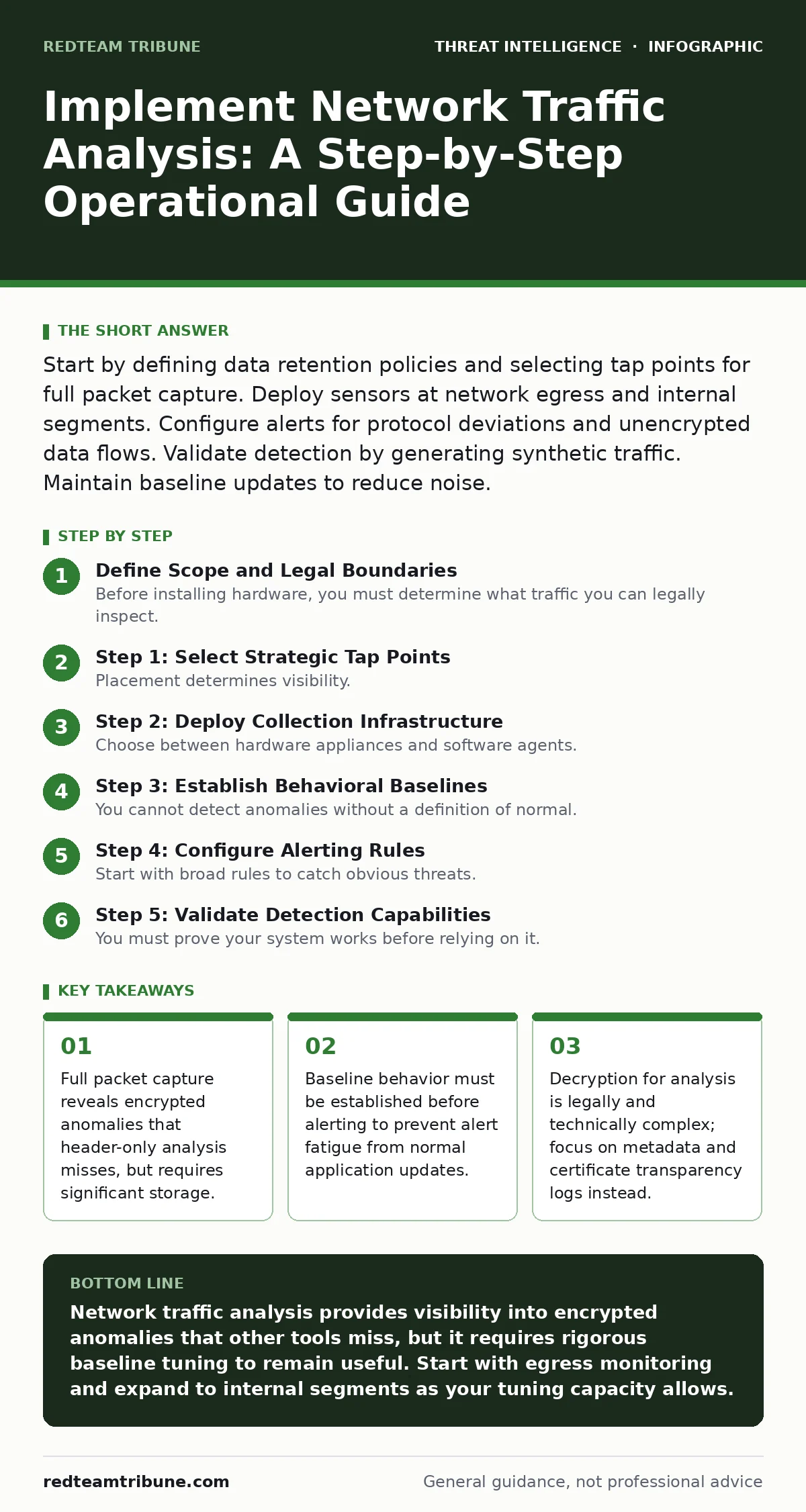
Start by defining data retention policies and selecting tap points for full packet capture. Deploy sensors at network egress and internal segments. Configure alerts for protocol deviations and unencrypted data flows. Validate detection by generating synthetic traffic. Maintain baseline updates to reduce noise.
Define Scope and Legal Boundaries
Before installing hardware, you must determine what traffic you can legally inspect. In many jurisdictions, decrypting employee traffic without explicit consent violates privacy laws. You must also define the retention period. Storing raw packet captures for long periods consumes massive storage and increases liability if the storage is breached.
Decide whether you need full packet capture or just flow data. Full capture records every bit of data, allowing deep inspection. Flow data, such as NetFlow or sFlow, records metadata about connections but not the content. Full capture is necessary for forensic reconstruction, while flow data is sufficient for spotting volume-based anomalies like data exfiltration.
Step 1: Select Strategic Tap Points
Placement determines visibility. You cannot analyze what you do not see. Place network taps at the internet egress to monitor all inbound and outbound connections. This is where data exfiltration and command-and-control traffic typically occur.
Internal segmentation requires additional taps. Place sensors at the boundary between critical servers and general user networks. This allows you to detect lateral movement. Avoid placing taps on high-speed backbone links unless your collection infrastructure can handle the line rate without dropping packets. Packet loss during an incident creates blind spots that attackers exploit.
For environments with cloud workloads, traditional taps are insufficient. You must enable virtual network taps in the cloud provider’s console. This captures traffic between virtual machines that never hits the physical wire. Ignoring east-west traffic in cloud environments leaves your most dynamic assets blind.
Step 2: Deploy Collection Infrastructure
Choose between hardware appliances and software agents. Hardware appliances are dedicated devices that sit inline or via span ports. They offer high performance and isolation from the host OS. Software agents run on endpoints or virtual machines. They provide visibility into encrypted traffic before it leaves the host, but they consume CPU and can be disabled by users.
Configure the collection system to buffer data during network spikes. If the storage fills, the system must drop old data or stop capturing. Define this behavior in advance. Ensure time synchronization is perfect across all sensors. Millisecond discrepancies make correlating events across different parts of the network nearly impossible.
Refer to detection engineering principles when designing your collection rules. You are not just capturing data; you are engineering a data source for your analysts. The quality of your intake dictates the quality of your alerts.
Step 3: Establish Behavioral Baselines
You cannot detect anomalies without a definition of normal. Run your collection system in passive monitoring mode for at least two weeks. Record the volume, protocols, and destinations of traffic during different times of day and days of the week.
Identify the standard communication patterns for your applications. Does your backup software send large bursts of data at night? Does your CRM connect to specific cloud IPs? Document these patterns. This baseline becomes your filter. Without it, every new application update looks like a threat.
This phase also helps you identify false positives in threat detection. If your baseline shows that a specific internal IP constantly scans other internal IPs, and that IP is a vulnerability scanner, you can suppress alerts from it. Ignoring known benign behavior reduces noise significantly.
Step 4: Configure Alerting Rules
Start with broad rules to catch obvious threats. Alert on connections to known malicious IP ranges. Alert on DNS queries for domains associated with threat intelligence sharing platforms. These rules rely on external data sources and are relatively easy to tune.
Next, add protocol deviation rules. Alert if HTTP traffic appears on a port that should only carry SSH. Alert if a server initiates a connection to a residential IP block. These rules detect misconfiguration and potential remote desktop abuse or unauthorized remote access tools.
Avoid alerting on volume alone initially. Large file transfers are common in many businesses. Instead, alert on volume combined with unusual destinations or times. This reduces the number of alerts you must investigate.
See also: Stop Computer Worms: The Network Containment Checklist · Network Segmentation Mistakes That Leave Your Data Exposed
Step 5: Validate Detection Capabilities
You must prove your system works before relying on it. Generate synthetic traffic that mimics attack behavior. Use a controlled test machine to send DNS requests to a known safe test domain. Verify that your system logs this request.
Simulate data exfiltration by uploading a large file to a personal cloud storage account from a test machine. Check if your volume alerts trigger. Simulate lateral movement by attempting to connect to a restricted server port from an unauthorized workstation.
This validation step is critical. It confirms that your taps are seeing the traffic and your rules are firing. It also helps you understand the Diamond Model of intrusion analysis in practice. You are testing the link between the adversary’s capability and your infrastructure’s visibility.
Step 6: Implement Continuous Upkeep
Network traffic analysis is not a set-and-forget tool. Applications update, and new services are deployed. Each change alters the baseline. You must review and update your baseline monthly.
Review alert logs weekly. Identify patterns that are consistently benign and suppress them. Identify alerts that missed actual incidents and refine the rules. This process is known as tuning. It is the most time-consuming part of the operation.
Integrate your findings with adversary emulation exercises. When you simulate an attack, check if your traffic analysis system detected the network indicators. If not, adjust your sensors or rules. This continuous loop ensures your visibility keeps pace with evolving tactics.
Verification Checklist
Use this checklist to audit your implementation.
- Legal review completed for traffic inspection scope.
- Taps placed at egress and critical internal segments.
- Collection infrastructure can handle peak line rates.
- Baseline established for at least two weeks.
- Synthetic tests confirmed detection of DNS, exfiltration, and lateral movement.
- Tuning process scheduled for weekly review.
- Integration with Active Directory attacks detection logic verified.
Common Pitfalls to Avoid
One common error is over-reliance on signature-based detection. Signatures only catch known threats. They miss novel attacks. Focus on behavioral anomalies. Another error is ignoring internal traffic. Many breaches begin with lateral movement that never touches the internet.
Ensure you have enough storage for full packet capture during incidents. If you run out of space during a breach, you lose the evidence needed for forensics. Plan for burst capacity.
Key takeaways
- Full packet capture reveals encrypted anomalies that header-only analysis misses, but requires significant storage.
- Baseline behavior must be established before alerting to prevent alert fatigue from normal application updates.
- Decryption for analysis is legally and technically complex; focus on metadata and certificate transparency logs instead.
Network traffic analysis provides visibility into encrypted anomalies that other tools miss, but it requires rigorous baseline tuning to remain useful. Start with egress monitoring and expand to internal segments as your tuning capacity allows.
Frequently asked questions
How much storage do I need for network traffic analysis?
Storage needs depend on your bandwidth and retention policy. A 1 Gbps link with full capture generates terabytes per day. Start with flow data to reduce storage costs, then add full capture for critical segments.
Can I analyze encrypted traffic without decryption?
Yes. You can analyze metadata such as packet size, timing, and certificate transparency logs. These indicators often reveal malicious communication even without seeing the payload.
How do I distinguish between a DDoS attack and legitimate traffic spikes?
Legitimate spikes usually correlate with known events like sales or updates. DDoS attacks often show uniform packet sizes and originate from diverse, unrelated IP ranges.
Is network scanning the same as traffic analysis?
No. Network scanning is active probing of hosts. Traffic analysis is passive observation of data flows. They serve different purposes but can complement each other in security operations.
How this guide was produced: written by the RedTeam Tribune editorial team with AI assistance, checked against the public references listed below, and reviewed when the facts change. See our editorial policy or report an error.