How Firewalls Work: The Mechanics Behind Network Traffic Control
Firewalls do not scan every byte of data for viruses; they enforce traffic rules based on addresses and states, leaving application logic to other tools.
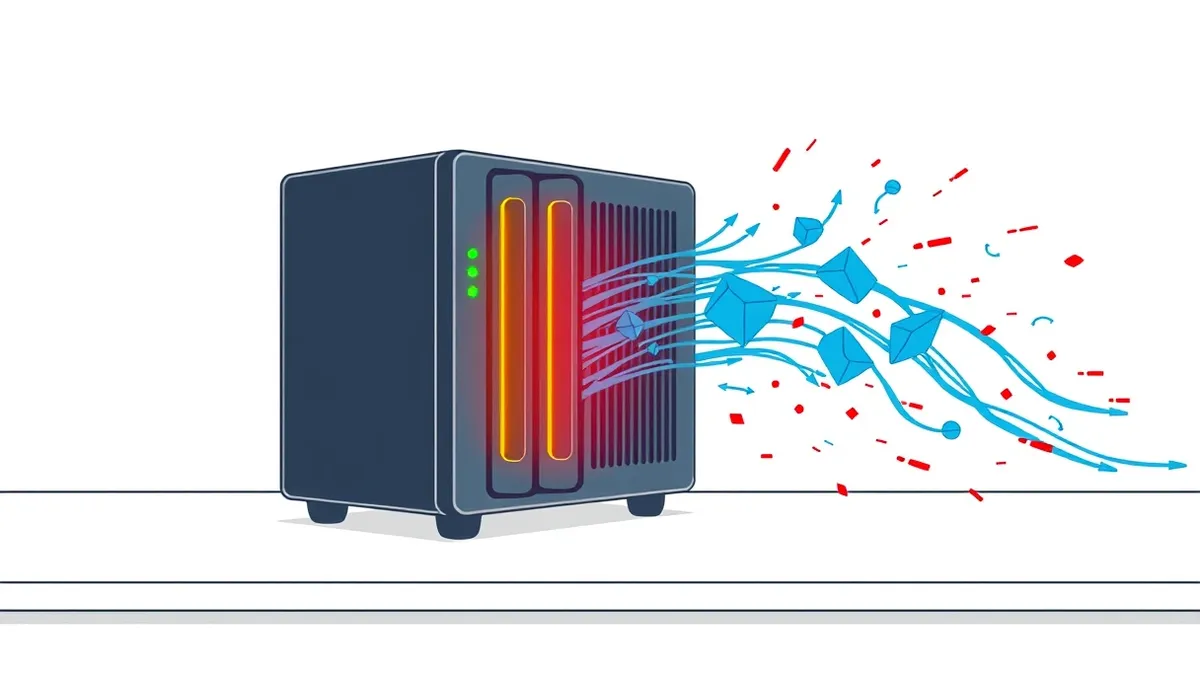
A firewall is a network security device that monitors incoming and outgoing traffic. It applies a set of rules to allow or block data packets. This creates a barrier between trusted internal networks and untrusted external ones, stopping unauthorized access before it reaches your servers.
The Gatekeeper Analogy
Imagine a busy airport security checkpoint. The guards do not open every bag to read the contents immediately. Instead, they check tickets against a passenger manifest. If the ticket matches the name and the destination, the person passes through. If not, they are stopped.
A firewall operates on this same principle of verification before entry. It sits at the boundary of your network. It examines every piece of data attempting to cross that boundary. It compares the data against a list of allowed activities.
This process prevents random traffic from flooding your internal systems. It ensures that only expected communications proceed. The firewall does not judge the moral intent of the data. It only checks if the data follows the established protocol.
The Core Problem Firewalls Solve
Without a firewall, your network is an open door. Any device on the internet can attempt to connect to any service you host. This exposure invites scanning, exploitation, and data theft.
The core problem is unfiltered access. The internet is filled with automated tools that probe for weaknesses. These tools look for open ports, outdated software, and misconfigured services. A firewall solves this by defaulting to denial.
It assumes all traffic is hostile unless proven otherwise. This shifts the burden of proof to the sender. The sender must demonstrate that their traffic matches an approved rule. This simple shift reduces the attack surface significantly.
Anatomy of Traffic Filtering
A firewall consists of three main components. The first is the rulebase. This is a list of instructions that tell the firewall what to do. Each rule specifies a source, a destination, a port, and an action.
The second component is the inspection engine. This part reads the headers of incoming data packets. It extracts information like IP addresses and protocol types. It then matches this information against the rulebase.
The third component is the logging system. This records decisions made by the firewall. It logs blocked attempts and allowed connections. This data is vital for auditing and troubleshooting.
| Aspect | Detail |
|---|---|
| Rulebase | List of conditions for allowing or blocking traffic |
| Inspection Engine | Mechanism that reads packet headers and payloads |
| Logging System | Record of traffic decisions for audit and analysis |
| Default Policy | Action taken when no rule matches (usually deny) |
Where It Fits in Defense
Firewalls are not standalone solutions. They are one layer in a broader security architecture. They protect the network perimeter. They do not protect the individual computer inside that perimeter.
Think of the firewall as the fence around a property. It keeps trespassers out. It does not lock the doors to the house. You still need other measures for that.
For instance, network segmentation divides your internal network into smaller zones. This limits how far an attacker can move if they bypass the outer firewall. Without segmentation, a single breach can expose the entire organization.
You also need endpoint protection for devices. The firewall stops external threats. It cannot stop malware that was introduced via USB drop attacks or internal misconfiguration. These layers work together to provide depth.
What People Usually Get Wrong
Many assume a firewall blocks all malicious traffic. This is false. A firewall only blocks what its rules say to block. If a rule allows web traffic, it allows all web traffic.
It does not inherently know if that web traffic contains a virus. It sees the connection as valid. This is why you need additional tools for deep inspection.
Another common error is rule sprawl. Over time, teams add exceptions for temporary needs. They rarely remove them. This creates a messy rulebase. It becomes difficult to audit. Hidden permissions may allow unauthorized access.
See also: Stop Computer Worms: The Network Containment Checklist · Implement Network Traffic Analysis: A Step-by-Step Operational Guide
The Hidden Cost of Complexity
Complex rulebases slow down performance. Every packet must be checked against every rule. If you have thousands of rules, the process takes longer. This latency can affect user experience.
Complexity also hides errors. When rules contradict each other, the firewall follows the first match. This can lead to unexpected blocks or allowances. Troubleshooting becomes a game of guesswork.
You must review rules regularly. Identify unused rules. Merge similar rules. Keep the rulebase clean and documented. This maintenance is often overlooked but is critical for security.
Example Scenario
Suppose you run a web server. You configure the firewall to allow traffic on port 443. This is the standard port for secure web traffic.
An attacker tries to connect to port 22, which is used for remote management. The firewall checks its rules. It finds no rule allowing port 22. It drops the packet. The attacker is stopped.
However, if the attacker sends malicious code through port 443, the firewall allows it. The traffic matches the allowed rule. The firewall does not inspect the code inside the packet. This is where the limitation lies.
Integrating With Other Controls
Firewalls work best when integrated with other systems. They should feed logs to a central monitoring platform. This allows for real-time analysis of traffic patterns.
You should also consider domain spoofing risks. Attackers may use fake domains to trick users. The firewall can block traffic to known malicious domains. This requires integration with threat intelligence feeds.
Phishing attacks like adversary-in-the-middle phishing often bypass network filters. They rely on user interaction. The firewall cannot stop a user from clicking a bad link. This is where user training and endpoint detection come in.
Similarly, MFA fatigue attacks target the authentication process. The firewall allows the traffic to the login page. It cannot stop the brute-force attempts at the credential level. You need multi-factor authentication to secure access.
Even physical security matters. Tailgating allows an attacker physical access to your network. Once inside, the firewall offers no protection. They can plug directly into your switches. Security must be holistic.
Key takeaways
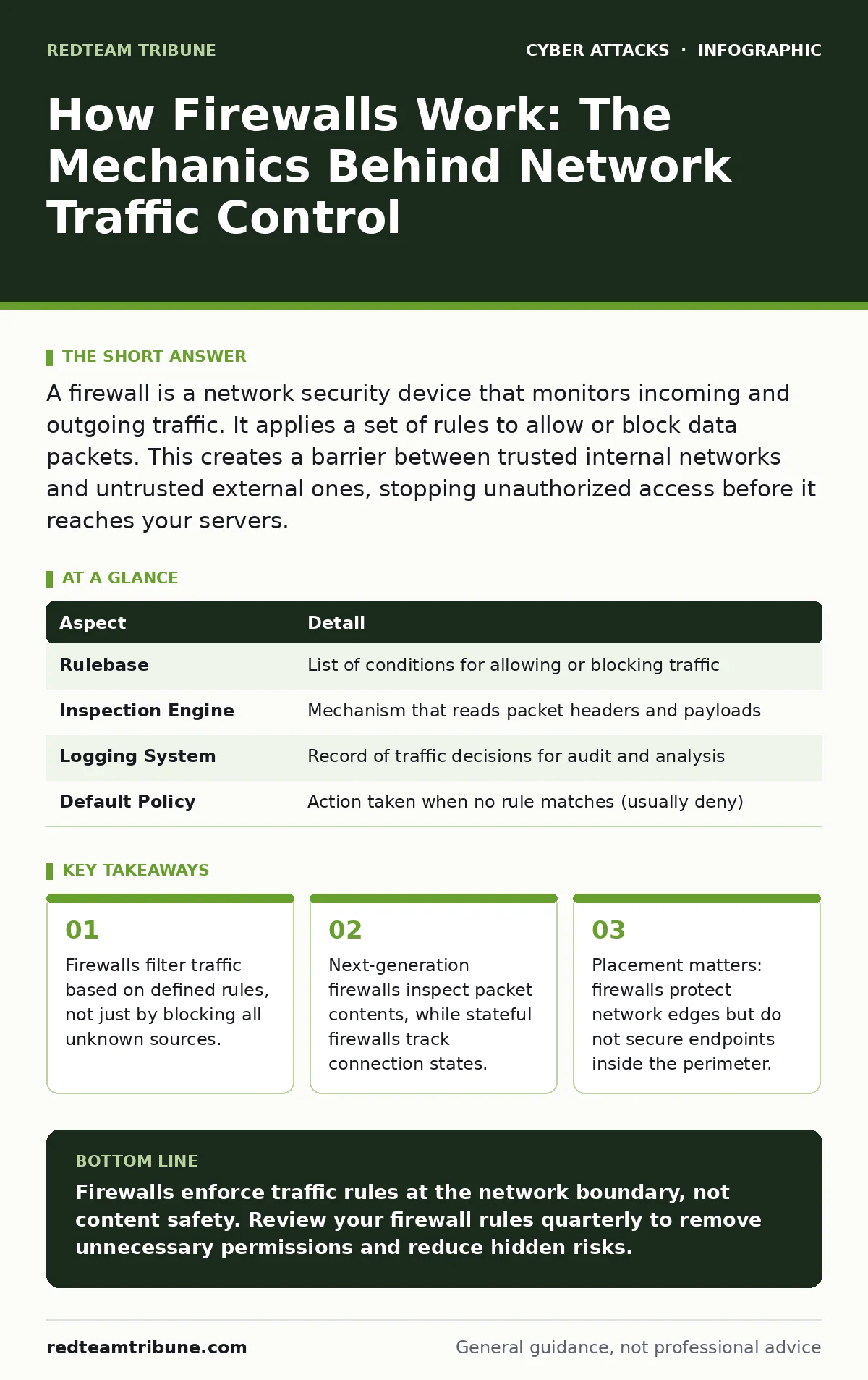
- Firewalls filter traffic based on defined rules, not just by blocking all unknown sources.
- Next-generation firewalls inspect packet contents, while stateful firewalls track connection states.
- Placement matters: firewalls protect network edges but do not secure endpoints inside the perimeter.
- Rules can become overly permissive over time, creating hidden gaps in your defense strategy.
Firewalls enforce traffic rules at the network boundary, not content safety. Review your firewall rules quarterly to remove unnecessary permissions and reduce hidden risks.
Frequently asked questions
Does a firewall protect against viruses?
Traditional firewalls do not scan for viruses. They filter traffic based on addresses and ports. You need antivirus software or endpoint protection to detect malware in files.
Can a firewall stop a data breach?
A firewall can prevent unauthorized access from outside. It cannot stop data theft if the attacker is already inside or if the user willingly sends data. It is one layer of defense.
How often should I update firewall rules?
You should review rules regularly, ideally quarterly. Remove unused rules and update existing ones to match current business needs. This prevents rule sprawl and hidden vulnerabilities.
Is a hardware firewall better than a software one?
Hardware firewalls offer higher performance and dedicated resources. Software firewalls are easier to deploy on individual devices. Both are necessary for a complete security posture.
How this guide was produced: written by the RedTeam Tribune editorial team with AI assistance, checked against the public references listed below, and reviewed when the facts change. See our editorial policy or report an error.