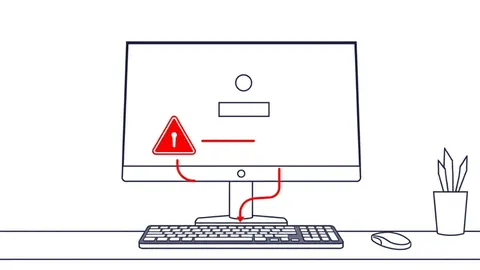
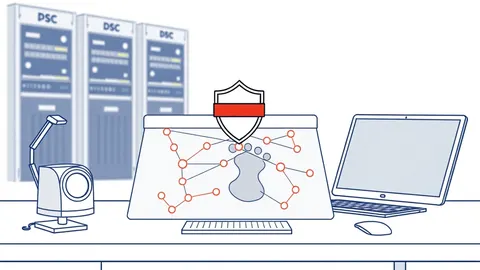
Remote Desktop Abuse Myths: What Attackers Actually Do
Stop relying on port blocking and simple password rules. Learn the hidden mechanisms that allow attackers to bypass standard remote desktop defenses and persist in your network.
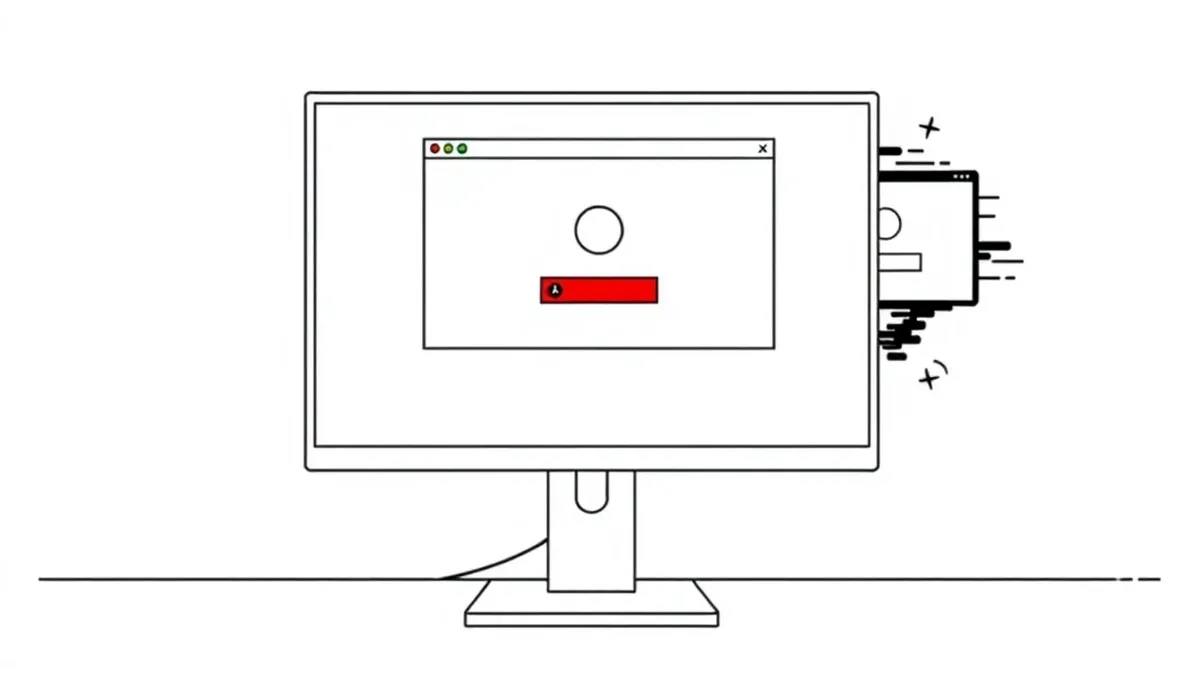
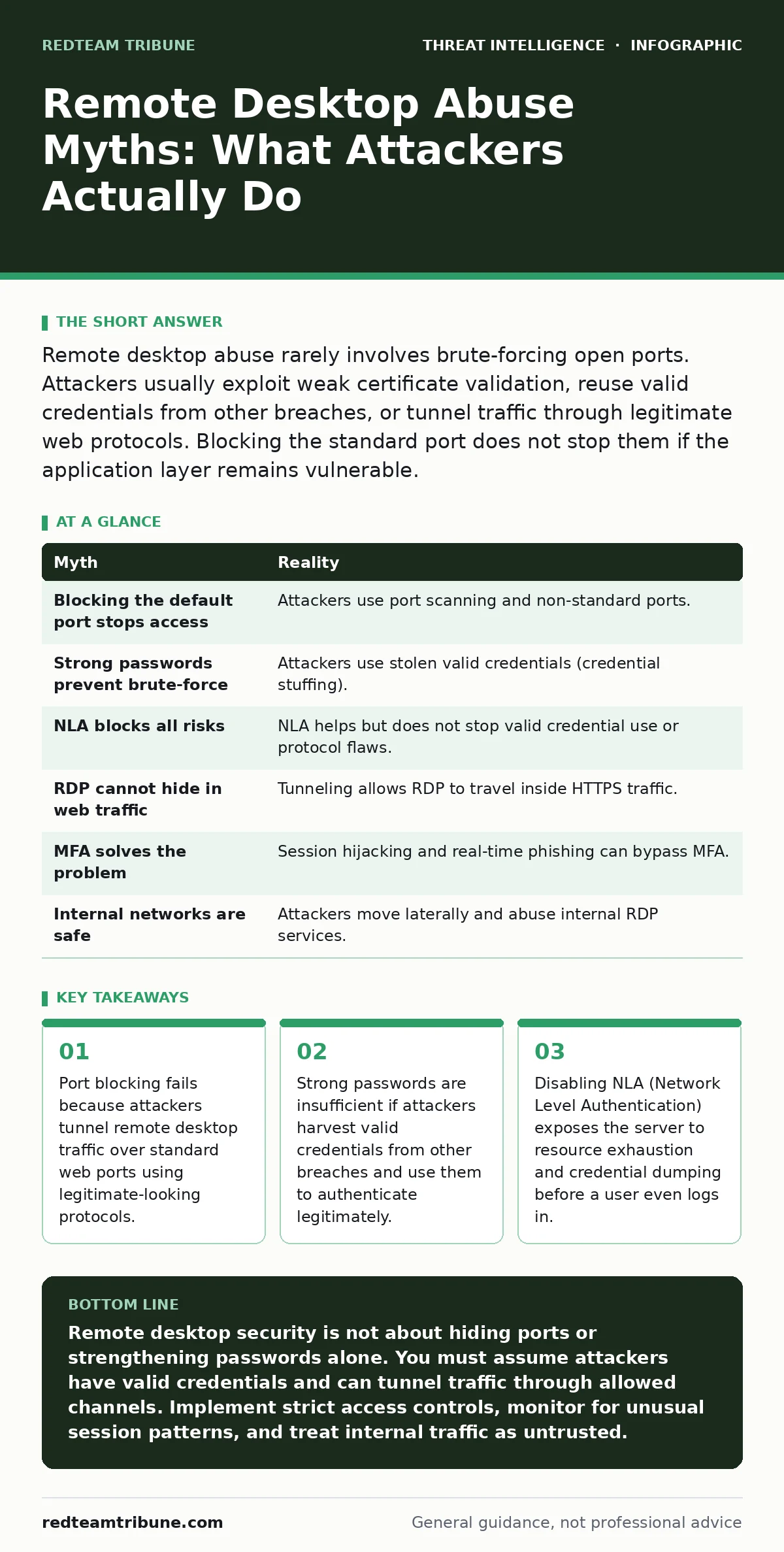
Remote desktop abuse rarely involves brute-forcing open ports. Attackers usually exploit weak certificate validation, reuse valid credentials from other breaches, or tunnel traffic through legitimate web protocols. Blocking the standard port does not stop them if the application layer remains vulnerable.
Myth: Blocking the default port stops access
Reality: Attackers do not need the default port to establish a connection. The Remote Desktop Protocol (RDP) is flexible enough to run on any TCP port you choose. When you block the standard port, you create a false sense of security. You are only hiding the service from casual scanners.
Imagine an attacker who knows your environment uses non-standard ports. They use port scanning tools that check for specific protocol banners, not just open ports. If your server responds with an RDP banner on port 8443, the scanner flags it immediately. The protocol handshake reveals the service type regardless of the port number.
This is known as protocol fingerprinting. The attacker sends a packet and analyzes the response. If the response matches the structure of an RDP negotiation packet, they have found their target. You have moved the target from a well-known location to a hidden one, but you have not removed the vulnerability.
Myth: Strong passwords prevent brute-force attacks
Reality: Most successful remote desktop compromises do not involve guessing passwords. They involve using passwords that are already correct. Attackers purchase lists of leaked credentials from the dark web or harvest them from other breaches. They then attempt to use these valid username and password pairs on your RDP servers.
This technique is called credential stuffing. The attacker does not care if your password policy requires twenty characters and special symbols. If a user reused a password from a compromised forum, the attacker already has the correct key. The authentication system sees a valid pair and grants access.
Your local password strength is irrelevant if the secret has already left your perimeter. The attack happens at the application layer, where the credentials are verified. No amount of local complexity stops a valid key from turning the lock. You must assume that some of your users have reused passwords elsewhere.
Myth: Network Level Authentication blocks all risks
Reality: Network Level Authentication (NLA) requires the user to authenticate before a full session is established. This prevents many automated attacks and reduces the load on your server. However, it does not stop an attacker who already has valid credentials. It also does not protect against protocol-level vulnerabilities.
If an attacker possesses a valid token or credential, NLA simply verifies it and opens the session. The security benefit of NLA is that it prevents the attacker from seeing the login screen. This stops some forms of keylogging and man-in-the-middle attacks that rely on intercepting the initial handshake.
However, disabling NLA is far more dangerous. Without it, the server establishes a full session before asking for credentials. This allows attackers to exhaust system resources with fake sessions, causing a denial of service. It also exposes the server to older authentication protocols that are easier to crack. Keep NLA enabled, but understand it is a filter, not a wall.
Myth: RDP traffic cannot hide in web traffic
Reality: Attackers can encapsulate RDP traffic inside other protocols to bypass firewalls. This is known as tunneling. They wrap the RDP data packets inside HTTP or HTTPS traffic. To a standard firewall, this looks like a user browsing the web or accessing a secure site.
Imagine an attacker uses a tool that compresses the RDP stream and sends it over port 443. Your firewall sees encrypted web traffic and allows it. The attacker’s tool on the other end unpacks the data and reconstructs the remote desktop session. This method bypasses port-based blocking entirely.
This technique exploits the fact that web traffic is often allowed out and in by default. Security teams focus on blocking known malicious ports, but they rarely inspect the payload of allowed web traffic. If you allow HTTPS, you must assume RDP can travel inside it. You need deep packet inspection to detect this, which is resource-intensive.
Myth: Multi-factor authentication solves the problem
Reality: Multi-factor authentication (MFA) adds a layer of security by requiring a second form of verification. It stops attackers who only have stolen passwords. However, it is not a silver bullet for remote desktop abuse. Attackers have developed methods to bypass or steal MFA tokens.
One common method is session hijacking. If an attacker can capture the authentication cookie or token after the user logs in, they can reuse it. They do not need to bypass MFA because the user has already done it. The attacker simply replays the valid session token to gain access.
Another method is real-time phishing. The attacker sets up a fake login page that forwards the user’s credentials and the MFA code to the real server. The user thinks they are logging in normally. The attacker receives the valid token and uses it immediately. MFA protects against static secrets, but it does not protect against active interception or session theft.
See also: 7 Mistakes That Expose You to Dark Web Search Engines
Myth: Internal networks are safe from RDP abuse
Reality: Attackers often start outside the network but move laterally once inside. They look for RDP services exposed on the internal network. Many organizations assume that internal traffic is trusted. They do not apply the same strict controls to internal RDP connections as they do to external ones.
Imagine an attacker gains access to a low-privilege workstation. They scan the internal network for open RDP ports. They find a server that allows internal connections without strong authentication. They use their stolen credentials to log in. The firewall sees this as internal traffic and allows it.
This is called lateral movement. The initial breach might have been through email or a web vulnerability. The RDP abuse is just the next step. You must treat internal RDP traffic with the same suspicion as external traffic. Segment your network and require strong authentication for all remote connections, regardless of their source.
| Myth | Reality |
|---|---|
| Blocking the default port stops access | Attackers use port scanning and non-standard ports. |
| Strong passwords prevent brute-force | Attackers use stolen valid credentials (credential stuffing). |
| NLA blocks all risks | NLA helps but does not stop valid credential use or protocol flaws. |
| RDP cannot hide in web traffic | Tunneling allows RDP to travel inside HTTPS traffic. |
| MFA solves the problem | Session hijacking and real-time phishing can bypass MFA. |
| Internal networks are safe | Attackers move laterally and abuse internal RDP services. |
Key takeaways
- Port blocking fails because attackers tunnel remote desktop traffic over standard web ports using legitimate-looking protocols.
- Strong passwords are insufficient if attackers harvest valid credentials from other breaches and use them to authenticate legitimately.
- Disabling NLA (Network Level Authentication) exposes the server to resource exhaustion and credential dumping before a user even logs in.
Remote desktop security is not about hiding ports or strengthening passwords alone. You must assume attackers have valid credentials and can tunnel traffic through allowed channels. Implement strict access controls, monitor for unusual session patterns, and treat internal traffic as untrusted.
Frequently asked questions
How do I detect RDP tunneling over HTTPS?
Look for large, continuous data flows on port 443 that do not match typical web browsing patterns. Use deep packet inspection to identify RDP headers within the encrypted stream.
Is disabling RDP the best solution?
Disabling RDP removes the risk but also removes the utility. If you need remote access, use a zero-trust architecture that verifies every connection and limits access to specific devices and users.
Does NLA protect against ransomware?
NLA reduces the attack surface by requiring authentication before session establishment. It makes it harder for automated ransomware bots to connect, but it does not stop targeted attacks using valid credentials.
How often should I review RDP access logs?
Review logs regularly for failed login attempts from unusual locations or times. Look for successful logins that are followed by rapid file access or privilege escalation attempts.
How this guide was produced: written by the RedTeam Tribune editorial team with AI assistance, checked against the public references listed below, and reviewed when the facts change. See our editorial policy or report an error.