Stop Computer Worms: The Network Containment Checklist
Computer worms exploit unpatched vulnerabilities to replicate across networks, making isolation faster and more effective than relying on signature-based detection alone.

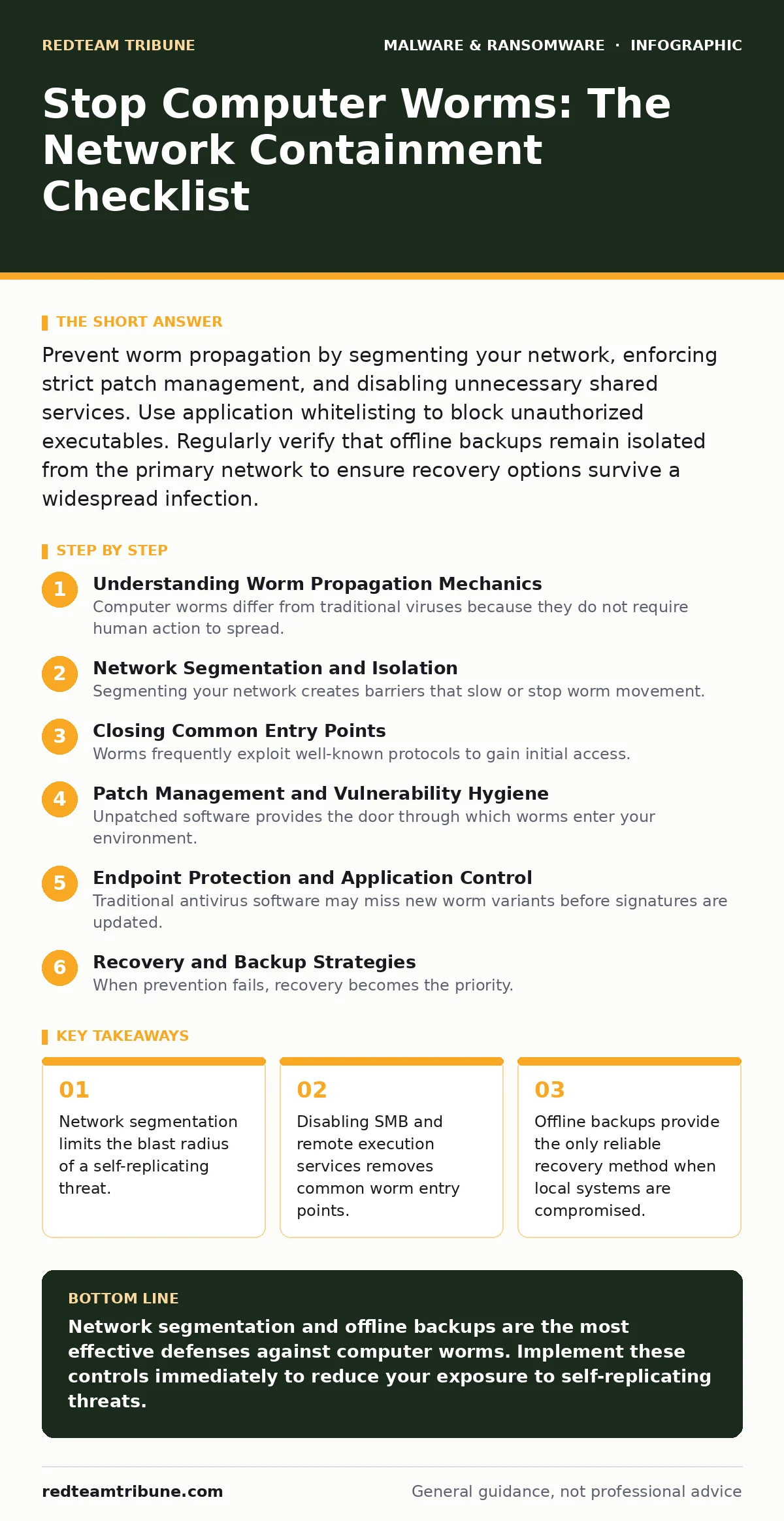
Prevent worm propagation by segmenting your network, enforcing strict patch management, and disabling unnecessary shared services. Use application whitelisting to block unauthorized executables. Regularly verify that offline backups remain isolated from the primary network to ensure recovery options survive a widespread infection.
Understanding Worm Propagation Mechanics
Computer worms differ from traditional viruses because they do not require human action to spread. They exploit vulnerabilities in operating systems or network services to copy themselves to other machines. This autonomous replication allows them to traverse an entire corporate network in minutes. You must treat every connected device as a potential vector. The speed of propagation means that detection often occurs after significant lateral movement has already taken place. Understanding this mechanism shifts your focus from individual endpoint hygiene to network-wide containment strategies.
Network Segmentation and Isolation
Segmenting your network creates barriers that slow or stop worm movement. You should divide your infrastructure into distinct zones based on function and sensitivity. This prevents a worm originating in a guest wireless network from reaching critical servers. Implementing microsegmentation adds another layer of control by restricting traffic between individual workloads. Even if a device is compromised, the worm cannot reach other segments without explicit permission. This approach reduces the total attack surface available to the malware.
- Define logical network zones: Limits lateral movement to specific areas.
- Enforce strict firewall rules between zones: Blocks unauthorized internal traffic.
- Isolate critical assets from general user networks: Protects high-value data from casual spread.
- Use VLANs for different departments: Creates administrative boundaries for easier monitoring.
Closing Common Entry Points
Worms frequently exploit well-known protocols to gain initial access. Server Message Block (SMB) is a common target because it allows file sharing and remote administration. Many historic worms spread by exploiting vulnerabilities in SMB implementations. You must disable SMBv1 and restrict SMB traffic to only necessary internal communications. Remote Desktop Protocol (RDP) also presents a significant risk if exposed to the internet. Restricting RDP access through a secure gateway prevents brute-force attempts and exploitation of known vulnerabilities.
- Disable SMBv1 on all systems: Removes support for legacy, vulnerable protocols.
- Restrict RDP access to trusted IPs: Prevents external attackers from probing remote services.
- Block unnecessary inbound ports: Reduces the number of services exposed to threats.
- Audit open shares regularly: Identifies accidental exposures that worms can exploit.
Patch Management and Vulnerability Hygiene
Unpatched software provides the door through which worms enter your environment. Automated patch management systems help ensure that operating systems and applications receive security updates promptly. You must prioritize critical security patches over feature updates. Delaying patches leaves known vulnerabilities open for exploitation. This is particularly important for software that runs with elevated privileges. Consistent patching reduces the number of available entry points for self-replicating code.
- Automate critical security updates: Ensures timely application of fixes.
- Maintain a patch inventory: Tracks which systems are vulnerable.
- Test patches in a staging environment: Prevents compatibility issues during deployment.
- Monitor vendor advisories for zero-day alerts: Allows for rapid response to new threats.
Endpoint Protection and Application Control
Traditional antivirus software may miss new worm variants before signatures are updated. Application whitelisting offers a stronger defense by allowing only approved executables to run. This prevents unauthorized code from executing, even if it bypasses other defenses. You should combine this with behavioral monitoring to detect suspicious activities. Behavioral analysis looks for patterns typical of worm propagation, such as rapid file copying. These controls work together to create a defense-in-depth strategy.
- Implement application whitelisting: Blocks unauthorized executables from running.
- Enable behavioral monitoring: Detects suspicious file operations in real time.
- Disable macro execution by default: Prevents macro malware from launching worm payloads.
- Use application control policies: Restricts software installation to authorized users.
See also: Implement Network Traffic Analysis: A Step-by-Step Operational Guide · Network Segmentation Mistakes That Leave Your Data Exposed
Recovery and Backup Strategies
When prevention fails, recovery becomes the priority. Offline backups provide the only reliable method for restoring data after a worm infection. Connecting backup drives directly to the network allows worms to encrypt or delete them. You must keep backup media disconnected from the production environment. Regularly test your backup restoration process to ensure data integrity. This preparation ensures that you can recover operations without paying ransoms or losing critical data.
- Maintain offline backup copies: Protects data from network-based encryption.
- Test restoration procedures regularly: Ensures backups are usable when needed.
- Verify backup integrity: Confirms data has not been corrupted.
- Document recovery steps: Speeds up restoration during an incident.
Monitoring and Incident Response
Continuous monitoring helps detect worm activity early. You should configure alerts for unusual network traffic patterns. Sudden spikes in outbound traffic or internal scanning often indicate worm propagation. Having a clear incident response plan ensures that your team knows how to contain the threat. This plan should include steps for isolating infected devices and communicating with stakeholders. Regular drills improve the effectiveness of your response when a real incident occurs.
- Set up network traffic alerts: Identifies anomalies indicative of worm activity.
- Define isolation procedures: Specifies how to quarantine infected devices.
- Conduct regular response drills: Improves team readiness and coordination.
- Maintain contact lists for support: Ensures rapid access to external assistance.
Key takeaways
- Network segmentation limits the blast radius of a self-replicating threat.
- Disabling SMB and remote execution services removes common worm entry points.
- Offline backups provide the only reliable recovery method when local systems are compromised.
Network segmentation and offline backups are the most effective defenses against computer worms. Implement these controls immediately to reduce your exposure to self-replicating threats.
Frequently asked questions
How do computer worms differ from viruses?
Computer worms replicate automatically across networks without human intervention, while viruses require a host file and user action to spread.
Can firewalls stop computer worms?
Firewalls can block external worm attempts, but they cannot stop worms that already exist inside the network from spreading laterally.
Why are offline backups necessary for worm prevention?
Worms can spread to connected backup drives, rendering them useless. Offline backups remain isolated and safe from network-based infections.
What is the role of application whitelisting in worm defense?
Application whitelisting prevents unauthorized executables from running, blocking worms even if they bypass other security layers.
How this guide was produced: written by the RedTeam Tribune editorial team with AI assistance, checked against the public references listed below, and reviewed when the facts change. See our editorial policy or report an error.