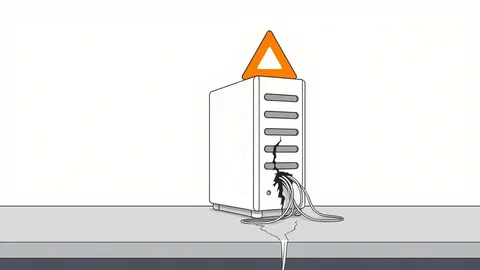
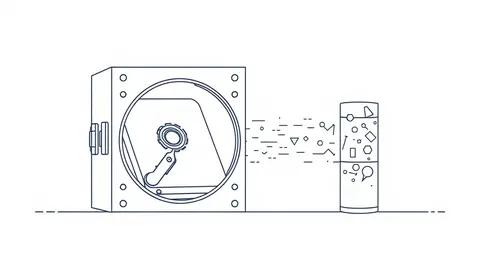
Backup Data Exposure: Why Your Safety Net Is a Silent Leak
Backup systems often lack the security controls of primary environments, turning your disaster recovery data into an unencrypted target for attackers.
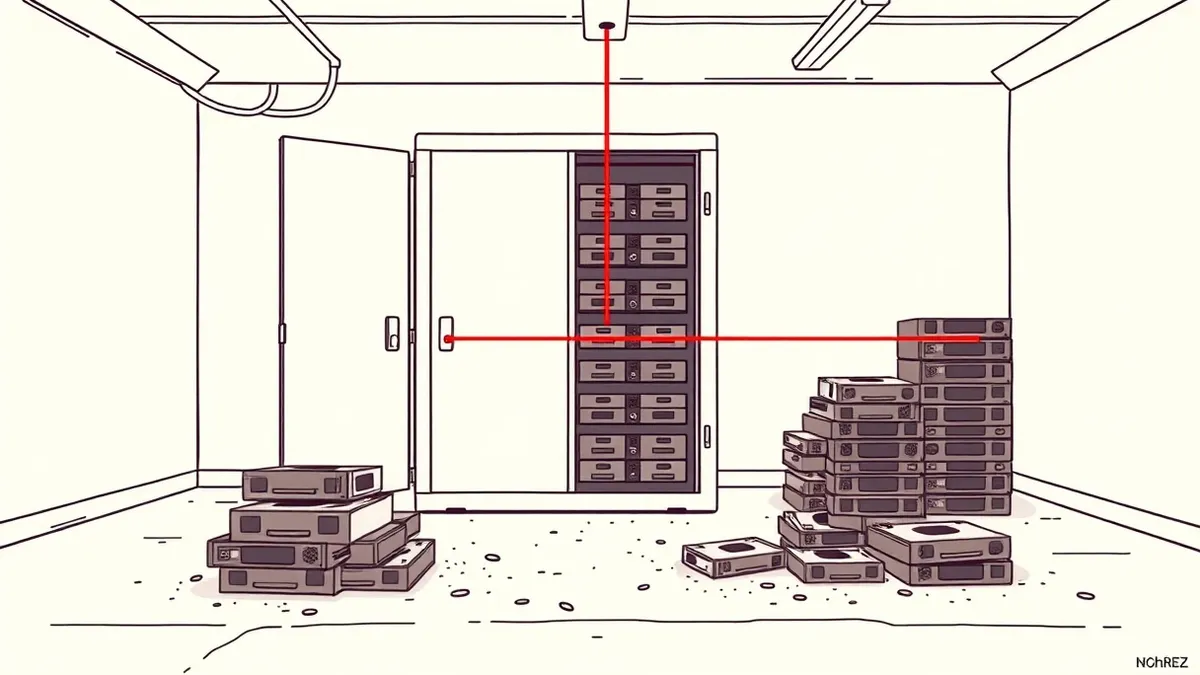
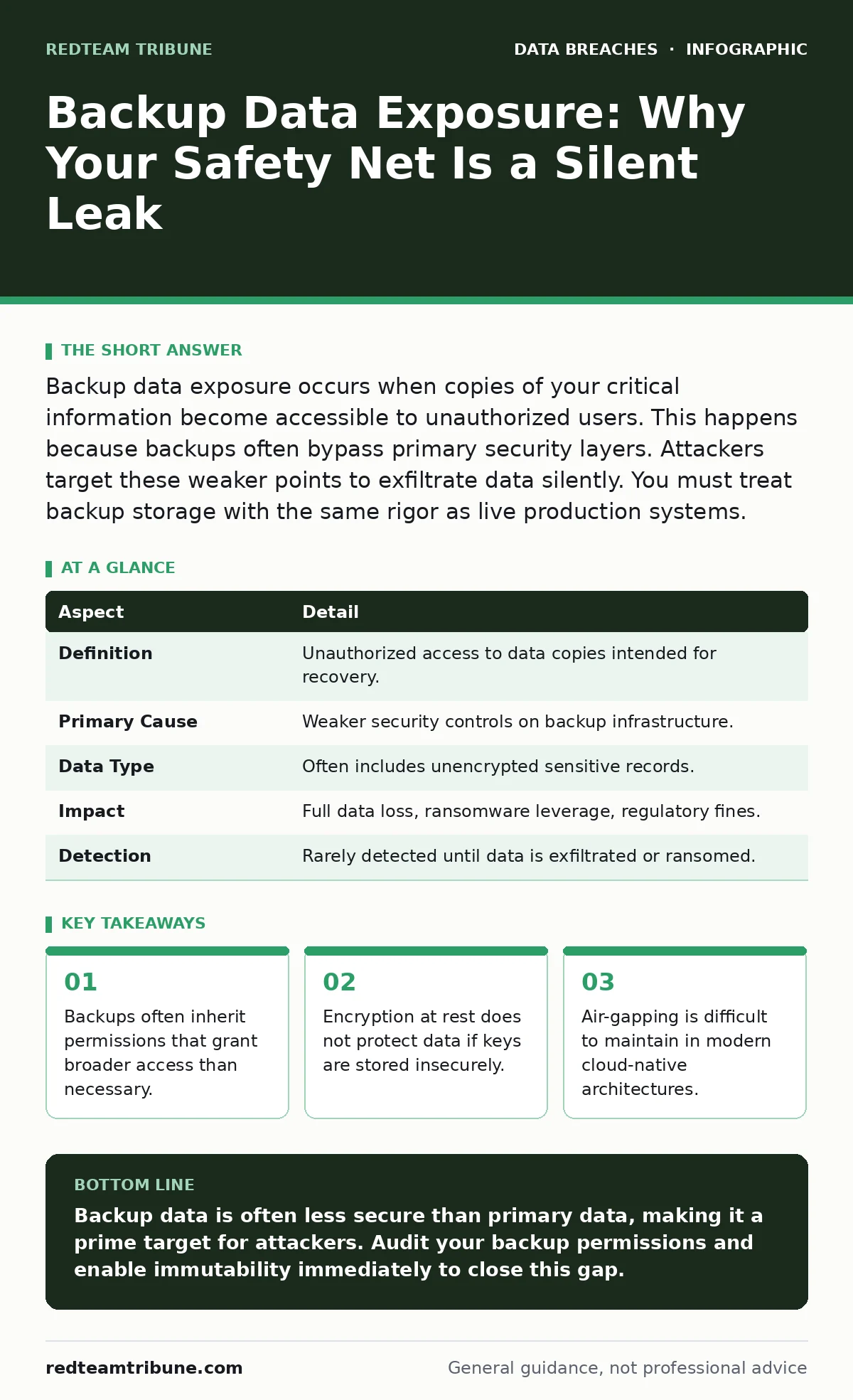
Backup data exposure occurs when copies of your critical information become accessible to unauthorized users. This happens because backups often bypass primary security layers. Attackers target these weaker points to exfiltrate data silently. You must treat backup storage with the same rigor as live production systems.
The Illusion of Safety
Imagine you keep a spare set of house keys in your mailbox for emergencies. It is convenient, but anyone who finds the mailbox has immediate entry. Backup data exposure works the same way. You create copies of your data to survive disasters, but those copies often sit in a less secure environment than your primary systems.
The assumption that backup data is "dead" or "offline" is dangerous. Attackers know this. They bypass the hardened front door of your production servers and walk through the unlocked side door of your backup repository. This exposure turns your disaster recovery plan into a data breach vector.
| Aspect | Detail |
|---|---|
| Definition | Unauthorized access to data copies intended for recovery. |
| Primary Cause | Weaker security controls on backup infrastructure. |
| Data Type | Often includes unencrypted sensitive records. |
| Impact | Full data loss, ransomware leverage, regulatory fines. |
| Detection | Rarely detected until data is exfiltrated or ransomed. |
How the Breach Occurs
The mechanism of exposure usually involves privilege escalation. Backup agents require high-level permissions to read all files on a server. If an attacker compromises a single user account, they may pivot to the backup service account. Once inside, they can trigger a backup job or directly access the backup storage.
This is not a theoretical risk. Many organizations configure backup software with "read all" permissions across the network. The backup server becomes a honeypot of aggregated data. When you consolidate data from dozens of servers into one backup target, you create a single point of failure. A breach of that target yields a complete copy of your environment.
Common Forms of Exposure
Backup data exposure takes several distinct shapes. The most common is misconfigured cloud storage. Organizations upload backups to cloud buckets but leave them publicly accessible. This happens when default permissions are not reviewed. The data sits there, indexed by search engines, waiting for someone to find it.
Another form is weak encryption. You may encrypt the backup file, but if the decryption key is stored in the same location or in a poorly secured configuration file, the encryption is useless. This is known as key management failure. The data is safe from casual viewing but vulnerable to anyone with physical or logical access to the storage medium.
A third form is the lack of immutability. Modern ransomware does not just encrypt live data; it deletes backups to prevent recovery. If your backups can be overwritten or deleted, the attacker has total control. Immutability ensures that once a backup is written, it cannot be changed or deleted for a set period. Without this, your backups are as fragile as your primary systems.
Who Is Affected
Every organization that creates backups is at risk. Small businesses often use local drives or simple cloud syncs without proper access controls. Large enterprises face complexity risks. The more systems you have, the harder it is to monitor every backup stream.
Managed service providers face a unique challenge. You manage backups for multiple clients. If one client’s environment is breached, the attacker may try to access the shared backup infrastructure. If your isolation controls are weak, one breach can cascade into multiple client exposures. This is why understanding user access provisioning is critical. You must ensure that access to backup data is strictly limited to the necessary personnel and automated processes.
The impact extends beyond the immediate organization. If you handle health records, the exposure can lead to medical identity theft. Victims suffer from fraudulent procedures and billing errors. If you handle financial data, the exposure can feed the market of personal data sold on the dark web. The downstream effects are severe and long-lasting.
What People Usually Get Wrong
The biggest mistake is assuming that encryption solves the problem. It does not. Encryption protects data at rest, but it does not control who can access the keys. If you encrypt your backups but store the keys in a plain text file on the backup server, you have only added a layer of complexity, not security.
Another common error is ignoring the backup network. Many organizations place backup traffic on the same network segment as production traffic. This allows an attacker who compromises a production server to sniff backup traffic or move laterally to the backup server. Segmentation is required. Backup traffic should traverse a dedicated, monitored channel.
See also: Stop Cloud Data Exfiltration: Small Business Risks and Low-Cost Fixes · Difference Between Encryption at Rest and Transit: Protecting Data Lifecycle
Reducing the Risk
You must treat backup infrastructure as a critical security boundary. Start by applying the principle of least privilege. The backup service account should only have the permissions necessary to perform backups. It should not have administrative rights to the production servers. Use role-based access control to limit who can manage backup jobs.
Implement immutable storage. This feature prevents any user, including administrators, from deleting or modifying backup data for a defined retention period. This stops ransomware from wiping your recovery options. It also prevents insider threats from covering their tracks.
Monitor backup integrity. Regularly verify that backups can be restored. This is not just a recovery test; it is a security check. If a backup file is corrupted or missing, it could indicate an attack. Automated monitoring tools can alert you to unusual backup activity, such as large volume exports or changes to retention policies.
The Hidden Cost of Convenience
Convenience often drives poor backup security. Automated cloud syncs are easy to set up. They often default to broad permissions. The ease of restoring a single file from a shared drive tempts users to store sensitive data there. This creates shadow IT risks.
You must balance convenience with control. Use centralized backup management that enforces security policies. Do not allow individual users to create their own backup destinations. Centralization allows you to apply consistent encryption, access controls, and monitoring.
The cost of securing backups is low compared to the cost of a breach. A few hours of configuration can prevent months of recovery and legal fallout. The goal is to make your backups as secure as your primary systems. If they are not, you have not secured your data; you have only duplicated your risk.
Key takeaways
- Backups often inherit permissions that grant broader access than necessary.
- Encryption at rest does not protect data if keys are stored insecurely.
- Air-gapping is difficult to maintain in modern cloud-native architectures.
Backup data is often less secure than primary data, making it a prime target for attackers. Audit your backup permissions and enable immutability immediately to close this gap.
Frequently asked questions
Do encrypted backups prevent all exposure risks?
No. Encryption protects the data content, but if the decryption keys are compromised or access controls are weak, attackers can still access the data.
How often should I test backup security?
You should test backup integrity and access controls regularly, ideally as part of your quarterly security reviews.
Is cloud backup storage inherently unsafe?
Cloud storage is safe if configured correctly. The risk comes from misconfigured permissions and lack of encryption, not the cloud itself.
What is the first step to securing backups?
Start by auditing who has access to your backup systems and ensuring that access follows the principle of least privilege.
How this guide was produced: written by the RedTeam Tribune editorial team with AI assistance, checked against the public references listed below, and reviewed when the facts change. See our editorial policy or report an error.