Spot USB Drop Attacks: Hidden Signs and Immediate Response Steps
Physical media attacks bypass digital defenses by exploiting human curiosity, turning ordinary drive connectors into direct pathways for malware execution.
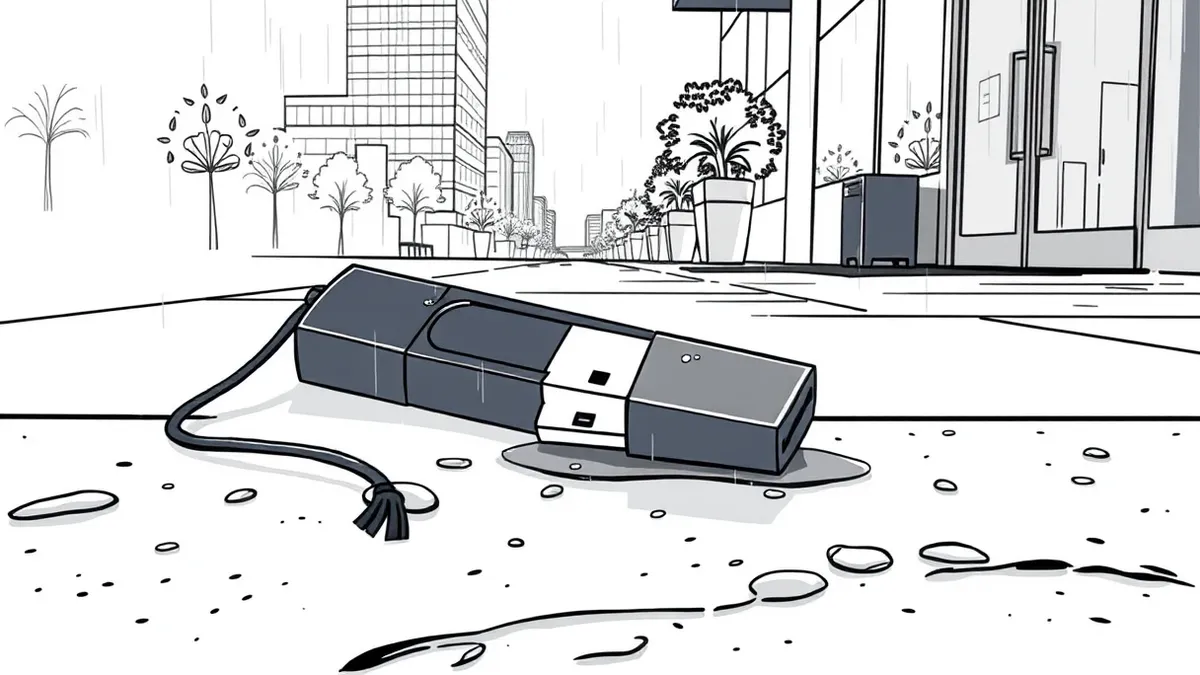
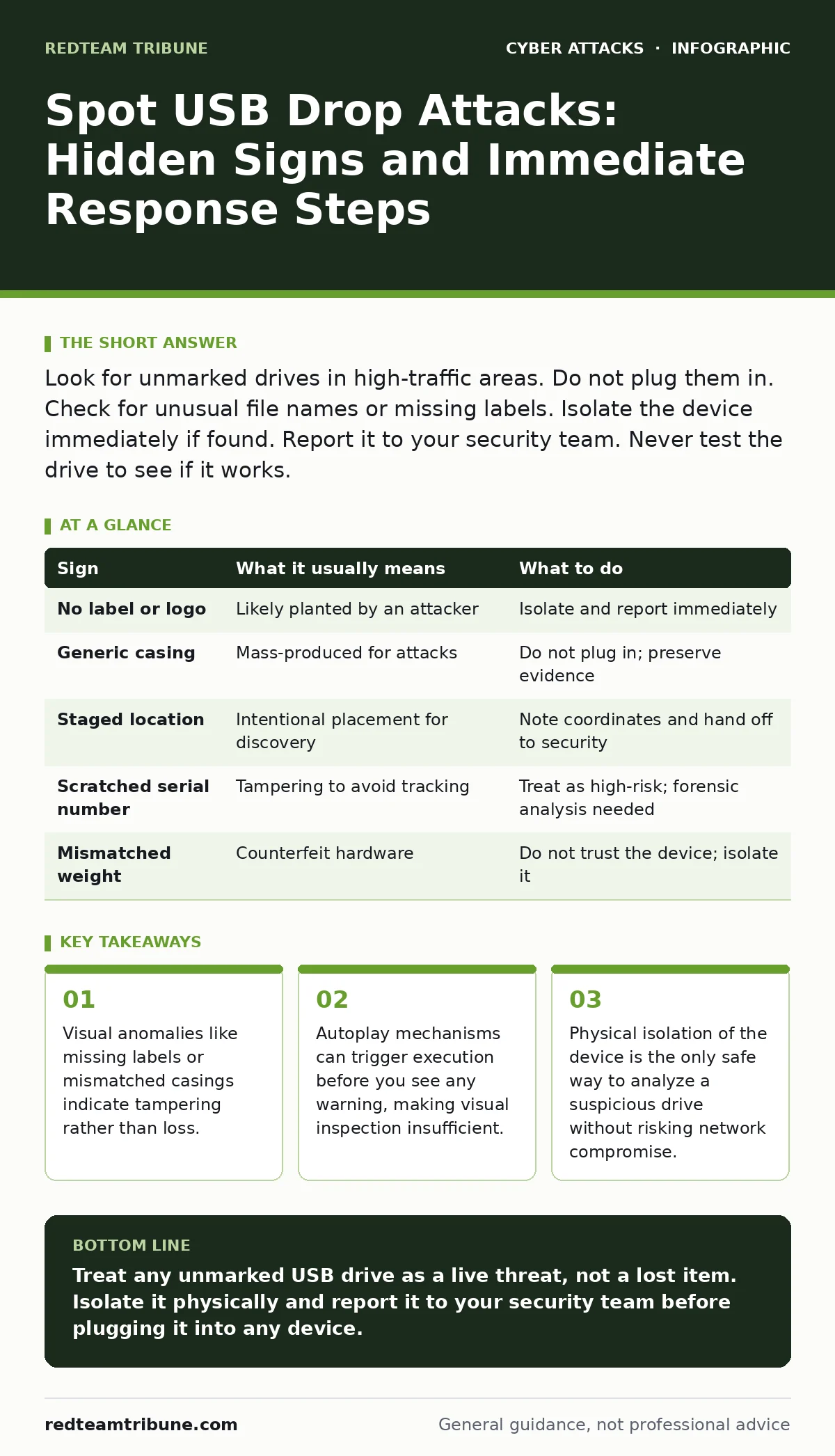
Look for unmarked drives in high-traffic areas. Do not plug them in. Check for unusual file names or missing labels. Isolate the device immediately if found. Report it to your security team. Never test the drive to see if it works.
The Psychology of the Drop
Attackers rely on human curiosity rather than technical exploits to gain entry. They place storage devices in locations where people naturally pause, such as reception desks, break rooms, or parking lots. The goal is to make the device look like a valuable item left behind by a colleague or a visitor. You are not the target of a complex hack; you are the target of a simple question: "Who owns this?"
This method bypasses firewalls and email filters entirely. It does not require a credential or a clicked link. It requires only a moment of hesitation and a desire to be helpful. The success rate depends on the environment's security culture and the physical visibility of the device.
Obvious Visual Warning Signs
The first line of defense is your eyes. Look for drives that lack any identifying information. A standard corporate USB drive usually has a company logo, an employee ID, or a handwritten label. A drive with a generic plastic casing and no markings is suspicious.
Check the placement. A drive sitting on a clean desk in a quiet office might be lost property. A drive dangling from a door handle, sitting on a car dashboard, or placed in a parking meter slot is likely planted. Attackers choose high-visibility spots to ensure someone notices it. If the location feels staged, it probably is.
Subtle Indicators That Slip By
Some signs are harder to spot because they mimic normal behavior. A drive might have a label, but the font is slightly off, or the label is peeling in a way that suggests recent application. Look for signs of forced entry if the drive is encased in a rugged shell.
Imagine finding a drive that looks identical to the ones your company issues. It has the same logo and color. However, the serial number is missing or scratched off. This is a common tactic to prevent tracking. Another subtle sign is the weight. Cheap counterfeits often feel lighter than the genuine hardware your organization uses. If it feels wrong, treat it as hostile.
The Autoplay Trap
Modern operating systems are less prone to automatic execution than they used to be, but the risk remains. If you plug in a drive, the system may prompt you to open a folder. Some older systems or poorly configured devices will run a script automatically. This script can install keyloggers or backdoors before you see a single error message.
The danger is the delay. You might not notice anything wrong for days. The malware sits dormant, waiting for network access or specific triggers. By the time you see unusual network traffic, the attacker already has a foothold. This is why physical handling is the critical control point, not software detection.
Immediate Response Protocol
When you find a suspicious drive, do not touch it with bare hands if possible, to avoid leaving fingerprints that could confuse an investigation, though this is secondary to security. Do not plug it into any corporate device. Do not plug it into your personal phone or laptop. The malware can bridge the gap between your personal device and the corporate network if you later sync them.
Place the drive in a static-safe bag or a sealed container. Label it with the time and location you found it. Hand it directly to your security team. Do not email a photo of it and keep it. Physical evidence must be preserved for forensic analysis.
| Sign | What it usually means | What to do |
|---|---|---|
| No label or logo | Likely planted by an attacker | Isolate and report immediately |
| Generic casing | Mass-produced for attacks | Do not plug in; preserve evidence |
| Staged location | Intentional placement for discovery | Note coordinates and hand off to security |
| Scratched serial number | Tampering to avoid tracking | Treat as high-risk; forensic analysis needed |
| Mismatched weight | Counterfeit hardware | Do not trust the device; isolate it |
See also: How Attack Surface Reduction Rules Work: Mechanism and Limits
Handling the Aftermath
If someone has already plugged in a drive, assume the network is compromised. Disconnect the affected machine from the network immediately. Do not shut it down, as this may destroy volatile memory evidence. Power it off only if instructed by your security operations center.
Review recent access logs for that machine. Look for new processes or network connections that started at the time of insertion. This connects to the broader challenge of insider threats, as the malware may now impersonate a legitimate user. You must also consider network segmentation to contain the blast radius. If the infected machine is on the same segment as critical servers, the risk of lateral movement is high.
Prevention Beyond Awareness
Training helps, but physical controls are more reliable. Implement policies that prohibit the use of unauthorized removable media. Use endpoint detection tools that block USB storage devices by default. Allow only encrypted, company-issued drives with specific serial numbers.
Regular audits of physical access points can reduce the opportunity for drops. Secure parking areas and reception zones. If you rely on perimeter defenses, remember that USB attacks bypass them entirely. This is similar to how adversary-in-the-middle phishing bypasses email filters by targeting the user directly. You must layer physical security with digital controls.
The Human Factor
Technology cannot stop a person from picking up a drive. Culture can. Encourage a environment where reporting a found drive is praised, not punished. If people fear looking foolish, they will hide the device or plug it in privately.
Make the reporting process easy. A simple phone number or a dedicated email alias for physical security incidents works best. Remind staff that curiosity is natural, but caution is mandatory. This mindset shift is the most durable defense against physical media attacks.
Key takeaways
- Visual anomalies like missing labels or mismatched casings indicate tampering rather than loss.
- Autoplay mechanisms can trigger execution before you see any warning, making visual inspection insufficient.
- Physical isolation of the device is the only safe way to analyze a suspicious drive without risking network compromise.
Treat any unmarked USB drive as a live threat, not a lost item. Isolate it physically and report it to your security team before plugging it into any device.
Frequently asked questions
Should I format a suspicious USB drive to see if it contains viruses?
No. Formatting does not remove all malware, and the act of connecting the drive may trigger execution. Always isolate and report the device instead.
Can a USB drive infect my computer just by being near it?
No. USB drives require a physical connection to a port to transfer data or execute code. Proximity alone poses no digital risk.
What if I already plugged in the drive and nothing happened?
Assume infection. Malware often runs silently in the background. Disconnect the device and run a full scan, but treat the system as compromised.
Do company-issued USB drives need to be secured too?
Yes. Lost or stolen company drives can be used for data exfiltration. Treat all removable media with the same caution as unknown devices.
How this guide was produced: written by the RedTeam Tribune editorial team with AI assistance, checked against the public references listed below, and reviewed when the facts change. See our editorial policy or report an error.