How Attack Surface Reduction Rules Work: Mechanism and Limits
Attack surface reduction rules intercept process creation before execution, blocking threats at the kernel level rather than relying on signature matching after the file lands.

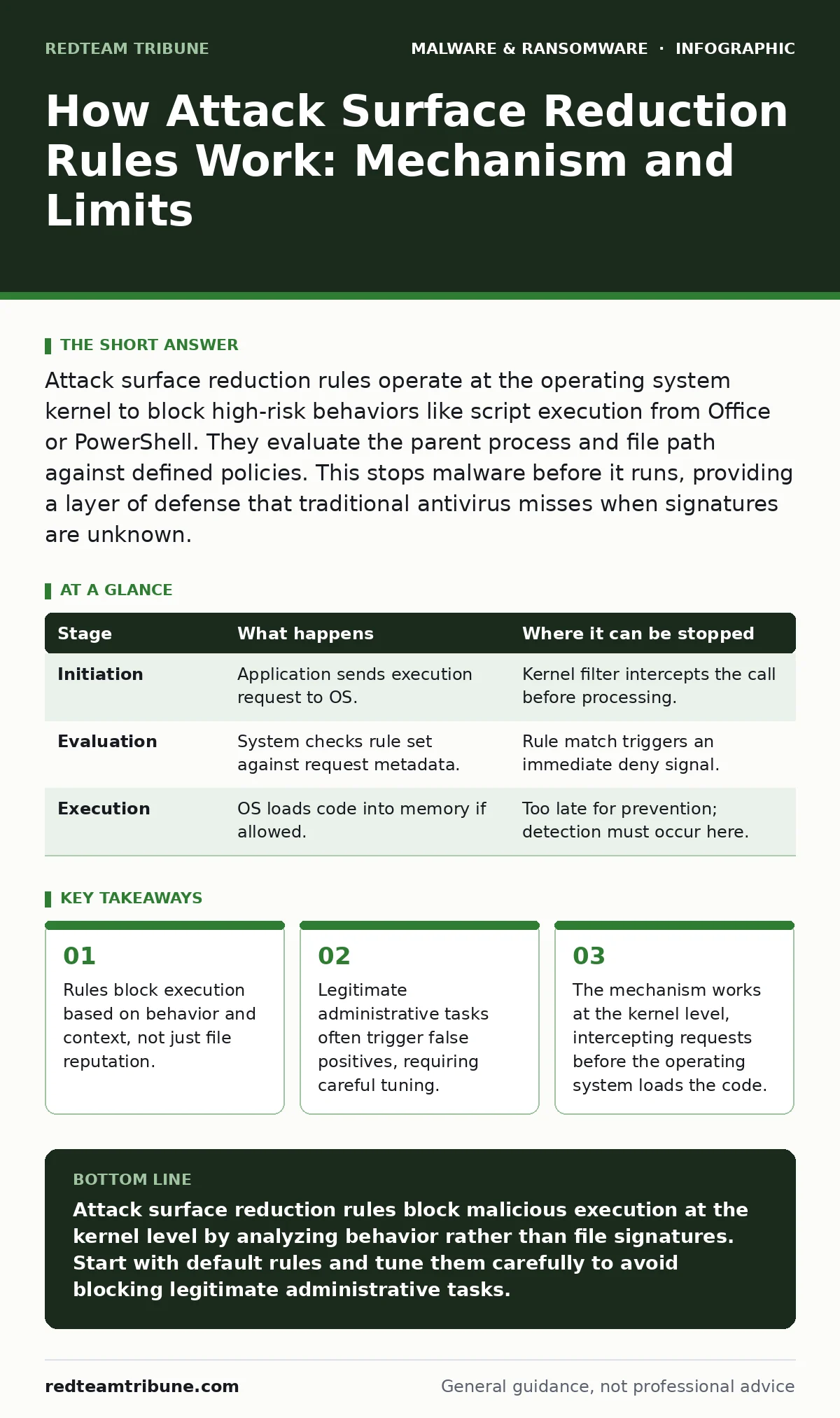
Attack surface reduction rules operate at the operating system kernel to block high-risk behaviors like script execution from Office or PowerShell. They evaluate the parent process and file path against defined policies. This stops malware before it runs, providing a layer of defense that traditional antivirus misses when signatures are unknown.
The Kernel-Level Interception Model
Traditional antivirus software scans files after they are written to disk. It looks for known patterns of malicious code. Attack surface reduction rules take a different approach. They sit between the application requesting an action and the operating system kernel that executes it.
When a user clicks a link or opens a file, the system does not immediately run the associated program. Instead, it pauses the request. The security filter checks the request against a list of allowed and blocked behaviors. If the behavior matches a blocked rule, the system denies the request entirely. The code never loads into memory.
This method shifts the defense from detection to prevention. You do not need to know what the malware looks like. You only need to know that it is trying to do something dangerous. This is particularly effective against fileless malware that lives only in memory.
Rule Evaluation Logic
The evaluation process relies on context. The system examines who is making the request and what tool is being used. It looks at the parent process, the file path, and the user privileges.
For example, if a Word document tries to launch a PowerShell script, the system flags this as high risk. Word is not designed to execute system commands. The rule checks if the script comes from a trusted location. If it does not, the execution stops. The user sees an error message, but the damage is contained.
This logic prevents lateral movement. An attacker who gains access to one machine cannot easily jump to another. The rules block the tools they typically use to move around the network. This adds friction to the attack chain.
Stage 1: Request Initiation
Stage 1: Request Initiation
The process begins when an application attempts to perform a system action. This could be creating a new process, loading a library, or modifying a registry key. The application sends a request to the operating system.
At this point, the file may not even exist on the disk. It could be a script running in memory. The request contains metadata about the caller. This includes the process ID, the user account, and the file path if one exists.
The system queues this request. It does not execute the action yet. It waits for the security filter to review the details. This pause is invisible to the user but critical for security.
| Stage | What happens | Where it can be stopped |
|---|---|---|
| Initiation | Application sends execution request to OS. | Kernel filter intercepts the call before processing. |
| Evaluation | System checks rule set against request metadata. | Rule match triggers an immediate deny signal. |
| Execution | OS loads code into memory if allowed. | Too late for prevention; detection must occur here. |
Stage 2: Contextual Analysis
Stage 2: Contextual Analysis
The security filter analyzes the request against the configured rules. It does not scan the file content. It scans the behavior and the source. This is a significant difference from traditional scanning.
The system checks if the parent process is allowed to spawn the child process. For instance, a web browser should not launch a command prompt. If it tries, the rule blocks it. The system also checks the file extension and the location.
Scripts from temporary folders are treated with suspicion. Legitimate scripts usually reside in standard system directories. The filter uses these heuristics to make a quick decision. Speed is important here to avoid slowing down the user experience.
Stage 3: Policy Enforcement
Stage 3: Policy Enforcement
If the request violates a rule, the system denies the action. It returns an error code to the application. The application may show a generic error message to the user. The malicious code remains inert.
If the request is allowed, the system proceeds with the action. It logs the event for auditing purposes. This log is crucial for troubleshooting false positives. You can review the logs to see why a legitimate tool was blocked.
The enforcement is strict. There is no negotiation. If the rule says block, the action stops. This certainty is what makes the mechanism effective. However, it also means that misconfigured rules can break legitimate workflows.
See also: Spot USB Drop Attacks: Hidden Signs and Immediate Response Steps
Limits of Behavioral Blocking
Rules are not a silver bullet. They rely on predefined patterns of behavior. If an attacker uses a novel technique that does not match any rule, the system may allow it. This is known as a zero-day exploit.
Attackers also use living-off-the-land binaries. These are legitimate system tools that can be abused. If the rules allow these tools to run, the attacker can use them to bypass the protection. You must carefully tune the rules to block abusive usage while allowing legitimate administration.
Another limit is user experience. Overly strict rules can frustrate users. They may try to bypass the security controls. This creates a new risk. You must balance security with usability. Regular testing helps find this balance.
Integration with Broader Security
Attack surface reduction rules work best as part of a layered defense. They stop execution, but they do not detect all threats. You need other tools to catch what slips through.
For instance, email attachment scanning can block malicious files before they reach the endpoint. This reduces the number of requests the rules must evaluate. If a file is blocked at the gateway, it never triggers the endpoint rules.
Similarly, extended detection and response (XDR) can correlate events across the network. It can spot unusual activity that individual rules might miss. If a rule allows a suspicious process, XDR can still detect the resulting behavior. This provides a safety net.
Tuning and Maintenance
Maintaining these rules requires ongoing effort. New software versions may introduce new behaviors. You must update the rules to accommodate these changes. Otherwise, legitimate applications will be blocked.
You should start with default rules. These are generally safe for most environments. Then, test them in a non-production environment. Monitor for false positives. Adjust the rules as needed.
Regular review is necessary. Attackers adapt their techniques. They find new ways to bypass behavioral blocks. You must stay ahead of these changes. Keep your rule set updated and relevant. This ensures that your defense remains effective over time.
The Hidden Cost of Complexity
The main trade-off is complexity. Managing hundreds of rules is difficult. Each rule must be understood and maintained. This requires skilled personnel.
If you lack the expertise, you may misconfigure the rules. This can lead to gaps in protection. Attackers can exploit these gaps. It is better to have fewer, well-tuned rules than many, poorly understood ones.
Consider the operational overhead. Every blocked action generates a log. These logs must be reviewed. This adds to the workload of your security team. Ensure you have the resources to handle this volume.
Key takeaways
- Rules block execution based on behavior and context, not just file reputation.
- Legitimate administrative tasks often trigger false positives, requiring careful tuning.
- The mechanism works at the kernel level, intercepting requests before the operating system loads the code.
Attack surface reduction rules block malicious execution at the kernel level by analyzing behavior rather than file signatures. Start with default rules and tune them carefully to avoid blocking legitimate administrative tasks.
Frequently asked questions
Do attack surface reduction rules replace antivirus software?
No, they complement it. Antivirus detects known malware signatures, while ASR blocks risky behaviors. You need both for layered defense.
Can attackers bypass these rules?
Yes, by using novel techniques or living-off-the-land binaries. Regular tuning and monitoring are required to close these gaps.
How do I handle false positives?
Create specific exceptions for the affected application or user. Avoid disabling the entire rule, as this reduces overall security.
Do these rules slow down my computer?
The impact is minimal. The evaluation happens at the kernel level and is very fast. Users typically notice no performance difference.
How this guide was produced: written by the RedTeam Tribune editorial team with AI assistance, checked against the public references listed below, and reviewed when the facts change. See our editorial policy or report an error.