Adversary-in-the-Middle Phishing: How Hackers Rewrite Your Messages
Attackers intercept your live sessions and rewrite the text you read, making you trust a liar who controls what your screen displays.
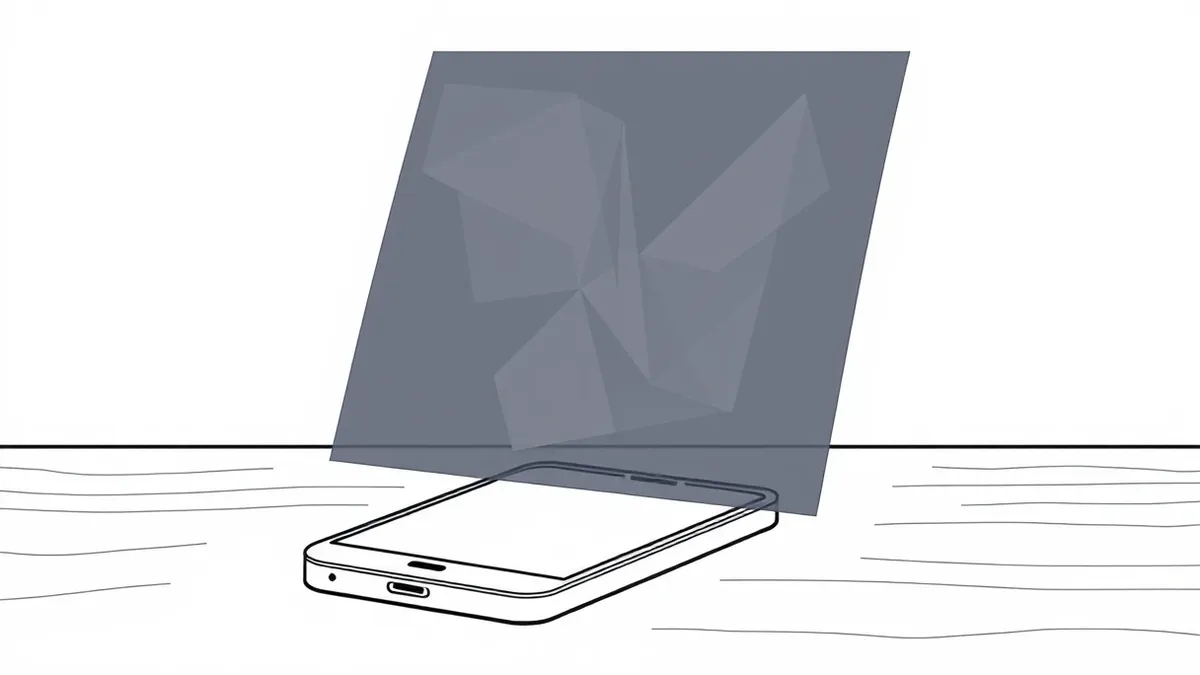
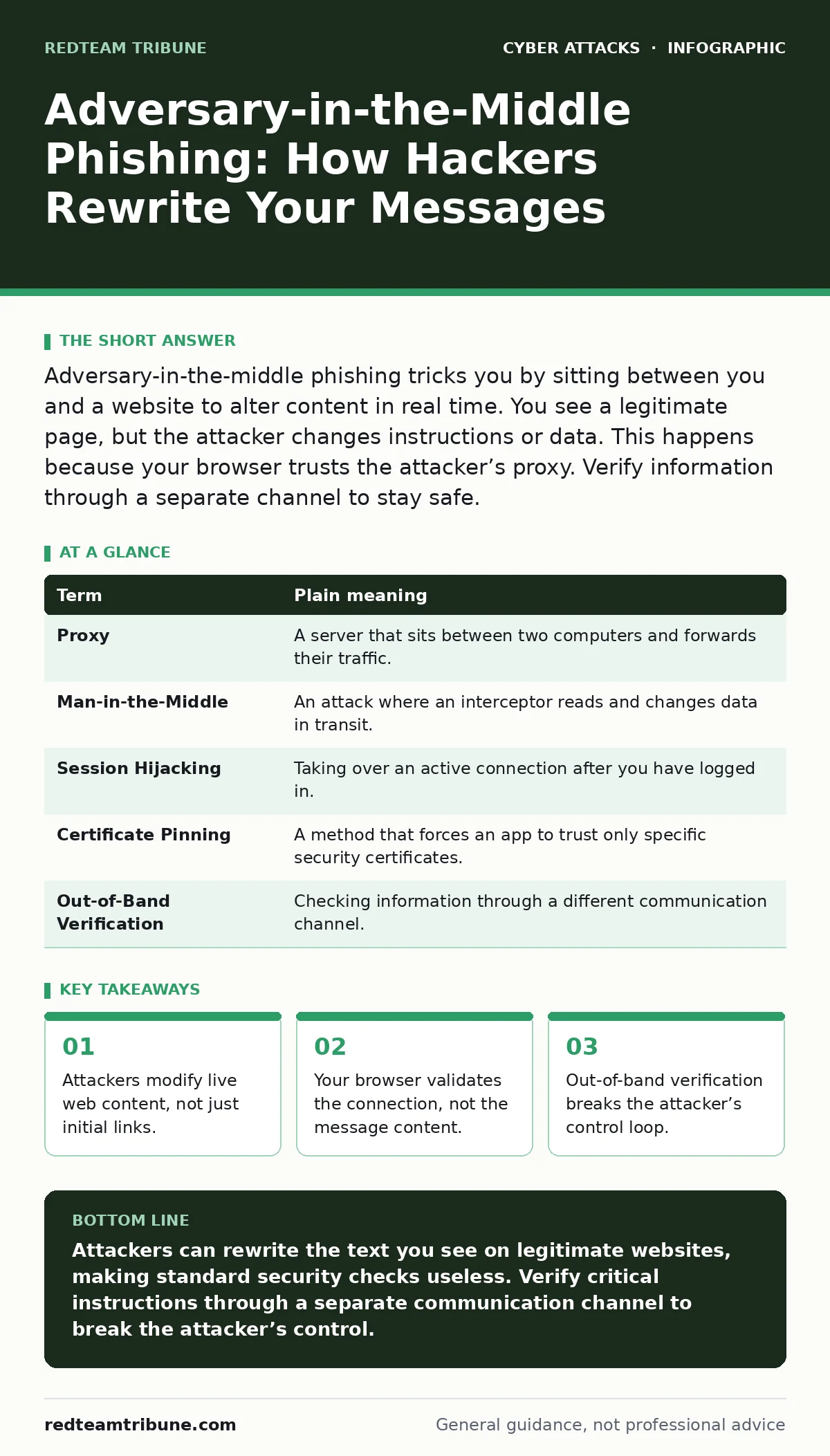
Adversary-in-the-middle phishing tricks you by sitting between you and a website to alter content in real time. You see a legitimate page, but the attacker changes instructions or data. This happens because your browser trusts the attacker’s proxy. Verify information through a separate channel to stay safe.
The Mailroom Interceptor
Imagine you send a letter to a bank to change your address. A thief intercepts it at the post office. They read the letter, then write a new one on identical paper. They stamp it with a fake postmark that looks real and mail it to the bank. The bank receives the letter, sees the correct stamp, and processes the change. You never knew the original letter was altered.
This is how adversary-in-the-middle phishing works. The attacker sits between you and the service you use. They do not just steal your password. They change what you see and what the server receives. You believe you are talking to the service, but you are talking to the attacker.
Decoding the Mechanism
To understand the threat, you must know the terms. These concepts explain how the attack bypasses standard security checks.
| Term | Plain meaning |
|---|---|
| Proxy | A server that sits between two computers and forwards their traffic. |
| Man-in-the-Middle | An attack where an interceptor reads and changes data in transit. |
| Session Hijacking | Taking over an active connection after you have logged in. |
| Certificate Pinning | A method that forces an app to trust only specific security certificates. |
| Out-of-Band Verification | Checking information through a different communication channel. |
The attacker sets up a proxy server. When you connect to a website, your traffic goes to the proxy first. The proxy forwards the request to the real website. It sends the response back to you. The proxy can change any text in that response before it reaches your screen.
The Illusion of Trust
Your browser checks if the connection is secure. It looks for a lock icon. It verifies the digital certificate. If the certificate is valid, the browser shows the lock. It does not check if the content on the page is truthful.
Suppose you are logging into a work portal. The attacker intercepts the login page. They change the text that says "Enter your password" to "Enter your backup code." You enter the code. The attacker sends it to the server. The server accepts it. You think you logged in safely. You actually handed over a second factor.
This differs from domain spoofing. In domain spoofing, you click a link to a fake site. In this attack, you visit the real site. The attacker rewrites the page in real time. The URL bar shows the correct address. The certificate is valid. Your security tools see a normal connection.
Why Standard Defenses Fail
Most users rely on visual cues. They check the URL. They look for the padlock. They assume that if the site looks right, it is right. This assumption is the weak point.
Antivirus software scans files on your computer. It does not scan the live stream of data coming from the web. Firewalls block unauthorized ports. They do not inspect the content of allowed traffic. Security operations centers monitor for unusual login times. They do not see that you changed a setting because the attacker told you to.
The attack exploits the trust you place in the transport layer. The transport layer protects data from being read by strangers on the network. It does not protect you from a stranger who controls the endpoint you are talking to.
The Hidden Cost of Convenience
This attack thrives on complex workflows. Imagine you are approving a payment. The screen says "Click here to confirm." You click it. The attacker had changed the destination of that click. The payment goes to a different account. You see a success message. The server confirms the action.
The cost is not just the money. It is the loss of trust in your own tools. You cannot rely on your eyes. You cannot rely on your browser’s security indicators. You must change how you verify critical actions.
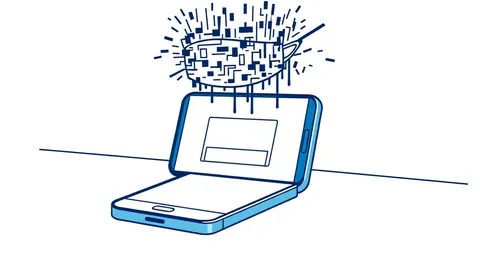
This is similar to QR code phishing. In both cases, the medium of communication is compromised. The QR code hides a link. The proxy hides the rewrite. Both force you to trust a signal that has been tampered with.
Breaking the Loop
You cannot stop the interception with software alone. You must change your behavior. You need to verify information outside the compromised channel. This is called out-of-band verification.
If you receive an instruction to change a password, do not follow it immediately. Call the support number listed on your bill. Use a different device. Ask a colleague to check the status. Do not rely on the message itself.
This habit adds time to your workflow. It feels slow. It feels inconvenient. But it breaks the attacker’s control. The attacker can only control the channel you are currently using. They cannot control your phone call or your face-to-face conversation.
Try This Now
- Identify one high-risk action you perform regularly, such as approving invoices or changing settings.
- Create a rule to verify any change to that action through a different channel, like a phone call or a separate app.
- Practice this verification once this week to build the habit before an attack occurs.
The Reality of Protection
No tool can automatically detect rewritten text. The content looks normal to machines. Only you can spot the discrepancy if you know to look for it.
This attack is rare compared to simple phishing. But it is more dangerous. It bypasses the defenses you have spent years building. It requires you to question the very interface you use to work.
Key takeaways
- Attackers modify live web content, not just initial links.
- Your browser validates the connection, not the message content.
- Out-of-band verification breaks the attacker’s control loop.
Attackers can rewrite the text you see on legitimate websites, making standard security checks useless. Verify critical instructions through a separate communication channel to break the attacker’s control.
Frequently asked questions
Can antivirus software detect adversary-in-the-middle phishing?
No. Antivirus scans files on your device. It does not inspect the live content of web pages being rewritten by a proxy.
Does two-factor authentication protect against this attack?
Not always. The attacker can prompt you for the second factor during the intercepted session, stealing it in real time.
How is this different from a fake website?
You are visiting the real website. The attacker sits between you and the server, altering the data stream before it reaches your screen.
Should I stop using public Wi-Fi?
Public Wi-Fi increases risk, but this attack can happen on any network. Focus on verifying critical actions, not just avoiding specific networks.
How this guide was produced: written by the RedTeam Tribune editorial team with AI assistance, checked against the public references listed below, and reviewed when the facts change. See our editorial policy or report an error.