USB Drop Attack Myths: Why Physical Lures Still Succeed
Physical malware delivery bypasses network defenses by exploiting human curiosity and system auto-execution features that remain enabled by default.
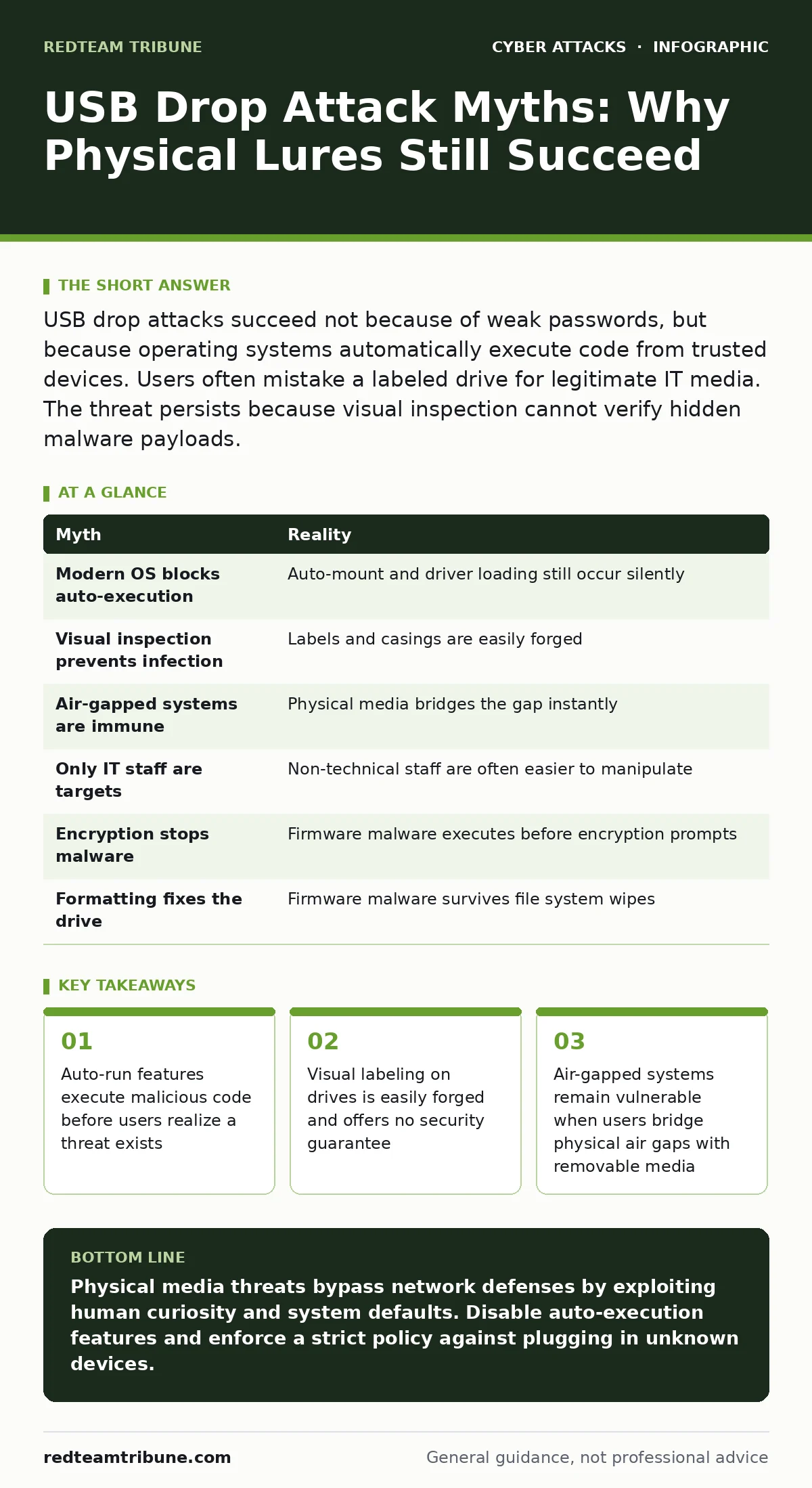
USB drop attacks succeed not because of weak passwords, but because operating systems automatically execute code from trusted devices. Users often mistake a labeled drive for legitimate IT media. The threat persists because visual inspection cannot verify hidden malware payloads.
Myth: Modern Operating Systems Block Auto-Execution
Reality: Most modern desktop operating systems still allow certain types of auto-execution, particularly for devices identified as trusted or internal. While the prompt to run software has become less aggressive, the underlying mechanism remains. Attackers exploit this by formatting drives with specific file system structures that trigger system processes. You might assume that because a pop-up window did not appear, the device is safe. This assumption fails when the malware uses driver-level exploits that load silently in the background. The absence of a visual prompt does not indicate the absence of execution.
Imagine an employee finds a drive labeled "Payroll" in the parking lot. They plug it in expecting a spreadsheet. The operating system recognizes the drive signature as a standard storage device. A hidden driver installs immediately, granting the attacker low-level access to the system. This happens before the user opens any files. The defense relies on disabling auto-mount features at the group policy level, not on user awareness alone.
Myth: Visual Inspection Prevents Infection
Reality: Physical appearance is the weakest control against USB threats. Attackers mass-produce drives that mimic legitimate corporate hardware, including logos, serial numbers, and color schemes. A drive can look identical to one issued by your IT department while containing a sophisticated payload. You cannot detect malware by looking at the casing. The threat lies in the firmware and the data payload, both invisible to the naked eye. Relying on visual verification creates a false sense of security that encourages risky behavior.
Suppose a drive has a sticker from a known vendor. This does not prove the drive has not been tampered with. Attackers can clone legitimate drives or reflash firmware to hide malicious code. The drive may even pass basic integrity checks if the attacker has modified the firmware to report false health status. The only way to verify a drive is to inspect it in an isolated environment. Plugging it into a production machine for a quick check is a critical error.
Myth: Air-Gapped Systems Are Immune
Reality: Air gaps provide protection only if no physical media ever crosses the boundary. A USB drop attack specifically targets this assumption by placing devices in locations where air-gapped personnel are likely to find them. If a user plugs a found drive into an isolated system to check its contents, the air gap is broken. The malware transfers instantly, bridging the gap between the internet-connected world and the secure network. The physical separation is only as strong as the discipline of the people maintaining it.
Consider a high-security laboratory with no network connections. An attacker leaves a drive near the entrance. A researcher, curious about the contents, plugs it into a terminal. The drive contains a worm that propagates to other isolated machines via the USB bus. The network perimeter was never breached because there was no network to breach. The breach occurred at the human interface. This highlights the need for strict media control policies, not just network segmentation.
Myth: Only IT Staff Are Targets
Reality: Attackers often target non-technical staff because they are less likely to suspect a threat. Engineers and security professionals are trained to be skeptical of unknown devices. Administrative staff, receptionists, or HR personnel may be more likely to plug in a drive to see if it belongs to a colleague. The lure is often tailored to their role, such as a drive labeled "Staff Photos" or "Meeting Notes". This social engineering vector bypasses technical controls by exploiting trust and curiosity.
Imagine a receptionist finds a drive labeled "Visitor List". She plugs it into her workstation to help identify a missing guest. The drive executes a keylogger that captures credentials from her session. The attacker now has access to the system she uses daily. This demonstrates that security awareness training must reach every employee, not just those in technical roles. The weakest link is often the one with the most access to physical entry points.
Myth: Encryption Stops Malware Execution
Reality: Encryption protects data confidentiality, not system integrity. A malicious drive can be encrypted to prevent casual viewing of its contents, but this does not stop the malicious code from running. When the drive is mounted, the operating system may attempt to read the master file table or boot sector. If the malware is embedded in the boot sector or uses a hidden partition, it can execute before the encryption key is even requested. The encryption layer is irrelevant to the execution of the payload.
Suppose a drive is password-protected. The user plugs it in and is prompted for a password. The attacker may have programmed the drive to execute a small payload when the password dialog appears. This payload can capture the keystrokes or install a backdoor. The user believes they are safe because they do not know the password. In reality, the interaction itself triggered the attack. Encryption is a control for data at rest, not for code execution.
Myth: Formatting the Drive Fixes It
Reality: Formatting a drive only clears the file system table, not the firmware. Malware can reside in the controller firmware of the USB device. This firmware is separate from the storage area where files are kept. When you format the drive, you erase the files, but the malicious firmware remains active. The drive may continue to behave as a keyboard or network card, injecting commands into any system it connects to. Formatting gives a false sense of remediation.
Imagine a user finds a drive, formats it, and then uses it for backups. The firmware malware replicates itself to the new file system. It may also inject malicious code into any files copied to the drive. The drive becomes a vector for spreading malware to other systems. The only safe disposal method is physical destruction of the hardware. Software-based cleaning is ineffective against firmware-level threats.
| Myth | Reality |
|---|---|
| Modern OS blocks auto-execution | Auto-mount and driver loading still occur silently |
| Visual inspection prevents infection | Labels and casings are easily forged |
| Air-gapped systems are immune | Physical media bridges the gap instantly |
| Only IT staff are targets | Non-technical staff are often easier to manipulate |
| Encryption stops malware | Firmware malware executes before encryption prompts |
| Formatting fixes the drive | Firmware malware survives file system wipes |
Key takeaways
- Auto-run features execute malicious code before users realize a threat exists
- Visual labeling on drives is easily forged and offers no security guarantee
- Air-gapped systems remain vulnerable when users bridge physical air gaps with removable media
Physical media threats bypass network defenses by exploiting human curiosity and system defaults. Disable auto-execution features and enforce a strict policy against plugging in unknown devices.
Frequently asked questions
Can antivirus software detect USB drop attacks?
Antivirus may detect known signatures, but it often fails against new or obfuscated malware. The code may execute before the scan begins, especially if it targets the boot sector or firmware.
Should I allow USB drives for business use?
Only if you have strict controls in place. Use managed devices with known firmware and enforce encryption. Block all unknown or unmanaged drives at the operating system level.
What is the safest way to dispose of a found USB drive?
Physically destroy the device. Shred the casing and the internal circuit board. Do not attempt to wipe or format it, as malware may reside in the firmware.
How do I report a found USB device?
Follow your incident response plan. Do not touch the device if possible, or use gloves. Hand it to your security team for forensic analysis in an isolated environment.
How this guide was produced: written by the RedTeam Tribune editorial team with AI assistance, checked against the public references listed below, and reviewed when the facts change. See our editorial policy or report an error.