Offline Backups: Real Protection Against Ransomware and Data Loss
Air-gapped storage stops encryption propagation instantly, but physical theft and human error create new vulnerabilities that automated systems cannot fix.
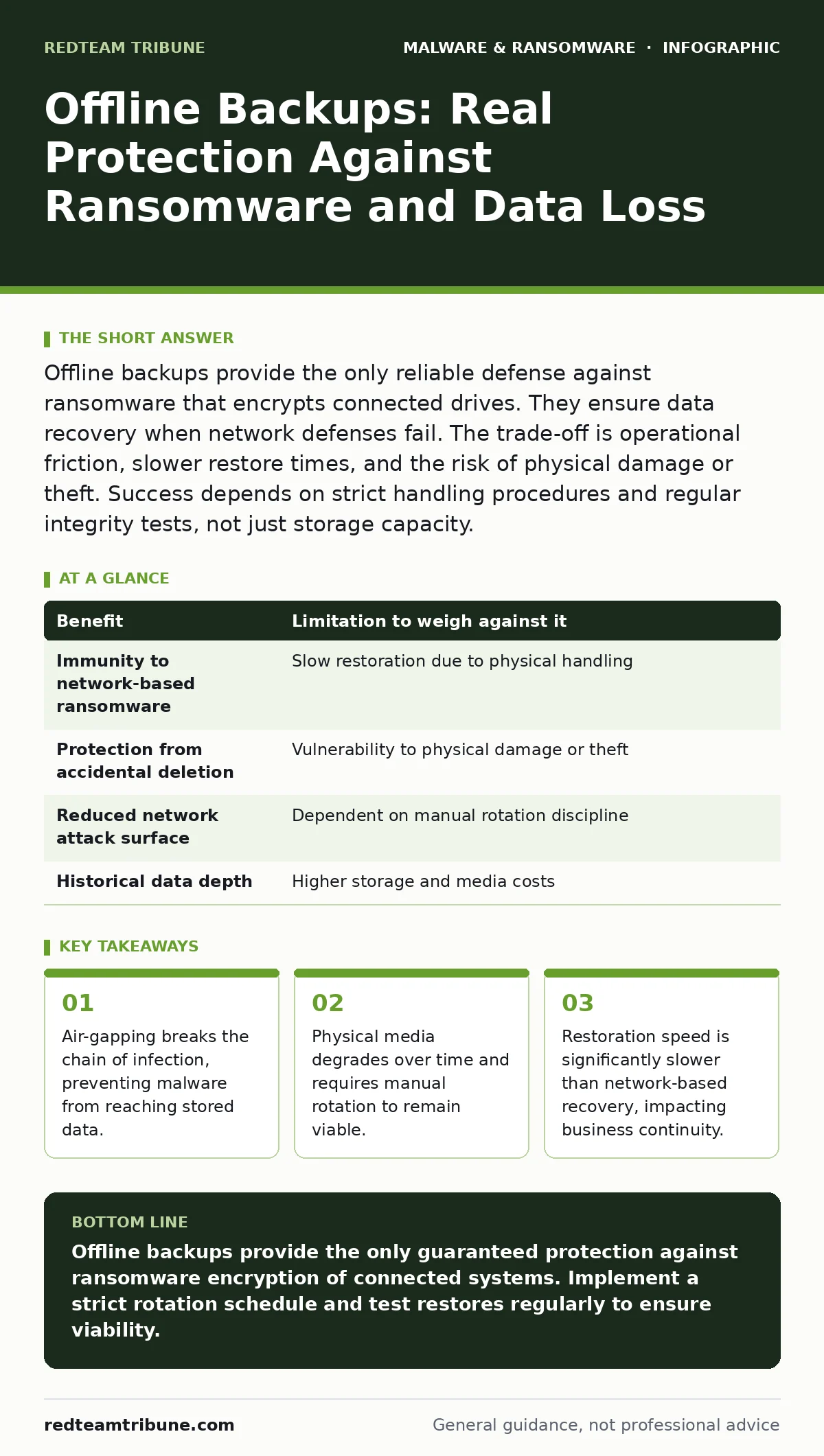
Offline backups provide the only reliable defense against ransomware that encrypts connected drives. They ensure data recovery when network defenses fail. The trade-off is operational friction, slower restore times, and the risk of physical damage or theft. Success depends on strict handling procedures and regular integrity tests, not just storage capacity.
The Mechanics of Air-Gapped Storage
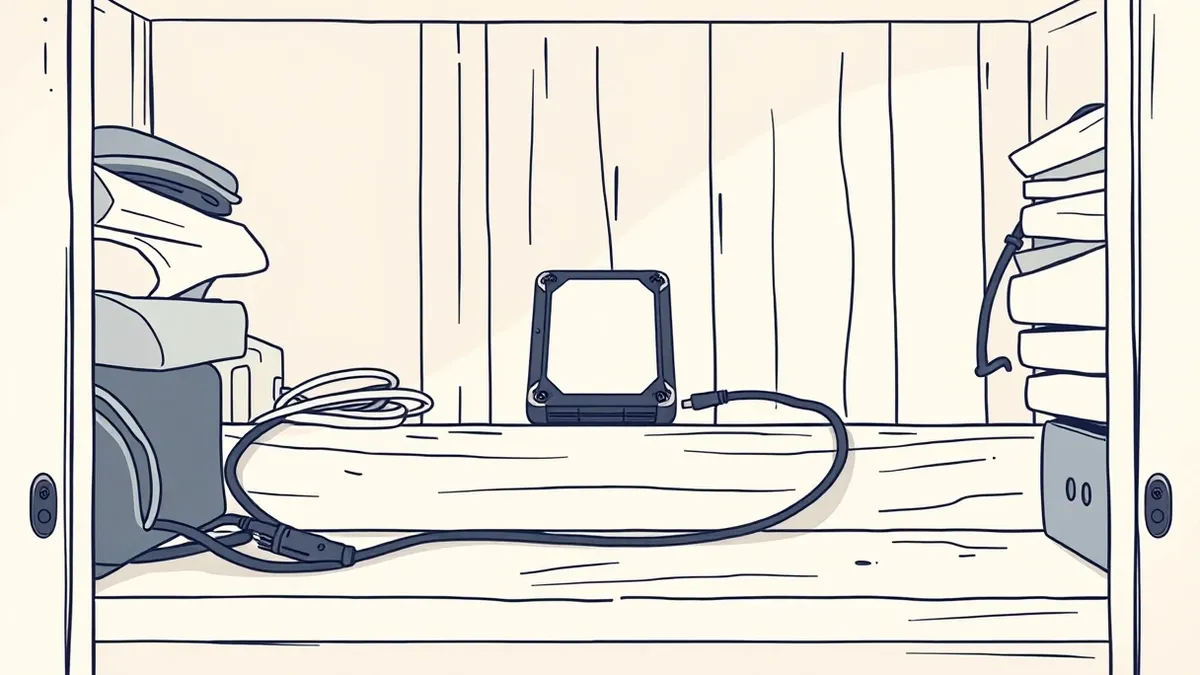
Offline backups function by physically disconnecting storage media from the network. This separation creates an air gap, a physical barrier that prevents digital signals from crossing between the protected data and the live environment. Ransomware relies on network connectivity to propagate. When an attacker encrypts a server, the malware seeks other accessible volumes. If the backup drive is unplugged, the encryption process hits a hard stop. The attacker cannot reach the data because there is no communication channel.
This mechanism differs fundamentally from logical isolation. Logical isolation uses firewalls or VLANs to restrict traffic. Attackers often find ways to bypass these controls through misconfigurations or stolen credentials. Physical disconnection removes the possibility of remote access entirely. The storage device exists in a different physical space or remains powered off. This simplicity is its strength. No software patch can fix a missing cable. No zero-day exploit can traverse air.
Concrete Benefits of Disconnected Media
The primary benefit of offline backups is guaranteed data survival during a widespread breach. When ransomware encrypts active systems, organizations with only online backups often face a choice: pay the ransom or lose data. Many online backup solutions replicate data in real-time. If malware infects the source, it may also encrypt the backup before replication completes. Offline backups remain untouched because they are not accessible to the malicious code.
Offline storage also protects against accidental deletion and configuration errors. Human operators sometimes delete critical files or overwrite important databases. Online backups often follow versioning policies that retain only recent changes. An offline snapshot taken weeks ago provides a clean state free from recent errors. This historical depth allows recovery from mistakes that automated systems might silently propagate.
Another advantage is reduced attack surface. Every connected device is a potential entry point. Offline drives have no IP address, no open ports, and no running services. Attackers cannot scan them or probe for vulnerabilities. This reduces the total number of assets an adversary must compromise. It simplifies the security posture by removing a class of network-facing risks.
Honest Limitations and Hidden Costs
Offline backups introduce significant operational friction. Restoring data requires physical interaction. An administrator must locate the drive, transport it to the server, and connect it. This process takes time. During a ransomware incident, every minute of downtime costs money. The delay in restoring from offline media can extend business interruption beyond what is acceptable for critical services.
Physical media is vulnerable to environmental damage. Hard drives can drop, flood, or overheat. Tape cartridges can degrade if stored in high humidity. Unlike cloud storage, which manages hardware redundancy automatically, offline media requires careful handling and climate control. A single dropped drive can destroy months of data. The responsibility for physical security shifts from the IT team to facility management.
Another limitation is the risk of human error in the rotation process. If an administrator forgets to swap drives, the organization may find itself with no recent offline copies. The backup schedule becomes dependent on manual discipline. Automated systems fail silently; humans forget. This introduces a variable that software cannot easily monitor or correct.
| Benefit | Limitation to weigh against it |
|---|---|
| Immunity to network-based ransomware | Slow restoration due to physical handling |
| Protection from accidental deletion | Vulnerability to physical damage or theft |
| Reduced network attack surface | Dependent on manual rotation discipline |
| Historical data depth | Higher storage and media costs |
When It Is Worth It
Offline backups are worth the effort for organizations handling highly sensitive or irreplaceable data. If the cost of data loss exceeds the cost of storage and labor, offline media is justified. Financial records, legal documents, and proprietary research often fall into this category. These assets have no easy replacement. Losing them causes long-term damage that ransomware payments cannot fix.
Organizations with strict regulatory requirements also benefit. Some compliance frameworks mandate immutable storage or physical separation for certain data types. Offline backups help meet these requirements by providing a verifiable chain of custody. The physical nature of the media makes it easier to audit and track who accessed the data and when.
When It Is Not Worth It
For data that is easily regenerated or publicly available, offline backups are often unnecessary. Website content, public marketing materials, and open-source code can be reconstructed from other sources. The cost of storing and managing offline copies of this data outweighs the benefit. The operational burden slows down IT teams without adding meaningful protection.
Organizations with extremely low tolerance for downtime may also find offline backups inadequate. If a service must be restored within minutes, the physical delay of offline media is unacceptable. These organizations should focus on high-availability architectures and rapid replication instead. Offline backups serve as a last resort, not a primary recovery method.
Integrating With Broader Security Strategies
Offline backups do not replace other security measures. They are a final layer of defense. They work best when combined with strong endpoint protection and network segmentation. If malware spreads widely, the offline backup ensures you have a clean state to restore to. Without good hygiene, the infection may recur immediately after restoration.
Consider how offline backups fit into your disaster recovery plans. The plan should specify who handles the drives, where they are stored, and how quickly they can be accessed. Test this process regularly. A backup that cannot be restored is useless. Regular drills ensure that staff know the procedure and that the media remains functional.
Maintaining Integrity and Trust
Trust in offline backups depends on verification. You must confirm that the data on the drive is complete and uncorrupted. This requires periodic checksums or hash comparisons. If the hash on the offline drive does not match the source, the backup is invalid. Regular verification catches silent corruption early.
Storage environment matters. Keep drives in a cool, dry place away from magnetic fields. Label them clearly with dates and contents. Use a rotation schedule to ensure no single drive holds the only recent copy. This redundancy protects against individual media failure. The goal is to have multiple, verified, and accessible copies at all times.
Key takeaways
- Air-gapping breaks the chain of infection, preventing malware from reaching stored data.
- Physical media degrades over time and requires manual rotation to remain viable.
- Restoration speed is significantly slower than network-based recovery, impacting business continuity.
Offline backups provide the only guaranteed protection against ransomware encryption of connected systems. Implement a strict rotation schedule and test restores regularly to ensure viability.
Frequently asked questions
How often should I rotate offline backup drives?
Rotate drives at least weekly, or more frequently if data changes rapidly. This ensures you have multiple recent copies and reduces the risk of losing all data to a single media failure.
Can I store offline backups in the same building?
Yes, but store them in a physically secure location like a fireproof safe. For maximum protection, keep at least one copy off-site to guard against physical disasters like fire or flood.
Do offline backups protect against insider threats?
Offline backups protect against remote attacks but not against insiders with physical access. If an employee with access to the storage area steals or destroys the drives, the data is lost. Control physical access strictly.
How do I verify the integrity of an offline backup?
Generate a cryptographic hash of the data when creating the backup. When testing, generate a new hash and compare it to the original. If they match, the data is intact. Automate this check during regular testing cycles.
How this guide was produced: written by the RedTeam Tribune editorial team with AI assistance, checked against the public references listed below, and reviewed when the facts change. See our editorial policy or report an error.