Secure Data Destruction: Methods That Actually Erase Evidence
Formatting drives leaves recoverable fragments, while magnetic degaussing physically scrambles the storage medium to prevent any reconstruction of lost files.
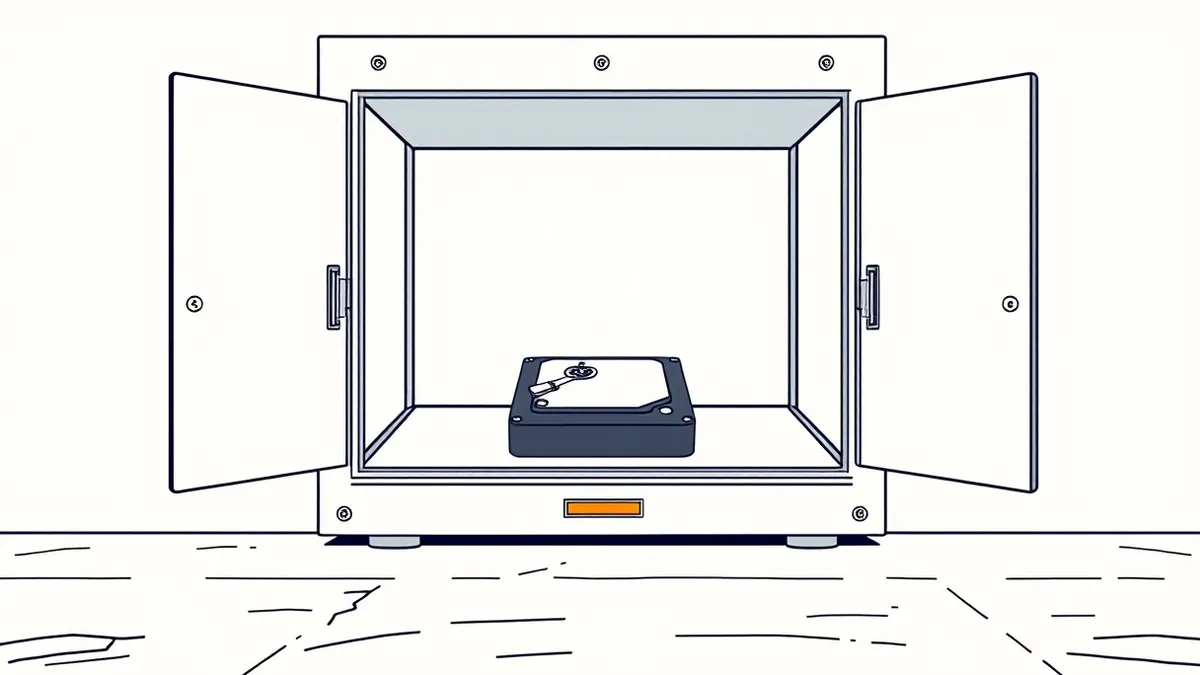
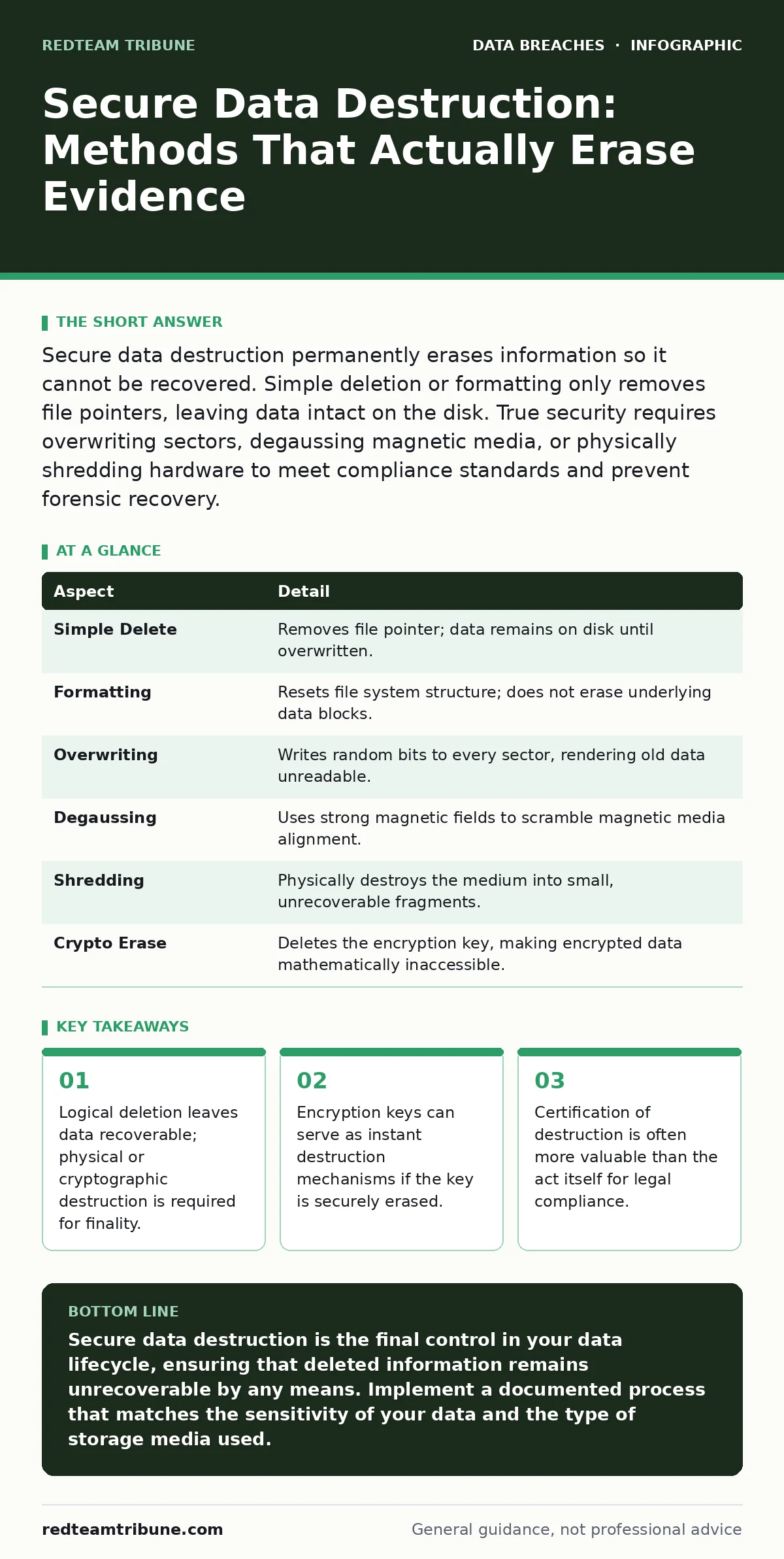
Secure data destruction permanently erases information so it cannot be recovered. Simple deletion or formatting only removes file pointers, leaving data intact on the disk. True security requires overwriting sectors, degaussing magnetic media, or physically shredding hardware to meet compliance standards and prevent forensic recovery.
The Disk Space Illusion
Imagine a library that burns its index cards but leaves every book on the shelves. That is how standard file deletion works. When you delete a file, the operating system removes the reference to the data, not the data itself. The storage sectors remain occupied until new information overwrites them. Forensic tools can reconstruct these files easily.
Secure data destruction addresses this gap. It ensures that the binary data representing your information is either overwritten, scrambled, or physically destroyed. This process prevents unauthorized parties from reading the content, even if they possess the physical hardware.
| Aspect | Detail |
|---|---|
| Simple Delete | Removes file pointer; data remains on disk until overwritten. |
| Formatting | Resets file system structure; does not erase underlying data blocks. |
| Overwriting | Writes random bits to every sector, rendering old data unreadable. |
| Degaussing | Uses strong magnetic fields to scramble magnetic media alignment. |
| Shredding | Physically destroys the medium into small, unrecoverable fragments. |
| Crypto Erase | Deletes the encryption key, making encrypted data mathematically inaccessible. |
How Secure Data Destruction Works
The mechanism depends on the storage technology. Magnetic hard drives store data as magnetic orientations on platters. You can reverse these orientations by writing new data or by applying a powerful magnetic field. Solid-state drives operate differently. They use flash memory cells that trap electrons. Overwriting these cells is complex because of wear-leveling algorithms that move data around to extend the drive's life.
For magnetic media, degaussing is effective. A degausser generates a magnetic field strong enough to randomize the magnetic domains on the disk platter. This renders the drive unusable and the data unrecoverable. It is a one-time process. The drive must be replaced afterward.
For solid-state drives, manufacturer-specific secure erase commands are preferred. These commands instruct the drive to send a high-voltage pulse to all memory cells, instantly clearing the charge. This is faster and more reliable than software-based overwriting, which may miss cells reserved for bad block management.
Who It Affects and Why
Every organization that handles sensitive information needs secure data destruction. This includes healthcare providers, financial institutions, and technology firms. The risk is not just about privacy. It is about liability. If you sell a laptop without destroying the data, and that data is recovered, you may be liable for the breach.
Employees often misunderstand the risk. They think deleting files from a shared folder is enough. It is not. The files reside on the server storage until overwritten. If the server is decommissioned without proper destruction, the data travels with the hardware. This creates a chain of custody problem. You must track every asset from creation to destruction.
Suppose a company sells used servers to a recycling firm. The recycling firm sells the drives to a third party. That third party recovers customer records. The original company faces regulatory fines and reputational damage. Secure data destruction breaks this chain.
Common Mistakes in Disposal
Many people get this wrong by relying on formatting. A quick format is designed for speed, not security. It rebuilds the file system table but leaves the data blocks untouched. A full format is better but still not guaranteed to overwrite every sector on modern drives.
Another mistake is assuming encryption protects data after disposal. Encryption protects data at rest. If the attacker has the drive and the key, or if they can brute-force a weak key, the data is exposed. You must destroy the key. If the key is gone, the data is useless. This is known as crypto-shredding. It is efficient but requires a robust key management system. If you lose the key prematurely, you lose access to your own data.
Secure Data Destruction Methods
You have several options for secure data destruction. The choice depends on the media type and your security requirements.
- Software Overwriting: Tools write patterns of ones and zeros to every sector. Multiple passes are often recommended, though modern drives are dense enough that one pass is usually sufficient. This method keeps the drive usable.
- Degaussing: Best for magnetic tapes and hard drives. It destroys the media. You cannot reuse the drive.
- Physical Destruction: Shredding, pulverizing, or incinerating the drive. This is the most definitive method. It leaves no doubt.
- Cryptographic Erasure: Deleting the encryption key. This is instant and works for any media type. It requires that the data was encrypted from the start.
For managed service providers, the process must be documented. You need a certificate of destruction. It includes the drive serial number, the method used, and the date. This paper trail is critical for audits.
See also: Why Is Principle of Least Privilege Important for Security
Integrating With Broader Security
Secure data destruction is part of a larger lifecycle. It connects to how you handle backup data exposure. Backups often contain older versions of files. If you destroy the primary data but leave the backups, you have not secured the information. You must include backups in your destruction schedule.
It also relates to breach notification. If you fail to destroy data properly and it leaks, you must notify affected parties. Proper destruction reduces the risk of such notifications. It is a preventive control.
Consider privacy impact assessments when designing your disposal process. These assessments help you identify what data you hold and how long you keep it. They inform your retention and destruction policies. You cannot destroy what you do not track.
The principle of least privilege applies here too. Only authorized personnel should handle destruction. They should have access only to the tools and information necessary to perform the task. This limits insider threats.
Verification and Certification
You must verify that the destruction was successful. For software wiping, the tool should provide a log. This log shows that every sector was addressed. For physical destruction, you need photos or video. For degaussing, you need a meter reading that confirms the magnetic field strength.
Certification bodies provide standards. You can choose a standard that fits your industry. The certificate serves as legal evidence. It shows due diligence. Without it, you have no proof that the data is gone.
Do not ignore the personal data sold on the dark web risk. Improper disposal is a primary source of such data. Thieves buy old drives and extract identities. Secure destruction stops this supply chain.
Next Steps for Implementation
Start by auditing your assets. Know what drives you have and where they are. Classify the data on each drive. Not all data requires the same level of destruction. High-security data needs physical destruction or degaussing. Low-security data can be overwritten.
Establish a policy. Define the methods for each media type. Define who is authorized to perform the destruction. Define the documentation requirements. Train your staff on the policy.
Review your secure file sharing practices. Ensure that shared files are deleted from recipient devices when no longer needed. This extends destruction beyond your own hardware.
Finally, test your process. Perform a test destruction on a non-critical drive. Verify the result. Adjust your methods if necessary. Regular testing ensures that your process works when you need it.
Key takeaways
- Logical deletion leaves data recoverable; physical or cryptographic destruction is required for finality.
- Encryption keys can serve as instant destruction mechanisms if the key is securely erased.
- Certification of destruction is often more valuable than the act itself for legal compliance.
Secure data destruction is the final control in your data lifecycle, ensuring that deleted information remains unrecoverable by any means. Implement a documented process that matches the sensitivity of your data and the type of storage media used.
Frequently asked questions
Is formatting a hard drive enough to secure data?
No, formatting only removes the file system structure. The underlying data remains on the disk and can be recovered with standard forensic tools until it is overwritten by new data.
Can I reuse a drive after degaussing?
No, degaussing scrambles the magnetic alignment of the drive's platters. This renders the drive unusable. You must replace the hardware after this process.
How does crypto-shredding work?
Crypto-shredding involves deleting the encryption key that unlocks the data. Without the key, the encrypted data on the drive is mathematically impossible to decrypt, effectively destroying it instantly.
Do I need to shred solid-state drives?
Physical shredding is the most secure method for SSDs. However, manufacturer secure erase commands are also effective and allow for media reuse if the drive is still functional.
How this guide was produced: written by the RedTeam Tribune editorial team with AI assistance, checked against the public references listed below, and reviewed when the facts change. See our editorial policy or report an error.