Mobile Device Management: 8 FAQs Answered for Secure Enterprise Operations
Mobile device management policies often fail because they ignore the silent data exfiltration that occurs through standard notification previews and background sync mechanisms.
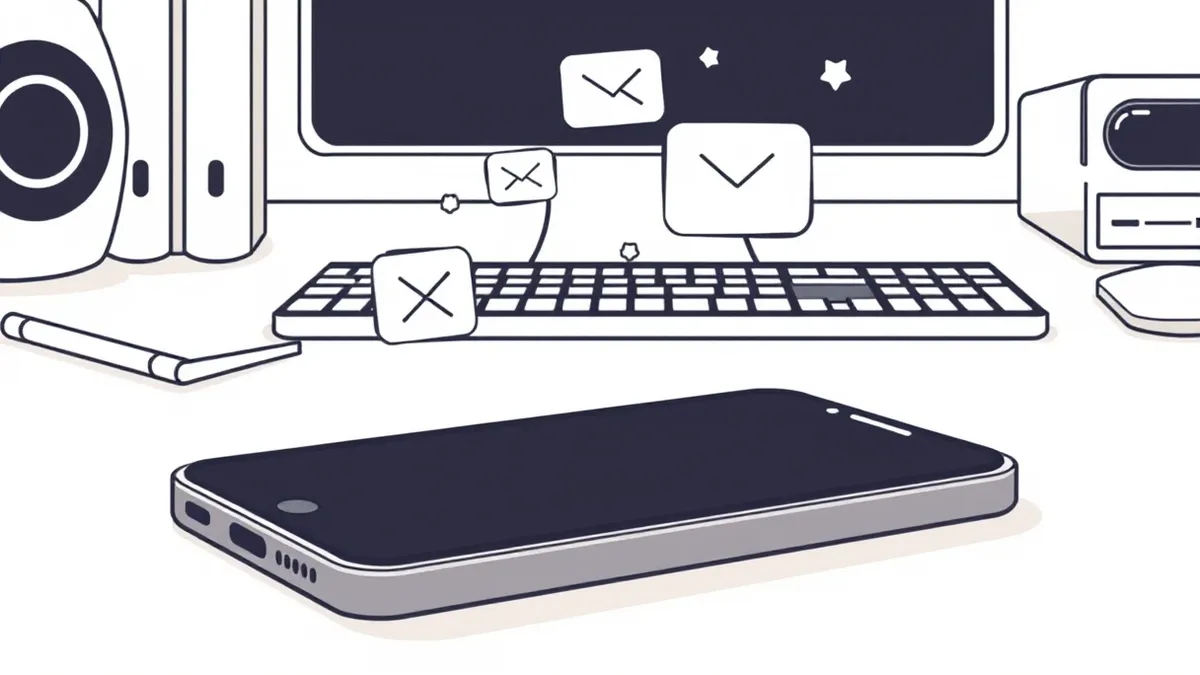
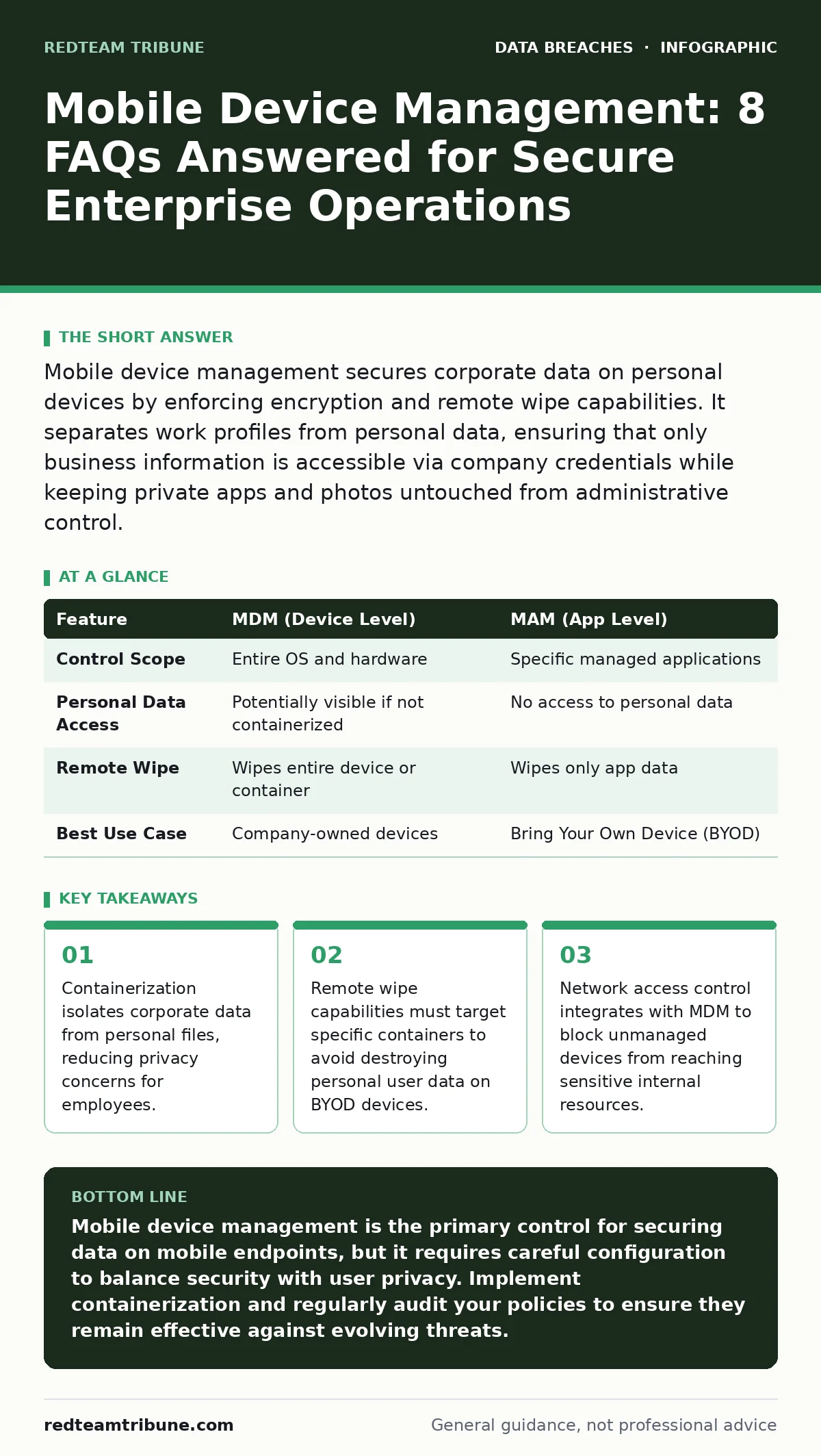
Mobile device management secures corporate data on personal devices by enforcing encryption and remote wipe capabilities. It separates work profiles from personal data, ensuring that only business information is accessible via company credentials while keeping private apps and photos untouched from administrative control.
What is mobile device management and why does it matter?
Mobile device management is a security strategy that uses software to monitor, manage, and secure employees' mobile devices. It matters because mobile endpoints often bypass traditional network perimeter defenses, creating direct pathways to internal systems. Without centralized management, you cannot enforce encryption or verify that a device meets security baselines before it connects to your infrastructure.
How does MDM differ from MAM?
Mobile device management controls the entire operating system, allowing you to enforce device-wide policies like screen locks and camera restrictions. Mobile application management focuses only on specific business apps, leaving the rest of the device untouched. You choose MDM for full control over company-owned hardware and MAM when employees use personal devices for work, as it respects their privacy while protecting corporate data.
Can MDM access personal data on employee phones?
Properly configured MDM solutions using containerization cannot access personal data such as photos, messages, or social media accounts. The management agent only interacts with the work profile or specific managed applications. However, if you install the agent on the root level of a personal device without proper sandboxing, you risk exposing personal metadata, which creates legal and trust issues.
What happens if an employee leaves the organization?
You can remotely wipe the corporate container without affecting the employee's personal data. This selective wipe removes work emails, documents, and credentials while leaving their personal contacts and media intact. Ensure your offboarding process triggers this wipe immediately upon termination to prevent unauthorized access to sensitive information. For broader access revocation procedures, refer to our guide on user access provisioning.
Does MDM protect against physical theft?
MDM enables remote locking and wiping, which mitigates data loss if a device is stolen. It does not prevent the physical theft itself or recover the hardware. You should combine MDM with device location tracking and SIM-locking policies to reduce the resale value of stolen devices. This adds a layer of deterrence beyond simple data erasure.
See also: Stop Cloud Data Exfiltration: Small Business Risks and Low-Cost Fixes · Difference Between Encryption at Rest and Transit: Protecting Data Lifecycle
How does MDM handle network security?
MDM enforces network access controls by verifying device compliance before allowing connection to corporate Wi-Fi or VPNs. Non-compliant devices are redirected to a remediation portal or blocked entirely. This prevents compromised or unpatched devices from introducing malware into your internal network. For deeper network-layer protections, see our analysis on database security.
What are the privacy risks of using MDM?
The primary risk is over-collection of metadata, such as location history or app usage patterns, which can violate privacy regulations. You must define clear data retention policies and limit collection to security-relevant metrics. Employees should be aware of what data is collected and how it is used. Conduct privacy impact assessments before deploying new monitoring features to ensure compliance.
Can MDM prevent data leakage?
MDM restricts data movement by disabling copy-paste between work and personal apps and blocking unauthorized file transfers. It enforces encryption for data at rest and in transit, making intercepted data unreadable. However, it cannot stop an employee from photographing a screen or dictating sensitive information verbally. Combine MDM with secure file sharing protocols to manage outbound data flows.
How do I ensure MDM policies are effective?
Regularly audit policy compliance and update configurations to address new vulnerabilities. Test remote wipe capabilities in a controlled environment to verify they work as expected. Integrate MDM with your identity provider to ensure credentials are tied to device health. For handling incidents where data is still compromised, review our steps for breach notification.
| Feature | MDM (Device Level) | MAM (App Level) |
|---|---|---|
| Control Scope | Entire OS and hardware | Specific managed applications |
| Personal Data Access | Potentially visible if not containerized | No access to personal data |
| Remote Wipe | Wipes entire device or container | Wipes only app data |
| Best Use Case | Company-owned devices | Bring Your Own Device (BYOD) |
What are the common deployment mistakes?
Implementing MDM without clear user communication leads to resistance and shadow IT. Employees may bypass controls if they do not understand the security rationale. Another mistake is failing to update certificates and policies, leaving devices vulnerable to known exploits. For insights on how exposed credentials can lead to larger breaches, read about personal data sold on the dark web.
How does MDM integrate with other security tools?
MDM should feed device health status into your identity and access management systems. If a device is rooted or jailbroken, the identity provider should deny login attempts. This creates a zero-trust model where access is granted based on device compliance, not just location. For protecting stored credentials, consider password rotation policies that align with device security states.
What about backup data exposure?
MDM policies should enforce encrypted backups to prevent data leakage if backup servers are compromised. Ensure that only authorized personnel can restore backups to managed devices. Unmanaged backups can bypass MDM controls, creating a hidden data reservoir. For detailed strategies on securing these archives, see our guide on backup data exposure.
Key takeaways
- Containerization isolates corporate data from personal files, reducing privacy concerns for employees.
- Remote wipe capabilities must target specific containers to avoid destroying personal user data on BYOD devices.
- Network access control integrates with MDM to block unmanaged devices from reaching sensitive internal resources.
Mobile device management is the primary control for securing data on mobile endpoints, but it requires careful configuration to balance security with user privacy. Implement containerization and regularly audit your policies to ensure they remain effective against evolving threats.
Frequently asked questions
Can MDM track employee location?
Yes, if location services are enabled and policies permit it, MDM can track device location. However, this should only be used for asset recovery, not continuous employee monitoring, to avoid legal issues.
Does MDM work on both iOS and Android?
Yes, major MDM solutions support both iOS and Android. However, iOS offers tighter integration with Apple’s ecosystem, while Android provides more granular control over system settings.
How often should MDM policies be updated?
Policies should be updated whenever new vulnerabilities are discovered or when organizational security requirements change. Regular reviews ensure compliance with current best practices.
Can employees opt out of MDM?
If the device is company-owned, employees generally cannot opt out. For personal devices, participation is usually voluntary but required for accessing certain corporate resources.
How this guide was produced: written by the RedTeam Tribune editorial team with AI assistance, checked against the public references listed below, and reviewed when the facts change. See our editorial policy or report an error.