DevSecOps Explained: Why Security Must Live in the Code Pipeline
Embedding security checks directly into your deployment pipeline prevents vulnerabilities from becoming expensive production failures later.
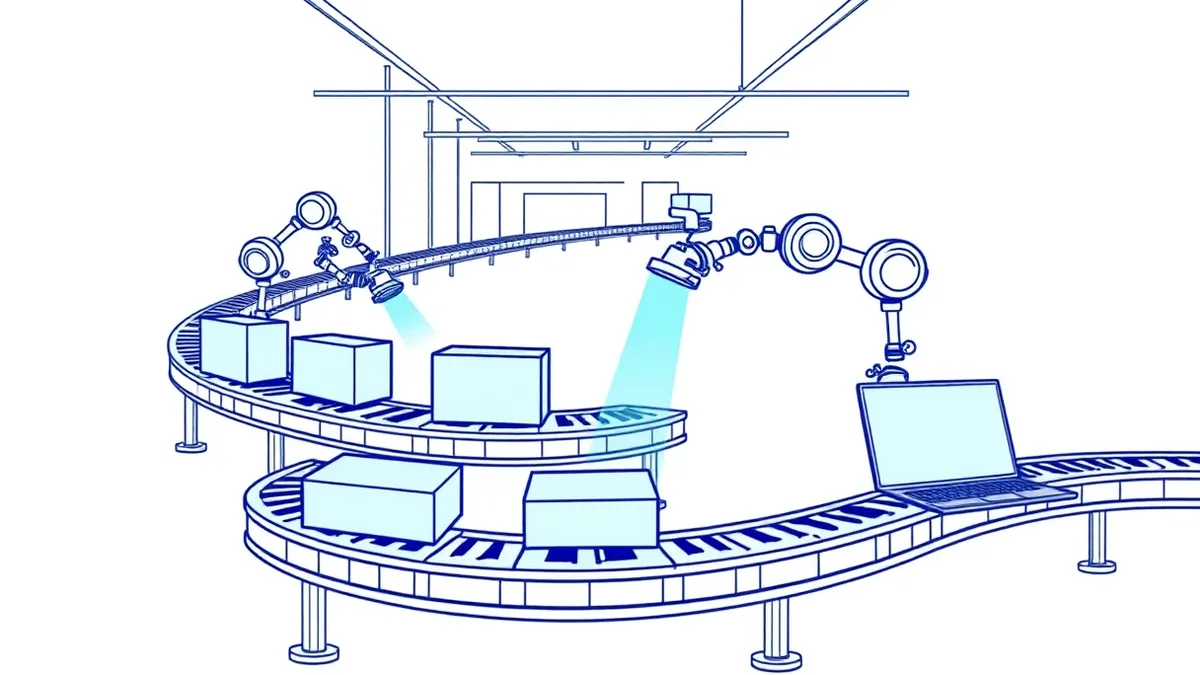
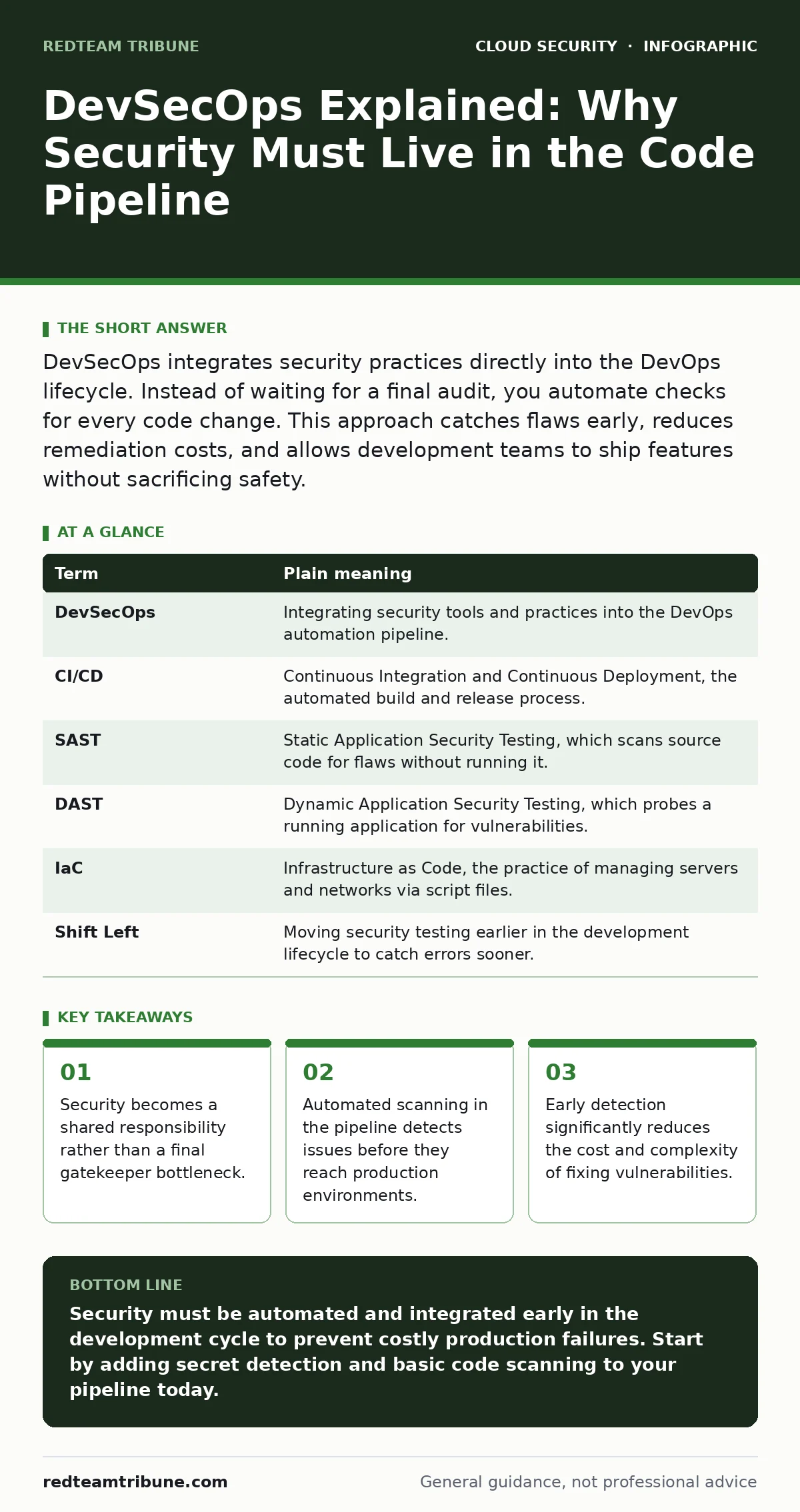
DevSecOps integrates security practices directly into the DevOps lifecycle. Instead of waiting for a final audit, you automate checks for every code change. This approach catches flaws early, reduces remediation costs, and allows development teams to ship features without sacrificing safety.
The Kitchen Inspection Analogy
Imagine a high-volume restaurant kitchen. The head chef creates recipes, line cooks prepare the food, and servers deliver it to customers. In a traditional model, a health inspector arrives only after the kitchen has been open for months. If they find raw chicken near ready-to-eat salad, the kitchen shuts down. You must recall every meal served. The cost is catastrophic.
DevSecOps changes this dynamic. It is the equivalent of equipping every station with sensors that detect temperature abuse immediately. If a cook tries to plate undercooked meat, the station locks. The problem is fixed before the food leaves the counter. You do not wait for the inspector. You prevent the violation at the source.
This shift moves security from a retrospective audit to a proactive control. It ensures that safety is baked into the process, not bolted on at the end.
Defining the Core Concepts
To operate this new model, you must understand the terminology that defines the workflow. These terms describe how security integrates with speed and automation.
| Term | Plain meaning |
|---|---|
| DevSecOps | Integrating security tools and practices into the DevOps automation pipeline. |
| CI/CD | Continuous Integration and Continuous Deployment, the automated build and release process. |
| SAST | Static Application Security Testing, which scans source code for flaws without running it. |
| DAST | Dynamic Application Security Testing, which probes a running application for vulnerabilities. |
| IaC | Infrastructure as Code, the practice of managing servers and networks via script files. |
| Shift Left | Moving security testing earlier in the development lifecycle to catch errors sooner. |
The Hidden Cost of Speed
Many teams assume that adding security checks slows down deployment. This is a common misconception. In reality, fixing a vulnerability in production is exponentially more expensive than fixing it in the code editor.
Imagine a server configuration error that allows unauthorized access. If you find it during coding, it takes minutes to correct. If it is found after a breach, you must investigate logs, notify stakeholders, and rebuild trust. The delay is not in the code merge. The delay is in the incident response.
This principle mirrors the concept of overprivileged cloud identities. A service account with too many permissions might not cause an immediate failure. However, when it is eventually compromised, the blast radius is huge. Restricting permissions early prevents this massive cleanup effort later.
Automating the Safety Net
You cannot rely on manual reviews for every pull request. Human reviewers miss subtle errors, especially under time pressure. You need automated tools that run silently in the background.
Static Application Security Testing (SAST) scans your source code for known patterns of insecure coding. It acts like a spell-checker for vulnerabilities. Dynamic Application Security Testing (DAST) runs against your deployed application, simulating attacks to find runtime flaws.
These tools should be integrated into your cloud landing zones. A landing zone is the foundational environment where your workloads run. By embedding security checks into the landing zone infrastructure, you ensure that every new service inherits the same baseline protections. This consistency is harder to achieve with manual configuration.
The False Sense of Control
Automated tools provide data, not absolute safety. A scanner might report zero vulnerabilities, but it could be misconfigured or missing specific checks. This is the hidden cost of automation: alert fatigue and false confidence.
You must treat tool output as a starting point for investigation, not a final verdict. This aligns with the principles of cloud security assessments. Regular assessments validate that your automated tools are actually detecting the threats they claim to catch. Without this validation, you are flying blind.
Consider cloud security posture management (CSPM). CSPM tools continuously monitor your cloud configuration against best practices. They tell you if a database is publicly accessible. This is different from code scanning. It checks the environment, not the logic. You need both to have a complete view.
See also: Overprivileged Cloud Identities: How to Find and Fix Excess Access · 7 Common CASB Mistakes That Create Blind Spots
Practical Integration Steps
You do not need to overhaul your entire workflow overnight. Small, consistent changes yield better results than sporadic overhauls. Here is how to begin integrating security into your pipeline.
- Install a secret detection tool in your version control system. This prevents accidental commits of passwords or keys.
- Add a basic SAST scan to your CI/CD pipeline. Configure it to fail the build only on high-severity issues initially.
- Review your infrastructure code for misconfigurations. Ensure that storage buckets are not public by default.
These steps create a feedback loop. Developers see errors immediately. They learn from mistakes without waiting for a security ticket. This cultural shift is as important as the technical one.
Beyond the Pipeline
Securing the code is only one part of the equation. You must also secure the environment where the code runs. This includes container configurations and orchestration rules.
If you use Kubernetes, you must define strict access controls. Kubernetes RBAC ensures that users and services only have the permissions they need. Without it, a compromised pod can escalate privileges to control the entire cluster.
Similarly, Pod Security Standards enforce restrictions on how containers can run. They prevent containers from running as root or accessing the host filesystem. These standards are critical for preventing lateral movement.
Continuous Improvement
Security is not a destination. It is a continuous process of adaptation. New vulnerabilities emerge daily. Your tools and configurations must evolve to address them.
Regularly review your cloud compliance status. Compliance frameworks provide a baseline for security controls. They help you identify gaps in your posture. However, compliance is not security. It is a minimum standard.
Combine compliance checks with active threat hunting. Look for anomalies in your logs. Investigate unusual behavior. This proactive approach ensures that you are not just meeting standards, but actually protecting your assets.
Key takeaways
- Security becomes a shared responsibility rather than a final gatekeeper bottleneck.
- Automated scanning in the pipeline detects issues before they reach production environments.
- Early detection significantly reduces the cost and complexity of fixing vulnerabilities.
Security must be automated and integrated early in the development cycle to prevent costly production failures. Start by adding secret detection and basic code scanning to your pipeline today.
Frequently asked questions
Does DevSecOps replace the security team?
No, it shifts their focus from manual gatekeeping to building and maintaining automated security tools and platforms.
Can small teams implement DevSecOps effectively?
Yes, small teams benefit most by focusing on simple automated checks like secret scanning and basic code analysis.
How do I measure the success of DevSecOps?
Track metrics such as the time to detect vulnerabilities, the number of critical issues reaching production, and developer satisfaction.
Is DevSecOps only for cloud environments?
No, the principles apply to any environment, but they are particularly effective in cloud-native and containerized architectures.
How this guide was produced: written by the RedTeam Tribune editorial team with AI assistance, checked against the public references listed below, and reviewed when the facts change. See our editorial policy or report an error.