Prevent Denial-of-Wallet Attacks in Cloud Environments
Most cloud providers lack hard spending caps by default, leaving your account open to infinite billing from a single compromised credential or misconfigured loop.

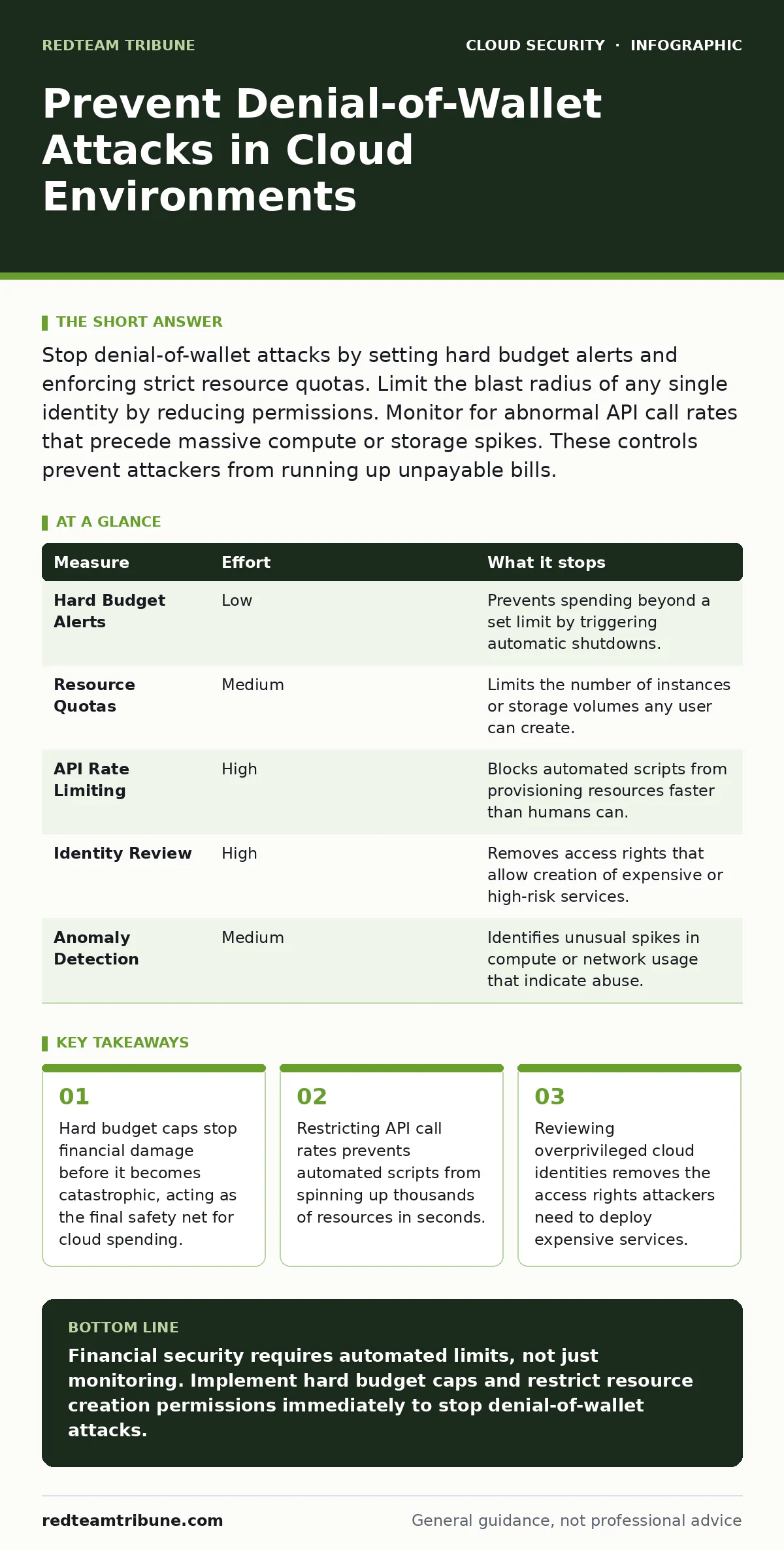
Stop denial-of-wallet attacks by setting hard budget alerts and enforcing strict resource quotas. Limit the blast radius of any single identity by reducing permissions. Monitor for abnormal API call rates that precede massive compute or storage spikes. These controls prevent attackers from running up unpayable bills.
Why Standard Security Controls Fail Here
Denial-of-wallet attacks differ from traditional denial-of-service attacks. An attacker does not care about taking your service offline. They care about exhausting your financial resources. The goal is to create a bill so large that you cannot pay it, forcing you to shut down operations or accept a ransom. Standard intrusion detection systems often miss these activities because the traffic looks like legitimate API calls. The attacker uses valid credentials to provision resources. The cloud provider sees a paying customer ordering services. The billing system processes the request. The security team sees no malware, no port scans, and no suspicious login locations.
The Hierarchy of Financial Defense
You must layer defenses to stop these attacks. No single control provides complete safety. The most effective measures remove the ability to spend money at the infrastructure level. Secondary measures detect the behavior before the bill accumulates. Tertiary measures limit the damage after detection. Prioritize controls that act automatically. Human response is too slow when costs double every minute. The hierarchy starts with hard limits on resource creation. It moves to monitoring for abnormal usage patterns. It ends with financial oversight and audit trails.
| Measure | Effort | What it stops |
|---|---|---|
| Hard Budget Alerts | Low | Prevents spending beyond a set limit by triggering automatic shutdowns. |
| Resource Quotas | Medium | Limits the number of instances or storage volumes any user can create. |
| API Rate Limiting | High | Blocks automated scripts from provisioning resources faster than humans can. |
| Identity Review | High | Removes access rights that allow creation of expensive or high-risk services. |
| Anomaly Detection | Medium | Identifies unusual spikes in compute or network usage that indicate abuse. |
Implementing Hard Budget Caps
The first line of defense is a hard cap on spending. Most cloud platforms allow you to set a budget threshold. When spending approaches this threshold, the system can trigger an action. Do not rely on email notifications. Email can be delayed or ignored. Configure the budget to automatically disable the specific service or identity that is causing the overspend.
This requires careful setup. You must define which resources are critical and which are expendable. If you shut down everything, you may lose business continuity. If you shut down nothing, you lose money. Segment your cloud environment. Keep critical production workloads in a separate account or project. Apply strict caps to development and testing environments where attackers often start.
Restricting Resource Creation via Quotas
Attackers need to create resources to generate costs. They spin up virtual machines, database instances, or high-performance GPU clusters. You can limit this by setting service quotas. A quota defines the maximum number of resources a user or project can create. Set these quotas well below your actual business needs. If a user needs more, they must request an increase through a manual approval process.
This adds friction. Attackers rely on speed and automation. Friction slows them down. A human reviewer can spot a request for 500 high-memory instances as suspicious. A quota prevents the request from succeeding in the first place. This measure stops the attack at the provisioning stage. It prevents the resource from ever existing.
Monitoring for Abnormal API Patterns
Denial-of-wallet attacks generate a distinct pattern of API calls. The attacker calls the provisioning API repeatedly in a short time. They may also disable logging or monitoring tools to hide their activity. Configure your monitoring system to detect spikes in API call volume. Look for calls to create, start, or modify resources.
Alert on any identity that makes more than a baseline number of calls per minute. This baseline should reflect normal operational activity. If a developer usually makes 10 calls an hour, 100 calls in one minute is an anomaly. Combine this with data residency checks to ensure sensitive data is not being moved to expensive regions. This helps distinguish between a misconfigured script and a malicious actor.
See also: Stop Cloud Data Exfiltration: Small Business Risks and Low-Cost Fixes · Federated Identity vs SSO: The Architectural Difference That Matters
Reducing Identity Permissions
Attackers often gain access through compromised credentials. These credentials usually have more permissions than necessary. Review your access policies regularly. Remove permissions that allow the creation of expensive resources. For example, a developer may need to read code but should not be able to launch a high-performance computing cluster. This aligns with best practices for managing overprivileged cloud identities.
Use role-based access control to define specific permissions for each job function. Test these permissions in a sandbox environment. Ensure that users can still perform their duties. Then apply the policies to production. This reduces the blast radius of a compromised account. Even if an attacker steals credentials, they cannot spend money because they lack the permission to create resources.
Automating Response and Recovery
Detection is useless without response. When an anomaly is detected, the system must act. Define playbooks for different scenarios. If an identity creates more than 10 instances in an hour, disable that identity. Test these playbooks regularly. Ensure they do not disrupt legitimate business operations. You may need to whitelist certain automated processes. Document the exceptions. Review them quarterly. Automation reduces the time between detection and containment. This limits the financial damage. It also reduces the stress on your security team during an incident.
Validating Your Defense Strategy
Your defenses must evolve as attackers adapt. They may use slower, more subtle methods to avoid detection. They may target less monitored environments. Conduct regular tests. Simulate a denial-of-wallet attack in a non-production environment. Measure how quickly your controls detect and stop the attack. Review the logs. Identify gaps. Update your rules.
This iterative process ensures your defenses remain effective. Consider integrating cloud access security brokers (CASB) to provide additional visibility into cloud usage. These tools can help identify unusual patterns across multiple cloud services. They provide a centralized view of your cloud security posture. This helps you prioritize remediation efforts.
Checklist for Immediate Action
You can reduce your risk today with three specific actions. These steps require minimal technical expertise but provide significant protection. Implement them immediately.
- Set a hard budget alert with an automatic action for each cloud account.
- Review and restrict permissions for all service accounts and high-privilege users.
- Enable API call monitoring and set alerts for unusual provisioning activity.
Key takeaways
- Hard budget caps stop financial damage before it becomes catastrophic, acting as the final safety net for cloud spending.
- Restricting API call rates prevents automated scripts from spinning up thousands of resources in seconds.
- Reviewing overprivileged cloud identities removes the access rights attackers need to deploy expensive services.
Financial security requires automated limits, not just monitoring. Implement hard budget caps and restrict resource creation permissions immediately to stop denial-of-wallet attacks.
Frequently asked questions
Can I use federated identity to prevent these attacks?
Federated identity centralizes access management, making it easier to enforce strict permissions. It does not stop attacks on its own. You must still configure the permissions correctly.
Does multi-region failover help with financial attacks?
No. Multi-region failover ensures availability. It may increase costs during an attack by replicating resources across regions. Ensure your failover policies include cost controls.
Should I disable all unused services?
Yes. Unused services provide no value and may have vulnerabilities. Disable them to reduce your attack surface. Regularly review your active services to ensure they are necessary.
How do I detect a slow-burn attack?
Look for gradual increases in costs over weeks. Compare current spending to historical baselines. Anomaly detection tools can identify these subtle trends. Investigate any unexplained increases immediately.
How this guide was produced: written by the RedTeam Tribune editorial team with AI assistance, checked against the public references listed below, and reviewed when the facts change. See our editorial policy or report an error.