Implement Pod Security Standards: A Step-by-Step Kubernetes Guide
Enforcing Pod Security Standards shifts your defense from reactive auditing to proactive admission control, blocking insecure workloads before they ever consume cluster resources.
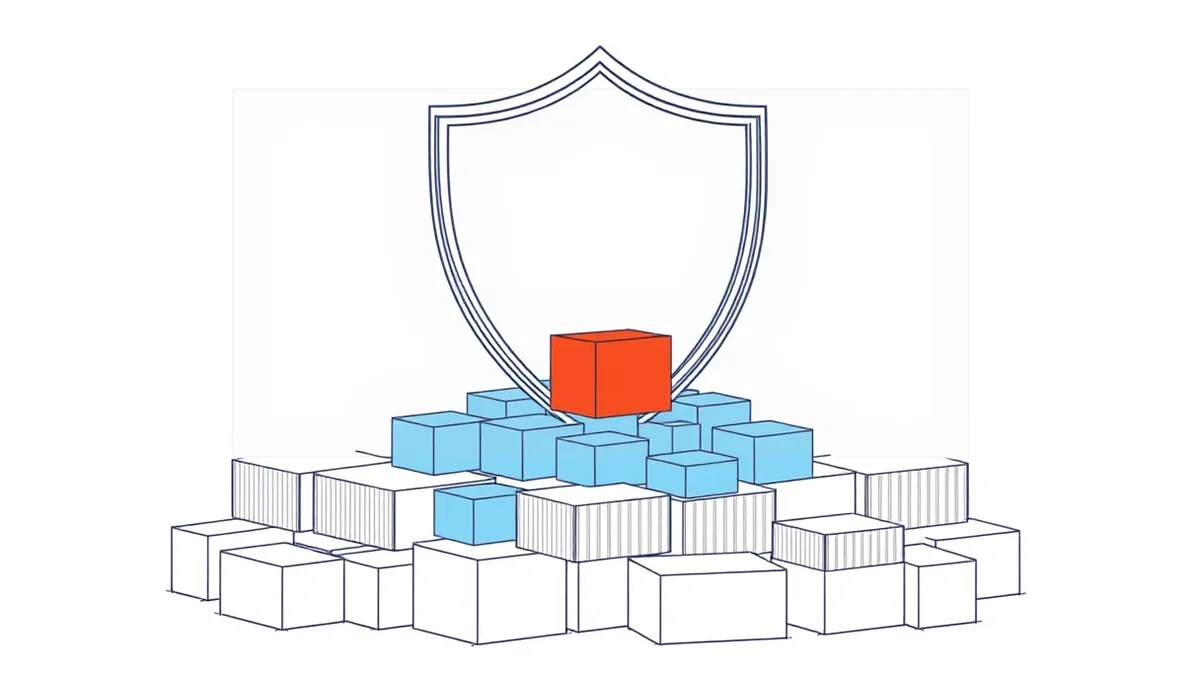
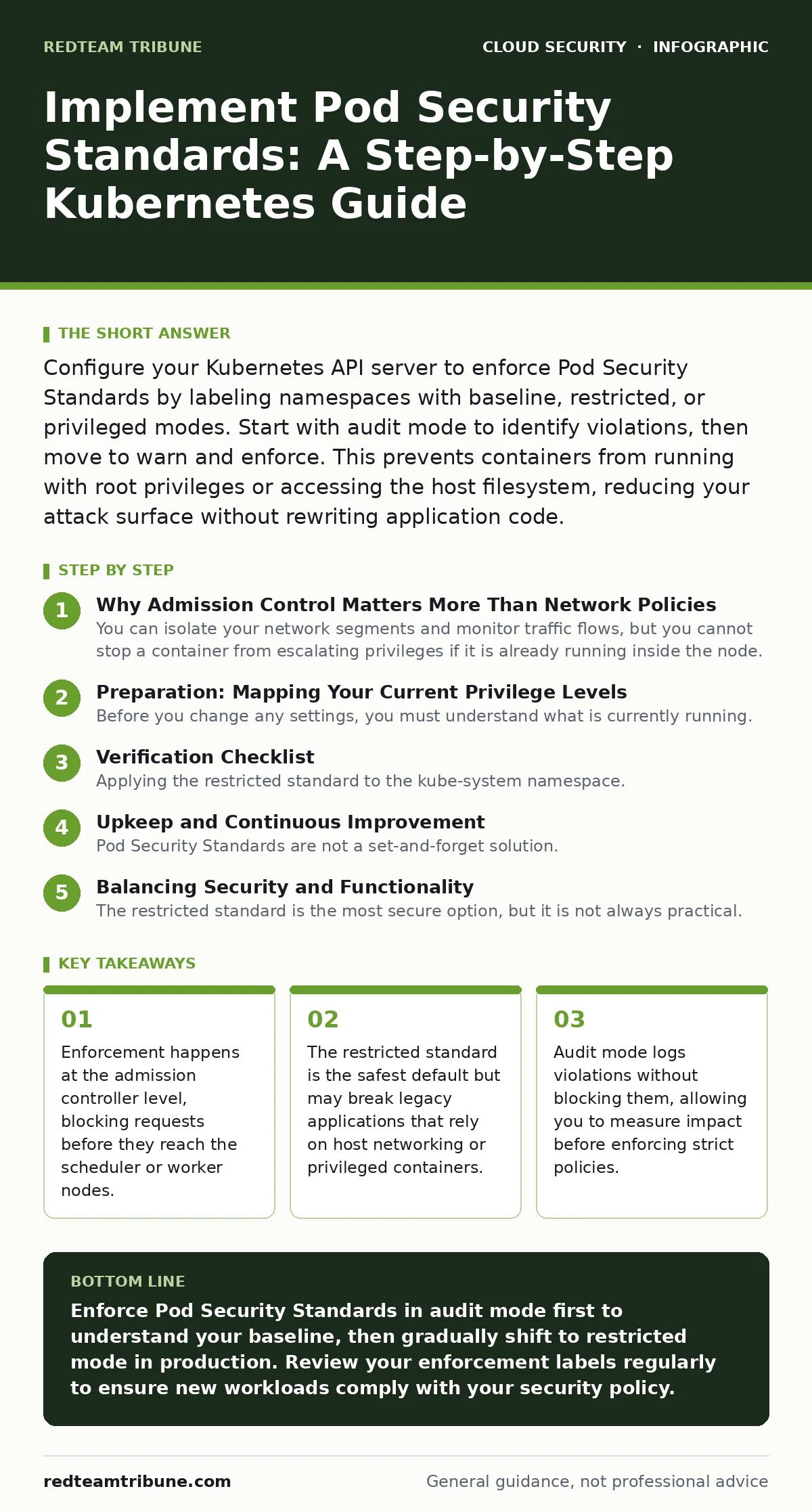
Configure your Kubernetes API server to enforce Pod Security Standards by labeling namespaces with baseline, restricted, or privileged modes. Start with audit mode to identify violations, then move to warn and enforce. This prevents containers from running with root privileges or accessing the host filesystem, reducing your attack surface without rewriting application code.
Why Admission Control Matters More Than Network Policies
You can isolate your network segments and monitor traffic flows, but you cannot stop a container from escalating privileges if it is already running inside the node. Pod Security Standards (PSS) operate at the Kubernetes API server level. They act as an admission controller that evaluates every request to create or update a pod. If the pod configuration violates the selected standard, the API server rejects the request immediately.
This mechanism provides a hard boundary that network policies cannot replicate. Network policies control east-west traffic between pods. They do not prevent a pod from mounting the host filesystem or accessing the Docker socket. PSS ensures that the workload itself adheres to security best practices before it is allowed to exist.
Imagine a developer deploys a container that requests full access to the underlying node. Without PSS, the scheduler places the pod, and it runs with elevated rights. With PSS in enforce mode, the API server returns an error, and the pod never starts. This stops lateral movement at the source.
Preparation: Mapping Your Current Privilege Levels
Before you change any settings, you must understand what is currently running. Most clusters contain a mix of modern applications and legacy tools that require elevated permissions. If you enforce strict standards immediately, you will break production workloads.
Start by enabling audit mode across your namespaces. This mode records violations in the audit log but allows the pods to start. You need this data to identify which applications rely on privileged features. Look for pods that request hostPID, hostNetwork, or specific Linux capabilities like SYS_ADMIN.
Review your existing Kubernetes RBAC configurations to ensure that only authorized users can deploy workloads. If your access controls are loose, enforcing PSS will not stop unauthorized users from deploying insecure pods if they have the necessary permissions to bypass standard checks. Ensure your identity management is tight before tightening workload constraints.
Step 1: Label Namespaces for Audit Mode
Apply the pod-security.kubernetes.io/enforce label to your namespaces. Set the value to audit for all namespaces where you want to track violations without blocking them. You can also set pod-security.kubernetes.io/warn to audit if you want to provide feedback to users during the audit phase.
apiVersion: v1
kind: Namespace
metadata:
name: production
labels:
pod-security.kubernetes.io/enforce: audit
pod-security.kubernetes.io/audit: audit
Step 2: Analyze Audit Logs for Violations
Query your audit logs to find pods that violated the restricted standard. These logs will show you which deployments are using privileged containers, host namespaces, or unrestricted capabilities. Group these violations by application team or namespace.
This analysis reveals the hidden cost of legacy architecture. You will likely find that monitoring agents or debugging tools require privileges that modern application containers do not. Identify these exceptions early so you can plan for them in later steps.
Step 3: Refactor Workloads to Meet Restricted Standards
Update your deployment manifests to comply with the restricted standard. Remove privileged: true from security contexts. Drop all Linux capabilities except those strictly required. Ensure that containers run as non-root users by setting runAsNonRoot: true and specifying a runAsUser ID.
If an application fails to start due to missing privileges, it indicates a design flaw. The application should not need root access to function. Rewrite the container entrypoint to handle permission changes internally, rather than requesting host-level access. This reduces the blast radius if the container is compromised.
Step 4: Enable Warn Mode for User Feedback
Switch the namespace labels from audit to warn. This mode still allows pods to start but returns a warning message to the user attempting the deployment. This educates your development teams on what is wrong with their manifests.
Users see the warning in their command-line output or CI/CD logs. They can then correct their YAML files before committing them to version control. This step builds muscle memory for secure deployment practices without causing outages.
Step 5: Enforce Restricted Standards in Non-Production
Begin enforcing the restricted standard in development and staging environments. Change the enforce label to restricted. Monitor these environments closely for any failures.
This phase catches issues that were not apparent during manual testing. Automated pipelines will fail if they attempt to deploy non-compliant pods. Fix these failures before touching production. This ensures that your CI/CD pipelines are aligned with your security policy.
Step 6: Roll Out Enforcement to Production
Apply the restricted enforcement label to production namespaces. Monitor the API server logs for rejected requests. If critical workloads fail, revert to warn mode temporarily and adjust the application code.
Do not revert to audit mode unless you face a critical outage. The goal is to maintain a secure baseline. If an application truly requires privileged access, move it to a separate namespace with a more permissive standard, such as baseline. Do not weaken the overall cluster policy to accommodate single exceptions.
Verification Checklist
- All namespaces have
pod-security.kubernetes.io/enforcelabels set. - Audit logs show no new violations in the restricted mode for critical workloads.
- CI/CD pipelines fail gracefully when deploying non-compliant pods.
- Developers receive clear warning messages when attempting to deploy insecure configurations.
- No production workloads are running in privileged mode unless explicitly justified and isolated.
Upkeep and Continuous Improvement
Pod Security Standards are not a set-and-forget solution. As you adopt newer Kubernetes versions, the definitions of baseline and restricted may change. Review your policies regularly to ensure they align with the latest security recommendations.
Integrate PSS checks into your cloud security assessments. Automated tools can scan your cluster for namespaces that lack enforcement labels or for pods that violate the restricted standard. This keeps your posture consistent over time.
Be aware that enforcement does not replace other security layers. You still need to manage secrets, rotate credentials, and monitor for anomalies. Combining PSS with cloud security posture management (CSPM) tools provides a deeper view of your risk. CSPM tools can detect misconfigurations that PSS does not cover, such as overly permissive storage classes.
See also: Overprivileged Cloud Identities: How to Find and Fix Excess Access · 7 Common CASB Mistakes That Create Blind Spots
Balancing Security and Functionality
The restricted standard is the most secure option, but it is not always practical. Some applications, such as certain database proxies or monitoring agents, may require host network access. For these cases, use the baseline standard. It blocks the most dangerous configurations while allowing moderate privilege escalation.
Never use the privileged standard unless you have a specific, justified need. It disables all security checks, allowing containers to access the host kernel and devices. This is equivalent to running your application as root on a bare-metal server.
If you find yourself frequently needing privileged access, reconsider your architecture. You may be trying to solve a problem that could be addressed with better application design or dedicated infrastructure. Reducing the need for privileged containers is a long-term goal that strengthens your entire environment.
Key takeaways
- Enforcement happens at the admission controller level, blocking requests before they reach the scheduler or worker nodes.
- The restricted standard is the safest default but may break legacy applications that rely on host networking or privileged containers.
- Audit mode logs violations without blocking them, allowing you to measure impact before enforcing strict policies.
Enforce Pod Security Standards in audit mode first to understand your baseline, then gradually shift to restricted mode in production. Review your enforcement labels regularly to ensure new workloads comply with your security policy.
Frequently asked questions
Can I apply Pod Security Standards to existing pods?
No, PSS only evaluates new pod creation or updates. Existing pods continue to run with their original privileges until they are restarted or recreated.
What is the difference between baseline and restricted?
Baseline blocks obviously dangerous configurations like host namespaces. Restricted adds further constraints, such as requiring non-root users and dropping all capabilities except a few safe ones.
Does PSS protect against container escapes?
PSS reduces the risk of container escapes by limiting privileges. It does not eliminate the risk entirely, as kernel vulnerabilities can still be exploited. Combine PSS with regular patching for better protection.
How do I handle legacy apps that need privileged access?
Move legacy apps to a dedicated namespace with the baseline or privileged standard. Isolate this namespace from your main application workloads using network policies to limit lateral movement.
How this guide was produced: written by the RedTeam Tribune editorial team with AI assistance, checked against the public references listed below, and reviewed when the facts change. See our editorial policy or report an error.