WordPress Theme Vulnerabilities: 6 Myths That Leave Sites Exposed
Theme code runs with full server permissions, meaning a single flawed template file can bypass firewall rules and compromise the entire hosting environment without user interaction.
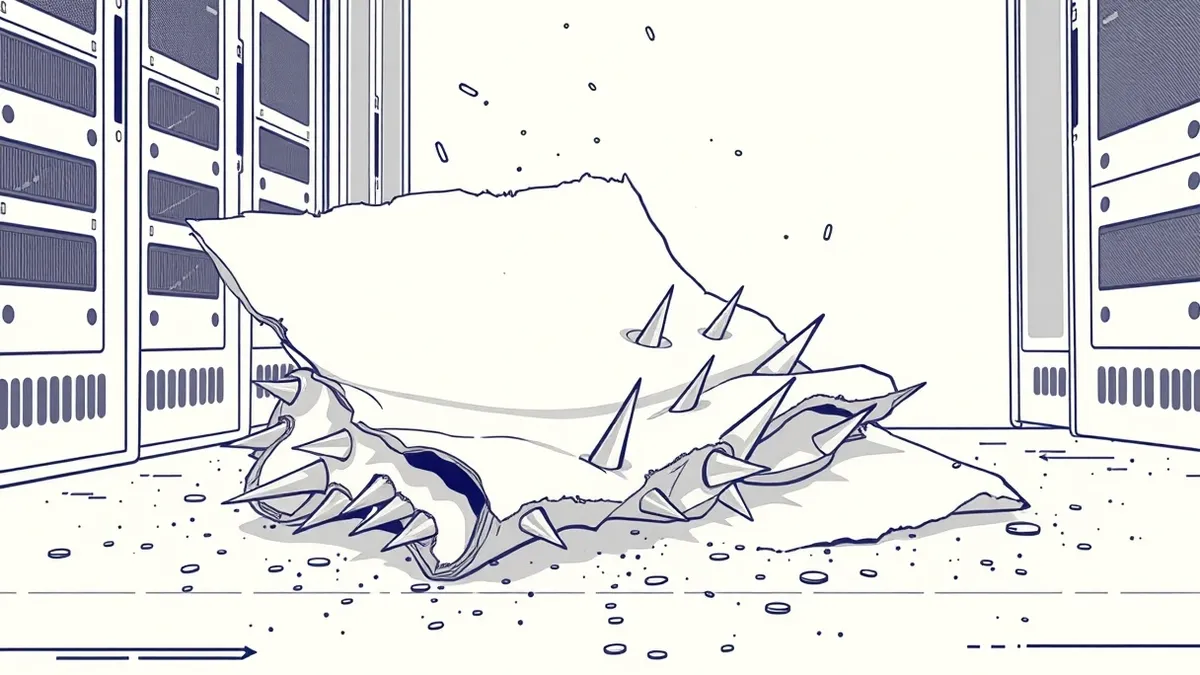
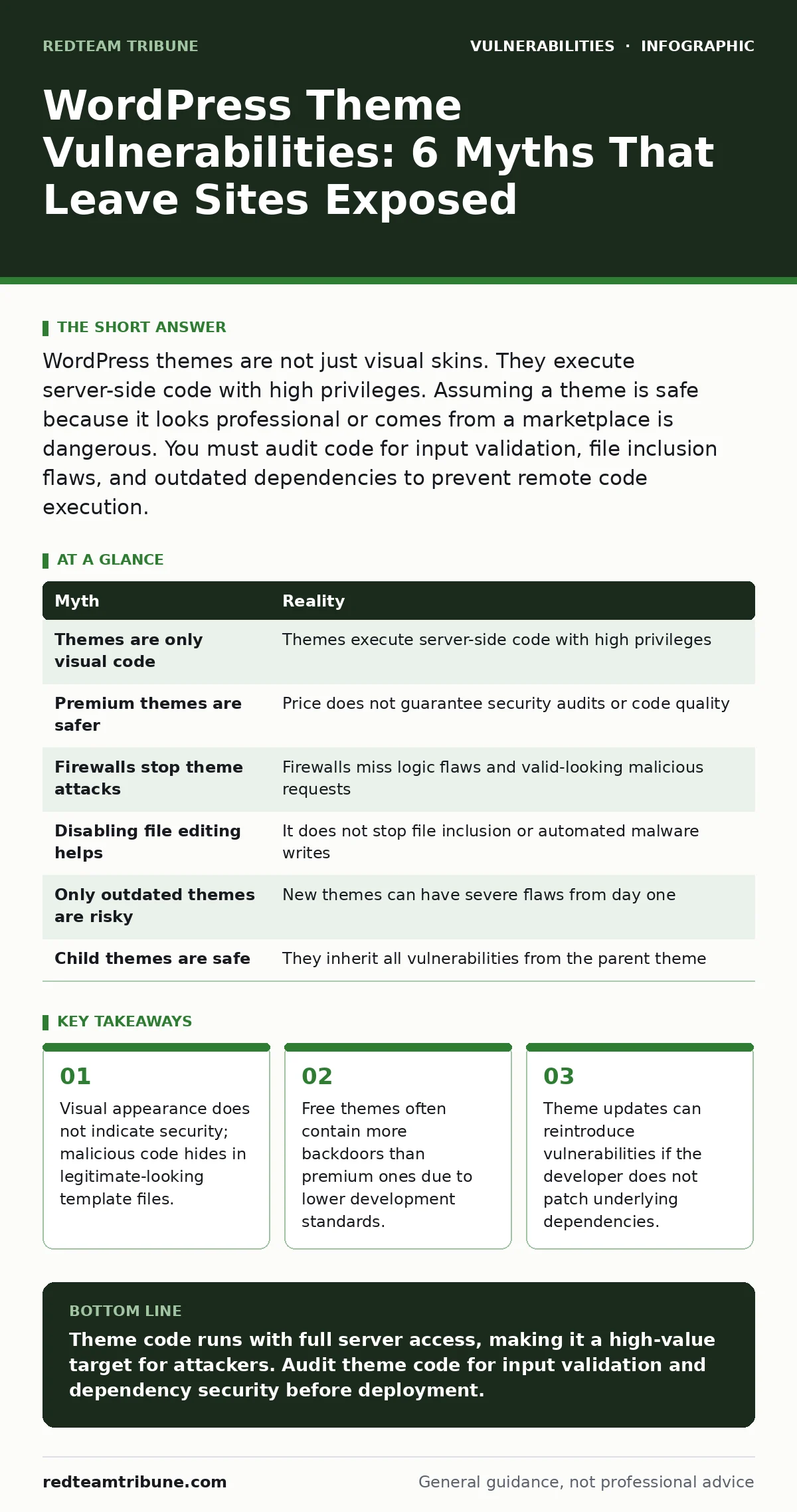
WordPress themes are not just visual skins. They execute server-side code with high privileges. Assuming a theme is safe because it looks professional or comes from a marketplace is dangerous. You must audit code for input validation, file inclusion flaws, and outdated dependencies to prevent remote code execution.
Myth: A Theme Is Only Visual Code
Reality: WordPress themes execute PHP code with the same privileges as the core application. You might assume a theme only controls colors and layout, but it processes data, queries the database, and writes files. A single line of code in a header file can execute arbitrary commands on the server.
Imagine a theme that allows users to upload profile pictures. The developer assumes the browser will only send image files. The server processes the file upload without verifying the content type. An attacker sends a PHP script disguised as an image. The server executes the script, granting the attacker full control. This is a remote code execution flaw, similar to proof-of-concept exploits seen in poorly coded plugins.
Myth: Premium Themes Are Safer Than Free Ones
Reality: Payment does not guarantee code quality or security audits. Many premium themes prioritize features and design over security hygiene. Developers may reuse code from abandoned projects or copy-paste snippets from forums without understanding the risks.
A paid theme often includes more complex features like page builders or custom post types. This complexity increases the attack surface. A free theme might have fewer features but could still contain a simple SQL injection flaw. You must evaluate the code, not the price tag. The presence of a support forum does not mean the code is secure.
Myth: Web Application Firewalls Stop Theme Attacks
Reality: Web application firewalls rely on signature databases and behavioral heuristics. They struggle with logic flaws specific to theme code. If a theme uses a standard WordPress API incorrectly, the traffic looks legitimate to the firewall.
Consider a theme that allows shortcodes in comments. The firewall sees a standard POST request. It does not see that the shortcode execution triggers a file inclusion vulnerability. The request passes through because it uses allowed HTTP methods and headers. You need application-level security, not just network-level filtering. This mirrors the challenges in protecting against API vulnerabilities where valid requests are used maliciously.
Myth: Disabling File Editing Fixes Theme Issues
Reality: Disabling the theme editor in the admin dashboard only prevents users from modifying files through the browser interface. It does not stop an attacker who has already gained access via a vulnerability. It does not prevent automated malware from writing new files.
If a theme has a local file inclusion flaw, an attacker can include sensitive files like configuration files. Disabling the editor does not stop this. The attacker does not need to edit files; they need to read them or execute them. You must secure file permissions and restrict directory traversal. This is similar to mitigating time-of-check to time-of-use (TOCTOU) bugs where the state changes between verification and execution.
Myth: Outdated Themes Are the Only Risk
Reality: New themes can contain severe vulnerabilities from day one. Developers often rush releases to meet market demand. Code review processes may be minimal or non-existent. A brand-new theme can have hardcoded credentials, insecure deserialization, or cross-site scripting flaws.
Imagine a theme released yesterday. It uses a popular JavaScript library that has a known prototype pollution vulnerability. The theme developer does not patch this dependency. Users install the theme, assuming it is safe because it is new. The vulnerability exists immediately. You must check the dependencies of new themes, not just their release date. This parallels logging library vulnerabilities where a core component is compromised.
Myth: Child Themes Inherit Parent Vulnerabilities Safely
Reality: Child themes inherit all code from the parent theme unless explicitly overridden. If the parent theme has a security flaw, the child theme is also vulnerable. Updating the parent theme can break the child theme or reintroduce vulnerabilities if the update is not thoroughly tested.
You might think a child theme is safe because it only contains your customizations. It is not. The parent theme handles the heavy lifting of data processing and output. If the parent has a flaw in how it sanitizes text, your child theme inherits that flaw. You must monitor parent theme updates and test them in a staging environment. This is similar to managing vulnerabilities in self-hosted GitLab where core updates can introduce new risks.
| Myth | Reality |
|---|---|
| Themes are only visual code | Themes execute server-side code with high privileges |
| Premium themes are safer | Price does not guarantee security audits or code quality |
| Firewalls stop theme attacks | Firewalls miss logic flaws and valid-looking malicious requests |
| Disabling file editing helps | It does not stop file inclusion or automated malware writes |
| Only outdated themes are risky | New themes can have severe flaws from day one |
| Child themes are safe | They inherit all vulnerabilities from the parent theme |
Key takeaways
- Visual appearance does not indicate security; malicious code hides in legitimate-looking template files.
- Free themes often contain more backdoors than premium ones due to lower development standards.
- Theme updates can reintroduce vulnerabilities if the developer does not patch underlying dependencies.
- Client-side validation is insufficient; server-side sanitization is required for all theme inputs.
Theme code runs with full server access, making it a high-value target for attackers. Audit theme code for input validation and dependency security before deployment.
Frequently asked questions
How do I check if a WordPress theme is secure?
Review the theme’s code for proper sanitization and escaping functions. Check the developer’s history for timely security patches. Use static analysis tools to detect common flaws like SQL injection or cross-site scripting.
Can a theme compromise my entire server?
Yes. If a theme has a remote code execution vulnerability, an attacker can run commands on the server. This can lead to data theft, malware installation, or use of your server for further attacks.
Should I delete unused themes?
Yes. Unused themes are a liability. They may contain vulnerabilities that an attacker can exploit if they gain access to the file system. Removing them reduces the attack surface and improves security posture.
Do I need a security plugin for themes?
Security plugins can help monitor for changes and detect known malicious code. They do not fix coding flaws. You still need to ensure the theme code itself is written securely and updated regularly.
How this guide was produced: written by the RedTeam Tribune editorial team with AI assistance, checked against the public references listed below, and reviewed when the facts change. See our editorial policy or report an error.