TOCTOU Bug Prevention Checklist for Secure Code Design
Race conditions exploit the tiny window between checking permissions and using data, allowing attackers to swap files before your code acts on them.
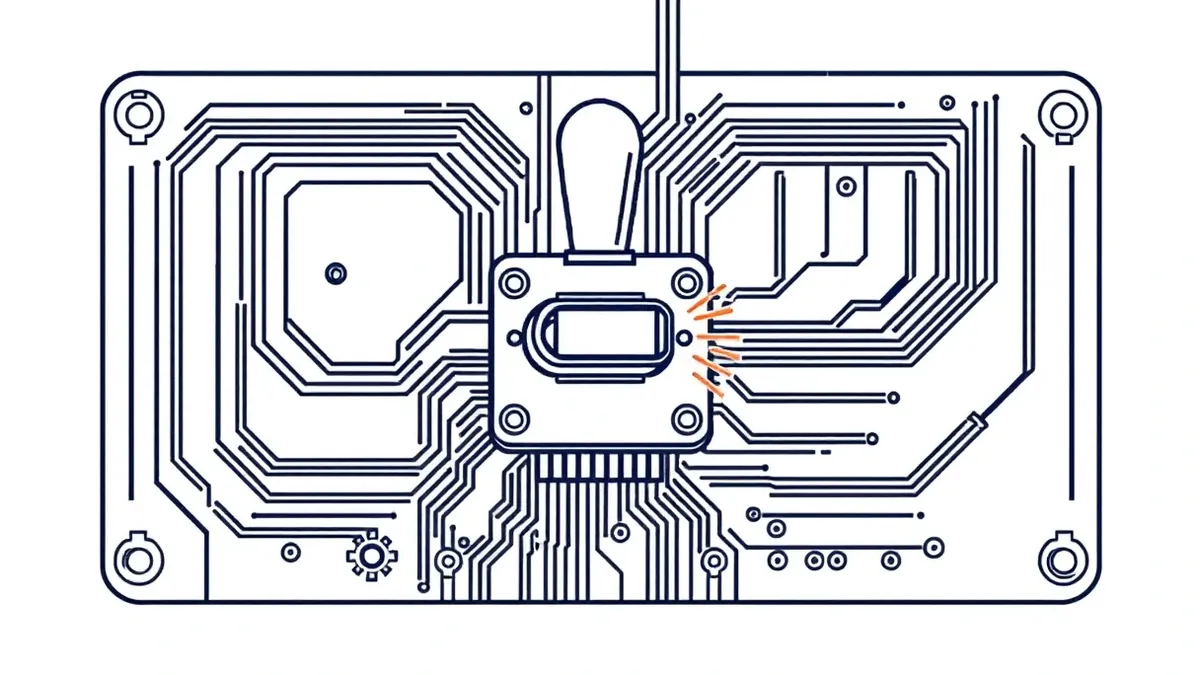
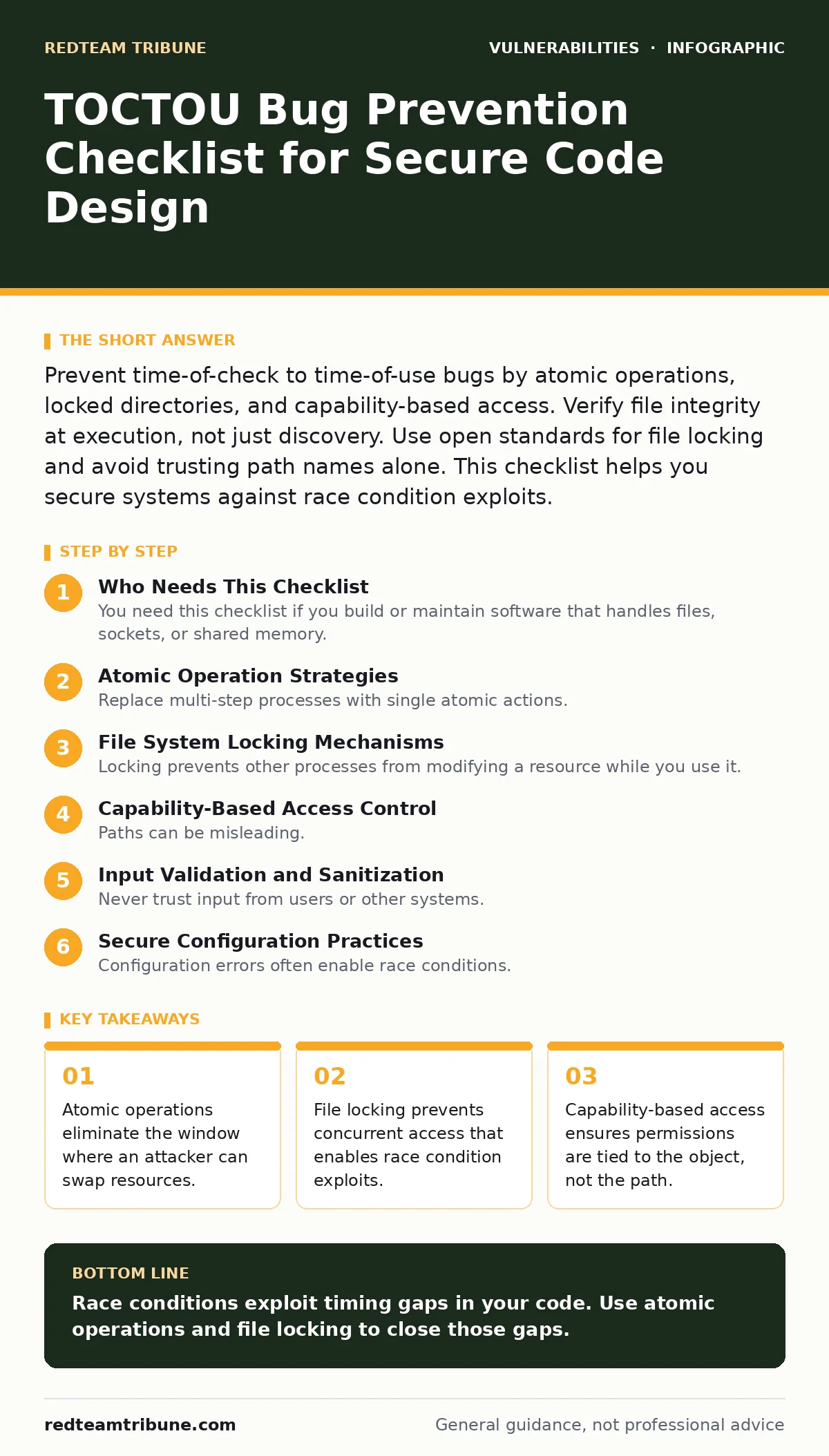
Prevent time-of-check to time-of-use bugs by atomic operations, locked directories, and capability-based access. Verify file integrity at execution, not just discovery. Use open standards for file locking and avoid trusting path names alone. This checklist helps you secure systems against race condition exploits.
Who Needs This Checklist
You need this checklist if you build or maintain software that handles files, sockets, or shared memory. Time-of-check to time-of-use bugs occur when a system checks a condition, then uses the result later. An attacker changes the condition in that gap. This guide helps you spot weak points in your architecture. Use it during code reviews and design phases. It applies to web servers, daemons, and command-line tools.
Atomic Operation Strategies
Replace multi-step processes with single atomic actions. If you must check then use, do it in one system call. This removes the time gap entirely. Attackers cannot intervene when the operation is indivisible.
- Use atomic rename operations: The system moves the file instantly without a gap.
- Employ link count checks: Verify the file has not been swapped during processing.
- Implement open-and-check patterns: Open the file descriptor first, then check its properties.
Atomic operations are the strongest defense. They rely on the operating system to handle concurrency. You shift trust from your code to the kernel. This reduces the surface area for exploitation.
File System Locking Mechanisms
Locking prevents other processes from modifying a resource while you use it. Not all locks are equal. Advisory locks can be ignored by malicious code. Mandatory locks enforce restrictions at the system level. Choose the right lock type for your environment.
- Apply mandatory file locking: The OS blocks access until the lock is released.
- Use directory-level locks: Prevent creation or deletion of files in sensitive folders.
- Validate lock ownership: Ensure only the intended process holds the lock.
Locking adds complexity. It can cause deadlocks if not managed carefully. You must handle timeouts and error states. A locked file is not secure if the directory itself is writable. Combine locking with permission checks.
Capability-Based Access Control
Paths can be misleading. Symbolic links change what a path points to. Capabilities tie permissions to the object itself, not its name. This prevents attackers from swapping links behind your back. It is a fundamental shift in how you think about access.
- Pass file descriptors instead of paths: The descriptor is a direct handle to the file.
- Validate capabilities at runtime: Ensure the process still has rights before acting.
- Avoid trusting environment variables: They can be manipulated to alter execution paths.
Capabilities reduce reliance on path resolution. They are harder to spoof. However, they require careful management of descriptor lifecycles. Leaking descriptors can create new vulnerabilities. This approach complements existing security measures.
Input Validation and Sanitization
Never trust input from users or other systems. Validate data before processing it. Check for unexpected characters, lengths, or formats. Sanitization removes dangerous elements. It is a basic but often overlooked step.
- Reject symbolic links explicitly: Do not follow links in sensitive directories.
- Limit file name complexity: Block names with special characters or null bytes.
- Verify data types strictly: Ensure inputs match expected formats exactly.
Validation reduces the attack surface. It stops obvious exploits early. However, it does not prevent race conditions on its own. You must combine validation with atomic operations. It is a layer of defense, not a complete solution.
Secure Configuration Practices
Configuration errors often enable race conditions. Default settings may allow unsafe behaviors. Review your system configuration regularly. Harden file permissions and disable unnecessary features. Misconfigurations are easy to exploit.
- Disable directory listing: Prevent attackers from seeing available files.
- Set strict file permissions: Limit who can read, write, or execute files.
- Use secure defaults: Configure systems to deny access unless explicitly allowed.
Configuration is often static. It does not change with every request. Yet it sets the stage for exploitation. A misconfigured server can expose files to race attacks. Regular audits catch drift from secure baselines. See our guide on directory listing exposure for more details on hiding files.
Monitoring and Detection
You cannot prevent every exploit. Detection helps you respond quickly. Monitor for unusual file access patterns. Log system calls and file changes. Alert on anomalies. Early detection limits damage.
- Log file access events: Record who accessed what and when.
- Monitor for rapid file changes: Detect swaps that indicate an attack.
- Use integrity checking tools: Verify critical files have not been altered.
Monitoring provides visibility. It helps you understand your system's behavior. However, logs can be noisy. Filter for relevant events. Combine logging with real-time analysis. See our guide on logging library vulnerabilities to ensure your logging code is safe.
Integration with Other Security Measures
TOCTOU bugs do not exist in isolation. They interact with other vulnerabilities. A race condition might lead to SQL injection or privilege escalation. Secure your entire stack. Defense in depth is key.
- Combine with input filtering: Stop malicious data before it reaches file handlers.
- Use Content Security Policy: Restrict where resources can load from.
- Apply vulnerability severity ratings: Prioritize fixes based on risk.
Integration requires holistic thinking. One secure component does not make the system safe. You must address the whole pipeline. See our guide on SQL injection for related risks. See our guide on vulnerability severity ratings to prioritize work. See our guide on Content Security Policy for web-specific protections.
Key takeaways
- Atomic operations eliminate the window where an attacker can swap resources.
- File locking prevents concurrent access that enables race condition exploits.
- Capability-based access ensures permissions are tied to the object, not the path.
Race conditions exploit timing gaps in your code. Use atomic operations and file locking to close those gaps.
Frequently asked questions
How do I test for TOCTOU bugs?
Use fuzzing tools that manipulate file systems during execution. Introduce delays to widen the race window.
Are atomic operations always available?
Most modern operating systems support atomic file operations. Check your platform's documentation for specific syscalls.
Can TOCTOU bugs occur in memory?
Yes, race conditions can affect shared memory. Use mutexes and semaphores to protect critical sections.
Does encryption prevent TOCTOU?
No, encryption protects data at rest or in transit. It does not prevent timing-based exploitation of access logic.
How this guide was produced: written by the RedTeam Tribune editorial team with AI assistance, checked against the public references listed below, and reviewed when the facts change. See our editorial policy or report an error.