Prototype Pollution Explained: How Hidden Data Overwrites Break Web Apps
A single injected property can overwrite default settings in a browser, turning safe default behaviors into security failures without any user interaction.

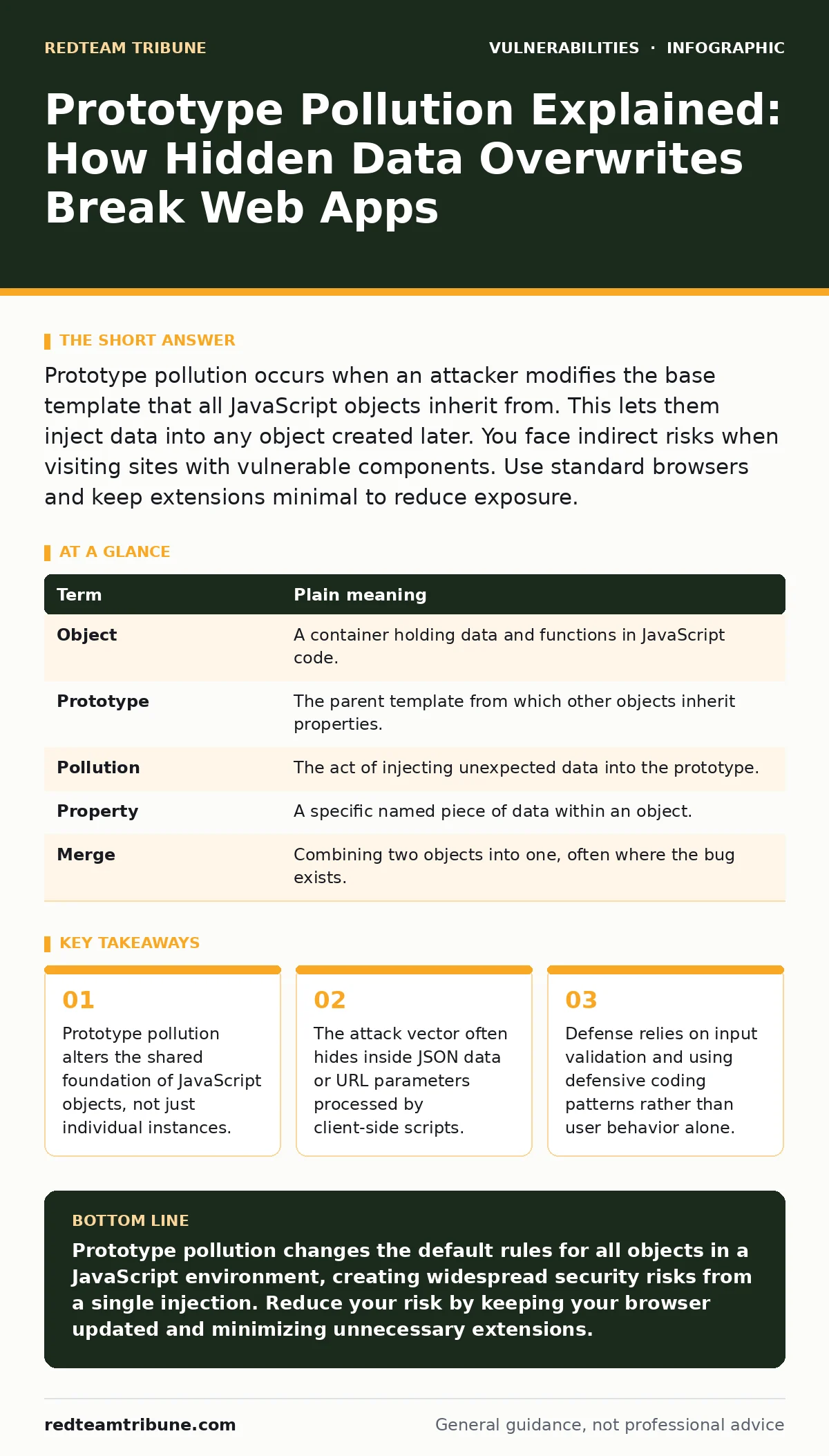
Prototype pollution occurs when an attacker modifies the base template that all JavaScript objects inherit from. This lets them inject data into any object created later. You face indirect risks when visiting sites with vulnerable components. Use standard browsers and keep extensions minimal to reduce exposure.
The Library Book Analogy
Imagine a public library with one master catalog card for every author. Every new book added references this master card for formatting rules. Now suppose someone slips a sticky note onto that master card saying "Cover: Red". Every new book added to the system will suddenly appear with a red cover, even if the author never intended it. This is prototype pollution. It changes the template, not the individual items.
How the Inheritance Chain Breaks
JavaScript uses a system called prototypal inheritance. Every object you create inherits properties from a parent object called its prototype. This saves memory and code space. When you ask an object for a value it does not have, the engine looks up the chain to the prototype. If an attacker can write a value to that prototype, they change the default for every object that inherits from it.
Key Terms You Need to Know
| Term | Plain meaning |
|---|---|
| Object | A container holding data and functions in JavaScript code. |
| Prototype | The parent template from which other objects inherit properties. |
| Pollution | The act of injecting unexpected data into the prototype. |
| Property | A specific named piece of data within an object. |
| Merge | Combining two objects into one, often where the bug exists. |
What Happens to the Ordinary User
You do not write JavaScript for your daily tasks. You visit websites. If a site uses a library that merges user input with internal data incorrectly, your browser executes the polluted code. This might change your session status, bypass login checks, or alter how data is displayed. You might see incorrect information or lose access to your account. The risk mirrors other client-side flaws like Content Security Policy failures, where the browser is tricked into trusting bad sources.
The Hidden Cost of Deep Merging
Developers often use functions to deep merge objects. This copies properties from one object to another recursively. If the source object contains a property named __proto__ or constructor.prototype, the merge function writes directly to the global prototype. This is the classic trigger. It is a hidden cost because the code looks safe. It handles standard data correctly. It fails only when an attacker crafts specific keys. This complexity reminds us why vulnerability severity ratings often prioritize logic bugs over simple syntax errors.
Simple Safety Habits for You
You cannot patch the server. You can reduce your attack surface. Keep your browser updated to get the latest sandboxing improvements. Disable unused browser extensions, as they often run with high privileges and can be exploited via polluted prototypes. Avoid clicking links from untrusted sources that might carry crafted URL parameters. These habits do not stop the attack if the site is compromised, but they limit the damage.
Why Input Validation Matters Most
The fix lies in how code handles data. Developers must validate that incoming data does not contain reserved property names. They should use safe merging methods that ignore prototype keys. This is similar to preventing SQL injection by ensuring user input never becomes part of the command structure. It requires discipline. It requires testing. It is the only real defense against proof-of-concept exploits that demonstrate the ease of this attack.
The Ripple Effect on Security
Prototype pollution is not an isolated issue. It often enables other attacks. If an attacker can pollute the prototype, they might change a variable that controls access checks. This leads to broken access control. They might alter a variable that dictates how data is serialized, leading to insecure deserialization risks. It connects deeply to API vulnerabilities because many APIs return JSON data that gets merged on the client side. Understanding this helps you see the web as a connected system, not separate pages.
- Check your browser version and update if it is not current.
- Review your installed extensions and remove any you do not actively use.
- Be skeptical of links that contain long, complex query strings from unknown senders.
Key takeaways
- Prototype pollution alters the shared foundation of JavaScript objects, not just individual instances.
- The attack vector often hides inside JSON data or URL parameters processed by client-side scripts.
- Defense relies on input validation and using defensive coding patterns rather than user behavior alone.
Prototype pollution changes the default rules for all objects in a JavaScript environment, creating widespread security risks from a single injection. Reduce your risk by keeping your browser updated and minimizing unnecessary extensions.
Frequently asked questions
Can prototype pollution steal my passwords?
It can potentially manipulate the code that handles authentication, allowing an attacker to bypass login screens or alter session data to assume your identity.
Is this a bug in my operating system?
No, it is a flaw in how JavaScript code within a web application processes data, specifically in how it merges objects and handles inheritance.
Do I need to change my passwords?
You do not need to change passwords simply because this vulnerability exists, but you should change them if you suspect your account was accessed via a compromised site.
How do developers fix this?
Developers fix it by validating input to reject reserved property names and using secure libraries that do not allow overwriting the prototype chain.
How this guide was produced: written by the RedTeam Tribune editorial team with AI assistance, checked against the public references listed below, and reviewed when the facts change. See our editorial policy or report an error.