QR Code Phishing Response: Immediate Containment and Recovery Steps
Scanning a malicious QR code often installs silent persistence mechanisms that survive standard antivirus scans, requiring deep credential rotation.
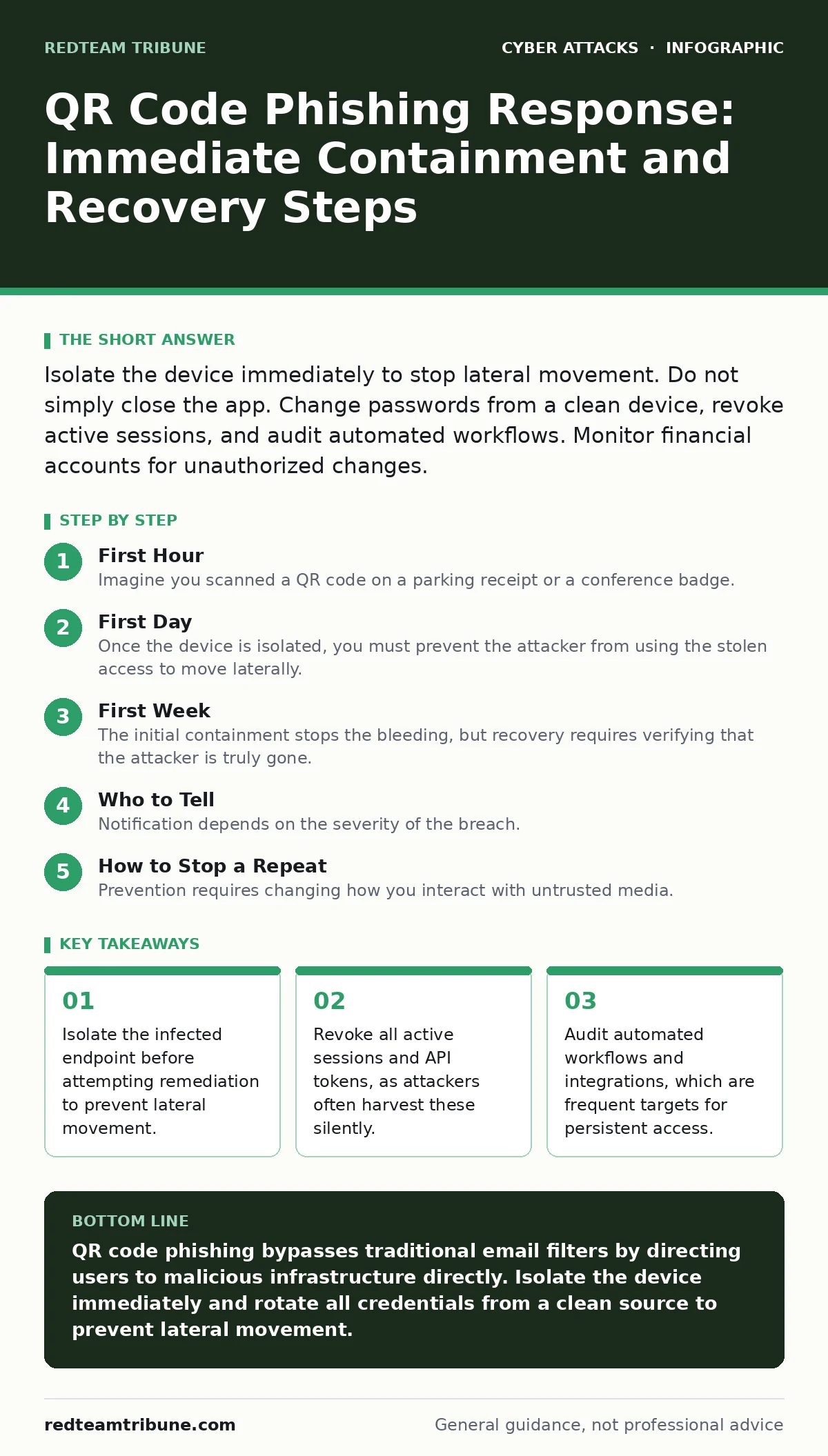
Isolate the device immediately to stop lateral movement. Do not simply close the app. Change passwords from a clean device, revoke active sessions, and audit automated workflows. Monitor financial accounts for unauthorized changes.
First Hour
Imagine you scanned a QR code on a parking receipt or a conference badge. The screen redirected to a login page that looked identical to your corporate portal. You entered your credentials, or perhaps the code triggered an automatic download. Now you suspect a breach. Your first instinct is to check your email for confirmation, but that action may be the worst possible move.
- Disconnect the device from the network immediately. Pull the Ethernet cable or disable Wi-Fi and Bluetooth. This stops the device from sending further data or receiving commands from the command and control server.
- Assume all credentials on that device are compromised. Do not trust the local keychain, saved passwords, or browser autofill.
- Identify the scope of exposure. Did the scan happen on a mobile phone, a laptop, or a tablet? Mobile devices often have deeper system access permissions than desktop environments, especially if the scan triggered an app install rather than a web redirect.
- Physical isolation of the endpoint
- Documentation of the exact time of discovery
- Identification of any other devices logged into the same network
First Day
Once the device is isolated, you must prevent the attacker from using the stolen access to move laterally. Attackers rarely stop at one account. They use initial access to explore the environment, looking for higher privileges or sensitive data repositories.
You need to reset credentials, but not just the password. Modern authentication relies on session tokens and cookies. If you only change the password, the existing session may remain valid, allowing the attacker to stay logged in. You must force a logout from all devices. This is often labeled as "Sign out everywhere" or "Revoke active sessions" in account security settings.
Check for adversary-in-the-middle phishing indicators. Some QR code attacks do not steal credentials directly. Instead, they install a proxy that intercepts traffic. If you see unusual certificate warnings or if websites load slowly, the device may be routing traffic through a malicious server. In this case, the damage is not just account theft, but data interception.
Review recent activity logs. Look for login attempts from unfamiliar locations or devices. Pay attention to API calls. Attackers often use stolen credentials to generate API tokens, which allow programmatic access to data without needing to log in again. These tokens are harder to detect than standard logins and often have longer expiration dates.
First Week
The initial containment stops the bleeding, but recovery requires verifying that the attacker is truly gone. This phase involves deep inspection and structural changes to prevent recurrence.
Audit Automated Workflows
QR code phishing is frequently used to compromise business productivity suites. Attackers target email rules, calendar permissions, and integration tokens. Check your email client for new forwarding rules or filters that hide incoming messages. Review connected apps and remove any that you do not recognize.
Consider the risk of insider threats during this phase. If an employee was compromised, they may inadvertently share access. Ensure that the compromised account’s access rights are reduced to the minimum necessary while the investigation continues. Do not delete the account immediately, as it may be needed for forensic analysis, but disable interactive login.
Verify System Integrity
If the QR code triggered a download, you must verify the integrity of the operating system. Standard antivirus scans may miss fileless malware or rootkits. On mobile devices, this often requires a factory reset. On desktops, you may need to check for new administrator accounts, scheduled tasks, or modified startup scripts.
Compare the current state of the system against a known good baseline. If you do not have a baseline, assume the system is untrusted. Reinstalling the operating system is the only way to guarantee removal of sophisticated persistence mechanisms.
Update Access Controls
Review your network segmentation policies. If the compromised device was on the same network segment as sensitive servers, the attacker may have attempted to pivot. Ensure that endpoints are not directly accessible from the internet and that internal traffic is restricted by least-privilege rules.
Implement conditional access policies where possible. Require multi-factor authentication for all logins, especially those from new devices or unusual locations. This adds a layer of defense that renders stolen passwords useless.
Who to Tell
Notification depends on the severity of the breach. If personal data was exposed, you may have legal obligations to notify affected individuals and regulators. Even if no data was lost, internal stakeholders need to be aware of the incident to adjust security posture.
Inform your security operations team or external security provider. They can monitor for indicators of compromise related to this specific attack vector. If you use a managed service provider, they may have visibility into network traffic that you do not.
See also: Who Is Responsible for Activating the Disaster Recovery Plan? · Stop Computer Worms: The Network Containment Checklist
How to Stop a Repeat
Prevention requires changing how you interact with untrusted media. QR codes are simply encoded URLs. Scanning them is equivalent to clicking a link. Apply the same skepticism to QR codes as you do to email links.
Disable automatic scanning in camera apps. Configure your device to show the URL before opening it. This gives you a chance to inspect the destination for domain spoofing or suspicious characters.
Train users to recognize tailgating attempts in physical spaces. Attackers often place QR codes in high-traffic areas to maximize scans. Combine physical security awareness with digital hygiene.
Regularly review firewalls and endpoint detection rules. Ensure that they can detect and block connections to known malicious command and control servers. Update your incident response plan to include specific steps for QR code incidents, as they often bypass traditional email security filters.
Key takeaways
- Isolate the infected endpoint before attempting remediation to prevent lateral movement.
- Revoke all active sessions and API tokens, as attackers often harvest these silently.
- Audit automated workflows and integrations, which are frequent targets for persistent access.
QR code phishing bypasses traditional email filters by directing users to malicious infrastructure directly. Isolate the device immediately and rotate all credentials from a clean source to prevent lateral movement.
Frequently asked questions
Can a QR code install malware without me clicking anything?
Yes, if your device is configured to automatically open links or if the QR code triggers a download via a vulnerable browser or app.
Do I need to reset my password if I only scanned the code but did not enter credentials?
Yes, if the scan occurred on a device with saved credentials or if the code triggered an automatic login via saved cookies.
How long should I monitor my account for suspicious activity?
Monitor for at least 30 to 90 days, as attackers may wait to avoid detection or use stolen credentials for secondary attacks later.
Is it safe to scan QR codes in public places?
It is risky. Always verify the URL before loading the page and avoid scanning codes on public surfaces where they can be easily replaced.
How this guide was produced: written by the RedTeam Tribune editorial team with AI assistance, checked against the public references listed below, and reviewed when the facts change. See our editorial policy or report an error.