QR Code Phishing: How Visual Deception Bypasses Security Checks
Scanning a code transfers trust from your eyes to your device, allowing attackers to hide malicious URLs behind static, printed images that bypass traditional link inspection.
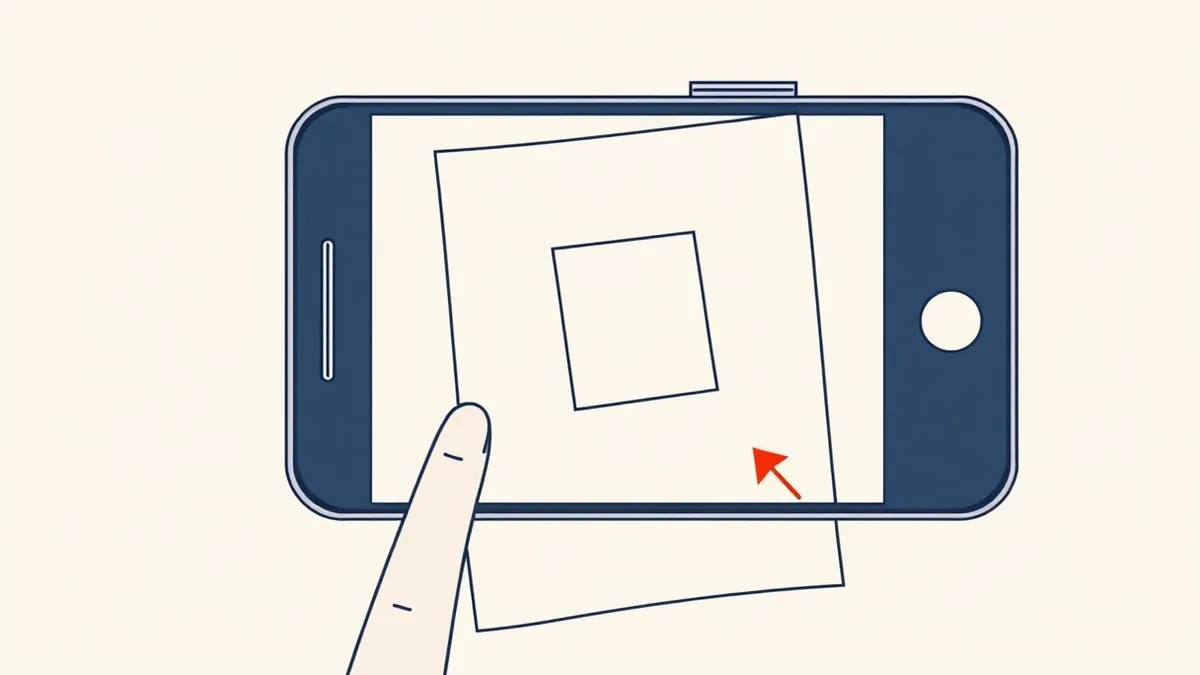
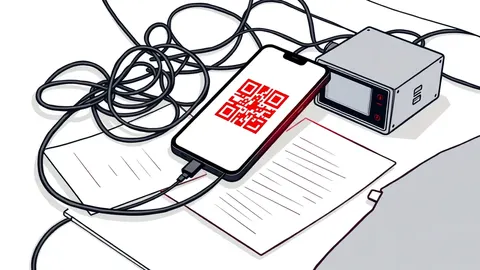
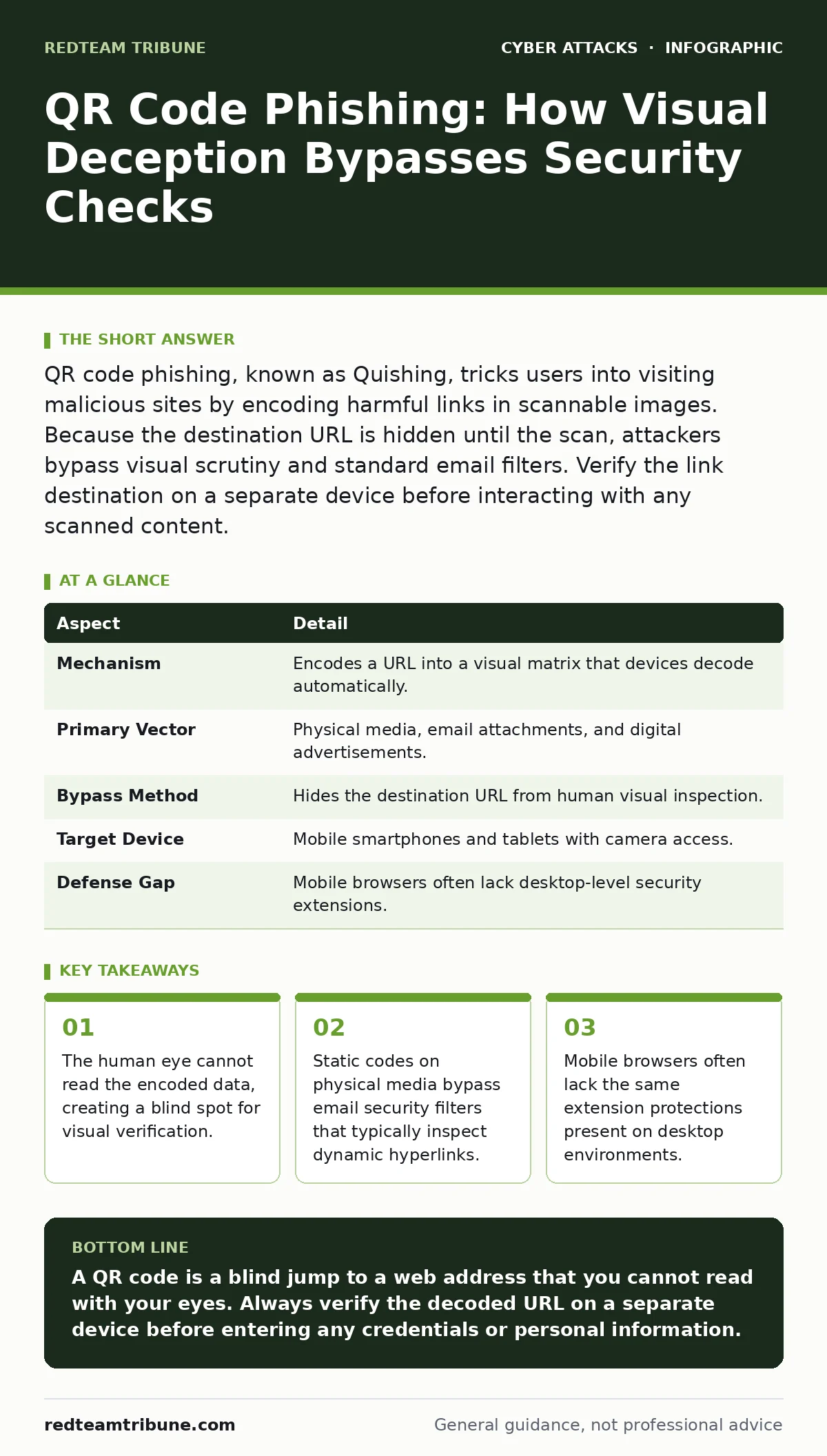
QR code phishing, known as Quishing, tricks users into visiting malicious sites by encoding harmful links in scannable images. Because the destination URL is hidden until the scan, attackers bypass visual scrutiny and standard email filters. Verify the link destination on a separate device before interacting with any scanned content.
The Illusion of Direct Access
Imagine walking into a coffee shop and seeing a poster with a square pattern. You scan it to pay for your drink. The transaction feels instant and secure because you physically saw the code. Now imagine that same code leads to a counterfeit payment portal that steals your credentials. This is the core mechanic of QR code phishing.
The technology relies on a fundamental mismatch between perception and data. A QR code is simply a visual representation of a string of text, usually a URL. When you scan it, your camera decodes that text and instructs your browser to visit it. The problem is that the human eye cannot read the encoded string. You are trusting an algorithm to tell you where you are going, rather than reading the address yourself.
This disconnect allows attackers to hide malicious destinations behind benign-looking images. A code printed on a business card, a parking ticket, or a library book looks harmless. It contains no visible text that raises suspicion. The deception happens in the transition from the physical world to the digital one.
| Aspect | Detail |
|---|---|
| Mechanism | Encodes a URL into a visual matrix that devices decode automatically. |
| Primary Vector | Physical media, email attachments, and digital advertisements. |
| Bypass Method | Hides the destination URL from human visual inspection. |
| Target Device | Mobile smartphones and tablets with camera access. |
| Defense Gap | Mobile browsers often lack desktop-level security extensions. |
How the Deception Works
The attack begins with the creation of a malicious URL. This link might point to a fake login page designed to steal credentials or a site that downloads malware. The attacker then generates a QR code that contains this link. The code itself is just a pattern of black and white squares. It does not contain the webpage, only the instruction to visit it.
The attacker places this code in a context where scanning is expected. This could be a fake Wi-Fi sign in a hotel lobby or a payment code stuck over a legitimate one. When you scan the code, your device opens the browser and navigates to the hidden URL. Because the navigation is instant, you rarely see the address bar populate before the page loads.
This speed is a feature of the technology, not a bug. It is designed for convenience. However, it removes the pause you normally take to inspect a hyperlink. In email, you might hover over a link to see the true destination. With a QR code, you have no hover state. You either scan or you don't. This removes a critical layer of user verification.
Common Forms of Visual Attack
Attackers adapt this technique to various environments. One common form is the "sticker attack." This involves placing a small QR code sticker over a legitimate one. You see a code for a menu or a payment terminal. You scan it. The sticker redirects you to a phishing site. The legitimate code is still there, underneath, but you never see it.
Another form is the "Wi-Fi trap." Signs in public spaces often display QR codes to connect to guest networks. A malicious code placed nearby might connect you to a rogue access point. Once connected, your traffic passes through the attacker's device. This allows them to perform an adversary-in-the-middle phishing attack, where they intercept and modify your data in real time.
Digital advertisements also use this vector. Online ads may contain QR codes that promise discounts or free gifts. These codes often lead to sites that request excessive permissions or install unwanted software. The visual appeal of the ad distracts from the risk of the scan.
Who Gets Targeted
This method affects anyone with a smartphone and a camera. However, certain groups are targeted more aggressively. Employees in physical offices are prime targets for sticker attacks on printers, breakroom appliances, or elevator notices. These locations have high foot traffic and low scrutiny.
Retail customers are also frequent targets. Payment codes on receipts or counter signs are vulnerable to tampering. Attackers know that customers are in a hurry and unlikely to verify the code. The urgency of completing a transaction lowers the threshold for caution.
Remote workers are not immune. Phishing emails often include QR codes to bypass email security filters. Since the code is an image, not a link, it slips through systems that scan for malicious URLs. The victim scans the code on their phone, which may have fewer security controls than their work laptop.
What People Usually Get Wrong
Many users believe that if the code is printed on official letterhead, it is safe. This is a dangerous assumption. Attackers can print codes on high-quality paper or embed them in PDFs that look legitimate. The appearance of the carrier does not verify the content of the code.
Another common misconception is that mobile browsers are inherently safe. While mobile browsers have some protections, they often lack the deep inspection tools found on desktops. You might have extensions on your computer that block known phishing sites. Your phone may not have these same layers of defense.
Users also assume that scanning a code is passive. It is not. Scanning a code is an active command to your device to open a network connection. It grants the destination site immediate access to your browser session. Treat the scan with the same caution you would treat clicking a link.
Reducing the Risk
The most effective defense is verification. Before interacting with any content from a scanned code, check the destination. Most QR readers display the URL after decoding. Look at this URL carefully. Does it match the expected domain? If it looks strange, do not proceed.
Use a secondary device to verify. If you scan a code on your phone, type the expected URL into a browser on your computer. Compare the two. If the scanned code leads to a different address, it is likely malicious. This step adds time but prevents credential theft.
Disable auto-navigation in your QR scanner settings. Many apps allow you to configure the scanner to show the decoded text or link before opening it. This gives you a moment to inspect the destination. It forces a pause in the process, allowing your brain to catch inconsistencies.
Integration with Broader Security
This threat highlights the limitations of perimeter defenses. Firewalls and network segmentation protect your internal infrastructure, but they cannot stop a user from voluntarily connecting to a malicious external site. The attack happens at the edge, where the user interacts with the outside world.
Security awareness training must evolve to include visual threats. Traditional training focuses on email links. It must now cover physical media and scanning behavior. Employees need to understand that a printed image can be as dangerous as a clickable link.
Organizations should also consider the physical security of their assets. Regularly inspecting public-facing materials for tampering is a simple but effective control. If a QR code looks new, scratched, or out of place, report it. Physical integrity is part of digital security.
The Hidden Cost of Convenience
The adoption of QR codes has accelerated because they remove friction. They allow instant access to information and services. However, this convenience comes with a hidden cost: the erosion of user verification. When actions become too fast, scrutiny decreases.
You must accept that some friction is necessary for security. The pause required to verify a URL is not an inconvenience; it is a control. By slowing down the process, you regain the ability to assess risk. This trade-off is small compared to the cost of a compromised account.
As this technology becomes more common, attackers will refine their techniques. They will find new ways to hide malicious links and bypass detection. Your defense must remain adaptive. Stay skeptical of any code that promises immediate reward or urgent action.
Key takeaways
- The human eye cannot read the encoded data, creating a blind spot for visual verification.
- Static codes on physical media bypass email security filters that typically inspect dynamic hyperlinks.
- Mobile browsers often lack the same extension protections present on desktop environments.
A QR code is a blind jump to a web address that you cannot read with your eyes. Always verify the decoded URL on a separate device before entering any credentials or personal information.
Frequently asked questions
Can a QR code install malware directly on my phone?
No, a QR code itself cannot install software. It only directs your browser to a URL. Malware installation requires you to download and execute a file from that site.
Are dynamic QR codes more dangerous than static ones?
Both are equally risky for the user. Dynamic codes allow the creator to change the destination URL without changing the image, making it harder to verify if the code was tampered with after printing.
Should I disable QR code scanning entirely?
Disabling it is not necessary. Instead, configure your scanner to require manual confirmation before opening a link. This adds a layer of control without removing the functionality.
How do I report a tampered QR code?
Report it to the management of the location where you found it. If it is on a digital platform, use the reporting tools provided by the service to flag the content as suspicious.
How this guide was produced: written by the RedTeam Tribune editorial team with AI assistance, checked against the public references listed below, and reviewed when the facts change. See our editorial policy or report an error.