Kubernetes RBAC: 8 Critical Questions Answered for Secure Clusters
Role-based access control in Kubernetes often fails because administrators grant permissions to service accounts without realizing those accounts inherit cluster-wide privileges.
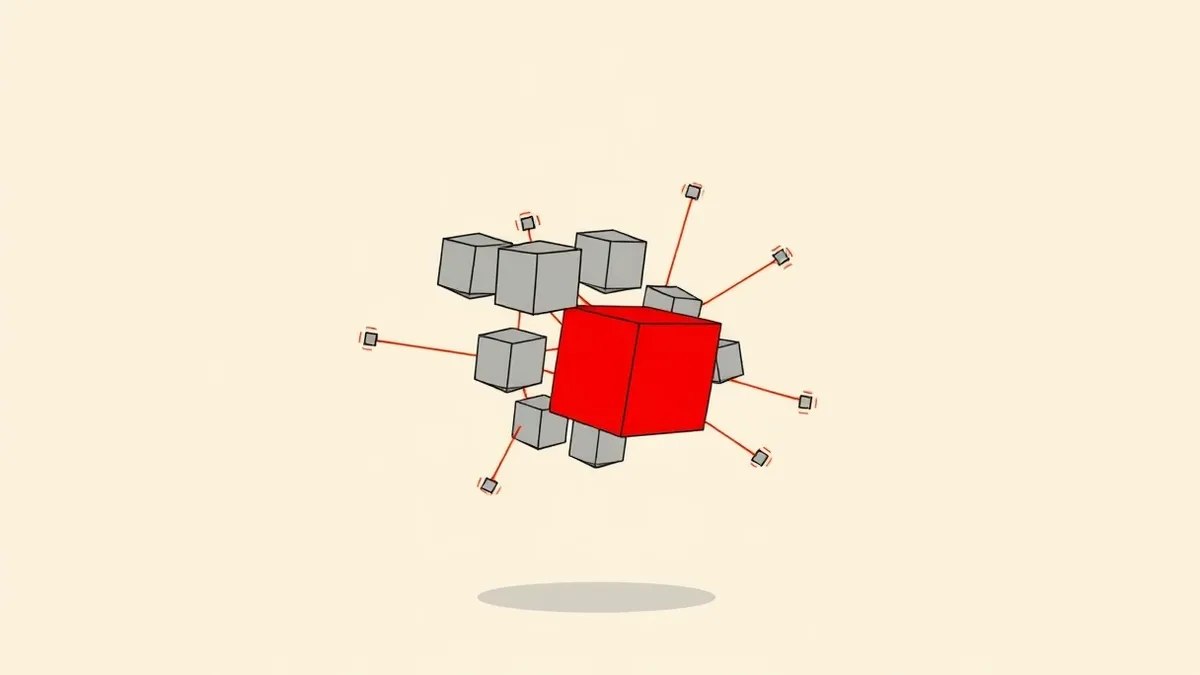
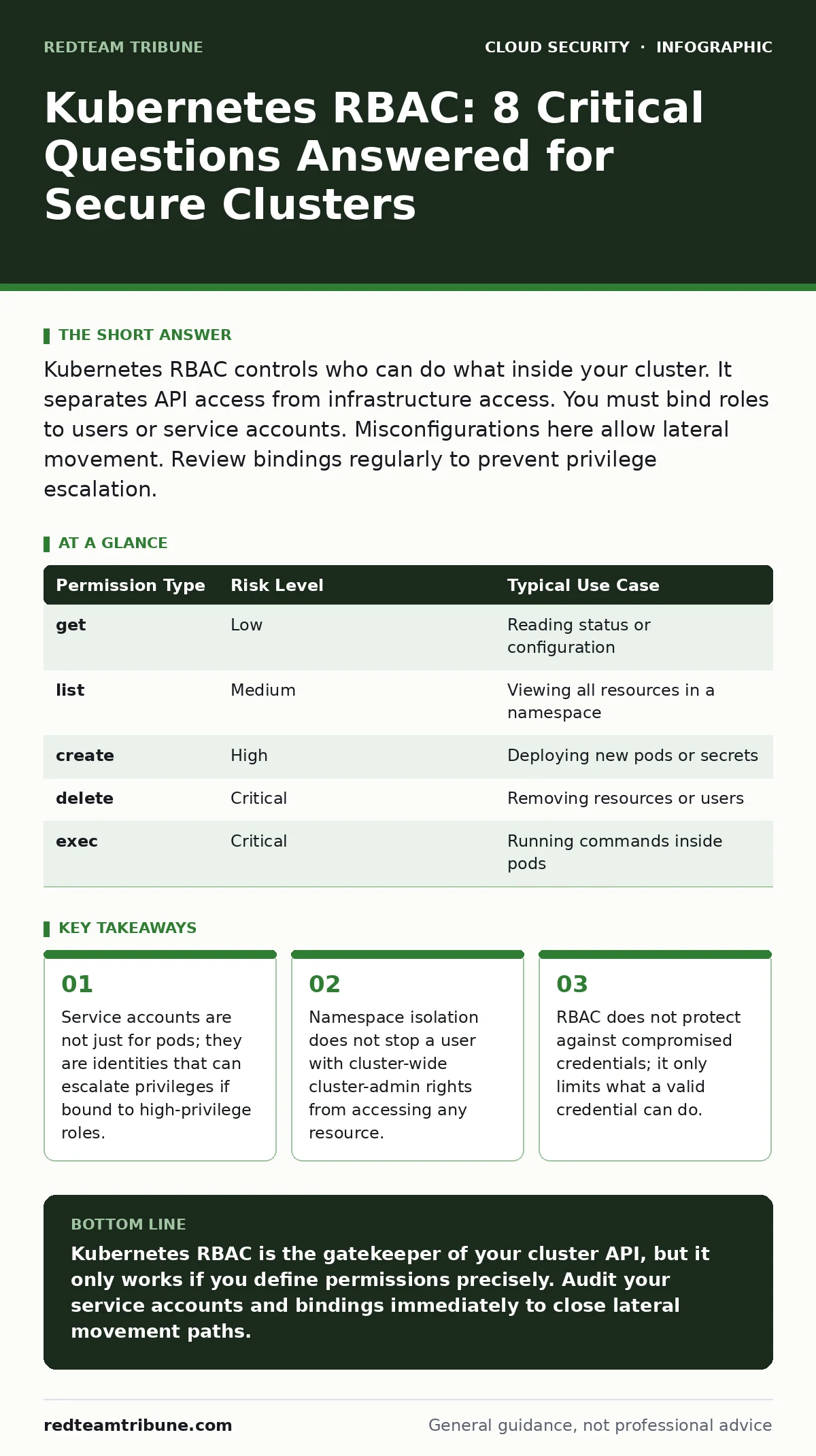
Kubernetes RBAC controls who can do what inside your cluster. It separates API access from infrastructure access. You must bind roles to users or service accounts. Misconfigurations here allow lateral movement. Review bindings regularly to prevent privilege escalation.
How does Kubernetes RBAC differ from standard Linux permissions?
Kubernetes RBAC operates at the API layer, not the operating system layer. Linux permissions control file access and process execution on a single node. Kubernetes RBAC controls which API objects a user or service can read, create, update, or delete. This distinction matters because a user can have full root access on a node but zero permissions in the Kubernetes API. Conversely, a user with broad API permissions cannot directly read files on a host unless the API allows them to execute commands inside a pod. You must secure both layers independently. Ignoring the API layer leaves your cluster configuration exposed even if the underlying servers are hardened.
What is the difference between a Role and a ClusterRole?
A Role is scoped to a specific namespace, while a ClusterRole is scoped to the entire cluster. Namespaces provide logical separation for teams or environments. A Role allows you to grant permissions only within that isolated boundary. A ClusterRole applies everywhere, including system namespaces that hold critical infrastructure components. Use Roles for application-level access. Use ClusterRoles only for administrative tasks that require cross-namespace visibility. Mixing these incorrectly often leads to overprivileged users who can see secrets across all teams.
Why are Service Accounts dangerous if misconfigured?
Service accounts are identities used by pods to interact with the Kubernetes API. By default, every pod gets a default service account with read-only access to the API. If you bind a ClusterRole with write permissions to this default service account, any pod in that namespace gains those powers. An attacker who compromises one weak pod can then use that service account to create new pods, read secrets, or escalate privileges. This is a common path for lateral movement. Always audit which service accounts are bound to high-privilege roles.
Can RBAC prevent a user from reading Secrets?
RBAC can explicitly deny access to Secrets, but it is often configured loosely. Secrets are objects that store sensitive data like passwords or tokens. If a user has access to all pods in a namespace, they might still access Secrets if the role includes get or list on the secrets resource. You must explicitly define which resources a role can access. Do not assume namespace isolation protects Secrets. A user with cluster-admin rights can read Secrets in any namespace regardless of where they are assigned. Review your role definitions to ensure Secrets are tightly controlled.
How do RoleBindings and ClusterRoleBindings work?
A RoleBinding grants permissions within a namespace. A ClusterRoleBinding grants permissions across the entire cluster. The binding connects the identity (user, group, or service account) to the role. You can bind a ClusterRole to a user in a specific namespace using a RoleBinding. This limits the scope of the broad role to that namespace. This technique allows you to reuse standard roles without creating new ones for every team. However, it does not reduce the power of the role itself. If the ClusterRole includes dangerous verbs, the user still has those powers within the bound namespace.
What happens if I delete a Role or ClusterRole?
Deleting a role removes the definition of what permissions exist. It does not automatically revoke access for users who already have tokens. Kubernetes caches RBAC decisions for performance. Users may retain access until their tokens expire or they are explicitly denied. This cache delay can create a window where deleted permissions still work. You must also delete the bindings that reference the role. Leaving orphaned bindings is harmless but cluttered. Regularly audit bindings to ensure they reference active roles.
Does RBAC protect against compromised credentials?
RBAC assumes the identity presenting the credential is legitimate. It does not verify the integrity of the credential itself. If an attacker steals a valid API token or SSH key, RBAC will grant them the permissions associated with that identity. RBAC is not a replacement for strong authentication or key management. You must combine RBAC with other security measures. See our guide on access key rotation to understand how to limit the damage of stolen credentials. See workload identity to learn how to link cloud identities to Kubernetes service accounts securely.
How can I audit RBAC permissions effectively?
Auditing requires mapping identities to their effective permissions. Tools like kubectl auth can-i help test specific permissions. You can run this command as different users to see what they can do. This manual testing is slow for large clusters. Automated tools can scan all bindings and roles to find overprivileged accounts. Look for users with create or delete permissions on pods or secrets. These are high-risk actions. Integrate RBAC auditing into your broader security strategy. See cloud security posture management (CSPM) for continuous monitoring of misconfigurations. See cloud security assessments to validate your controls against industry standards.
| Permission Type | Risk Level | Typical Use Case |
|---|---|---|
get | Low | Reading status or configuration |
list | Medium | Viewing all resources in a namespace |
create | High | Deploying new pods or secrets |
delete | Critical | Removing resources or users |
exec | Critical | Running commands inside pods |
Why does namespace isolation fail with RBAC?
Namespace isolation only works if RBAC is strictly enforced. A user with a ClusterRoleBinding that grants cluster-admin can bypass namespace boundaries entirely. They can access resources in any namespace, including kube-system. This is a common misconfiguration where administrators grant broad roles for convenience. It defeats the purpose of multi-tenant clusters. You must ensure that no user has cluster-wide write permissions unless they are the primary administrator. See Pod Security Standards to enforce additional restrictions on pod behavior. See Kubernetes admission controllers to block risky configurations before they are applied. See DevSecOps practices to integrate these checks into your deployment pipeline. See overprivileged cloud identities to understand how cloud provider permissions can compound Kubernetes risks.
Key takeaways
- Service accounts are not just for pods; they are identities that can escalate privileges if bound to high-privilege roles.
- Namespace isolation does not stop a user with cluster-wide cluster-admin rights from accessing any resource.
- RBAC does not protect against compromised credentials; it only limits what a valid credential can do.
Kubernetes RBAC is the gatekeeper of your cluster API, but it only works if you define permissions precisely. Audit your service accounts and bindings immediately to close lateral movement paths.
Frequently asked questions
Can I use RBAC to restrict access to specific labels?
No, RBAC works on resource types and namespaces, not on metadata like labels. You need admission controllers or network policies for label-based restrictions.
Does RBAC protect against insider threats?
RBAC limits what an insider can do, but it does not stop them from using their legitimate access to steal data or disrupt services. You need logging and monitoring for insider threats.
How often should I review RBAC policies?
Review RBAC policies after every major change or at least quarterly. Permissions often drift as teams add and remove users. Regular reviews prevent accumulation of unused privileges.
Can I use RBAC to enforce least privilege?
Yes, RBAC is the primary tool for enforcing least privilege in Kubernetes. You must define specific roles for each task and bind them to the minimum required identities.
How this guide was produced: written by the RedTeam Tribune editorial team with AI assistance, checked against the public references listed below, and reviewed when the facts change. See our editorial policy or report an error.