Content Security Policy unsafe-inline: What It Does and How to Remove It
The unsafe-inline directive nullifies Content Security Policy protections by permitting any script execution, turning a security header into a decorative label that attackers bypass with ease.
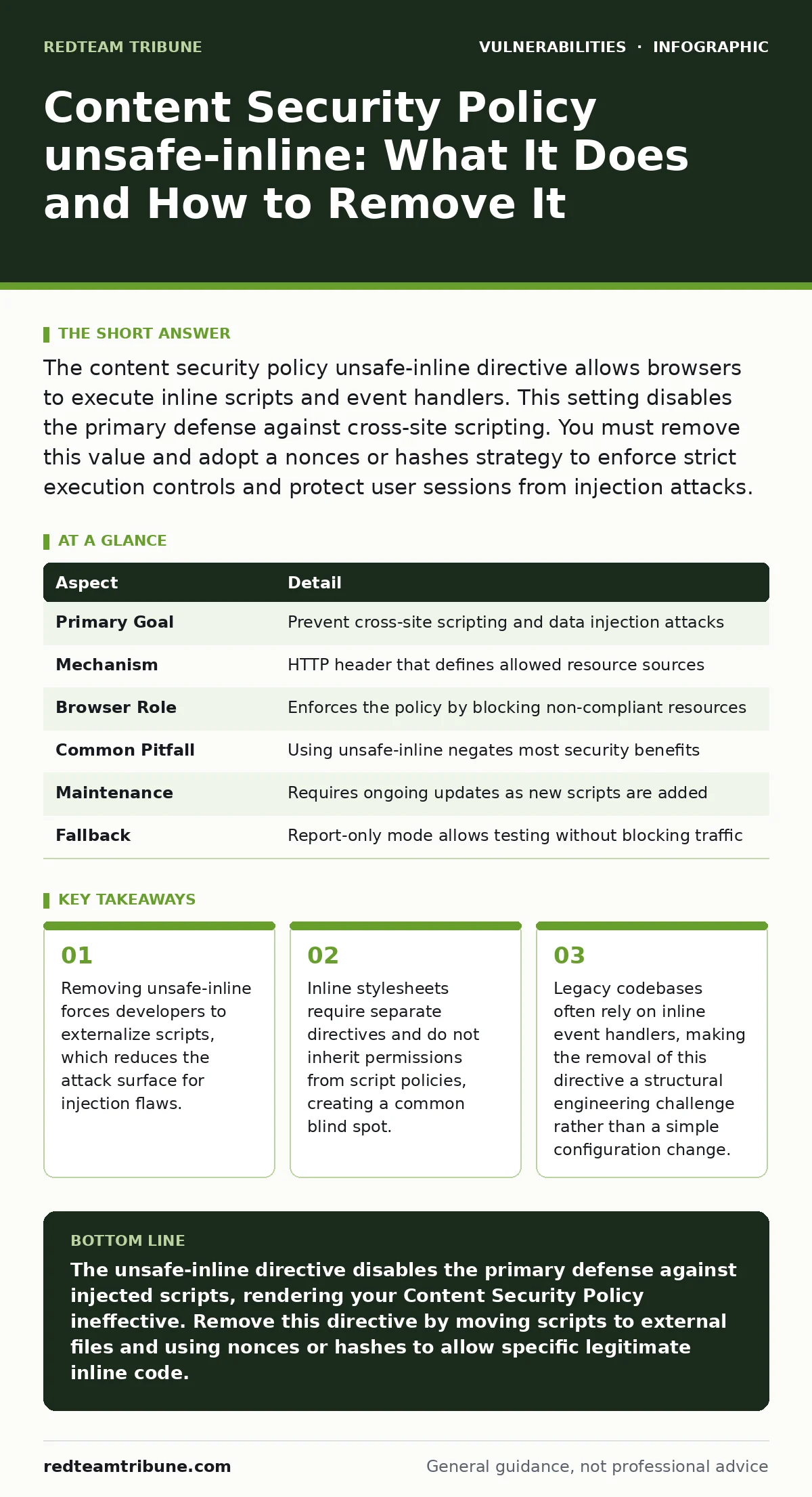
The content security policy unsafe-inline directive allows browsers to execute inline scripts and event handlers. This setting disables the primary defense against cross-site scripting. You must remove this value and adopt a nonces or hashes strategy to enforce strict execution controls and protect user sessions from injection attacks.
Why Content Security Policy Matters
Imagine handing a stranger a key that opens every door in your building. That is what you do when you allow arbitrary code execution on your web pages. A Content Security Policy is a browser enforcement mechanism that restricts the sources from which resources like scripts, styles, and images can be loaded. It acts as a whitelist, telling the browser exactly where to look for executable content. When configured correctly, it blocks malicious scripts that an attacker might inject into your application.
The policy works by sending an HTTP header from your server to the user's browser. The browser reads this header before rendering the page. If the page contains a script from a source not listed in the policy, the browser blocks it. This stops cross-site scripting attacks before they can steal session cookies or hijack user actions. Without this header, the browser assumes all scripts are trusted. This default behavior is dangerous in a modern web environment where third-party libraries and user-generated content are common.
| Aspect | Detail |
|---|---|
| Primary Goal | Prevent cross-site scripting and data injection attacks |
| Mechanism | HTTP header that defines allowed resource sources |
| Browser Role | Enforces the policy by blocking non-compliant resources |
| Common Pitfall | Using unsafe-inline negates most security benefits |
| Maintenance | Requires ongoing updates as new scripts are added |
| Fallback | Report-only mode allows testing without blocking traffic |
Understanding the unsafe-inline Directive
The search query content security policy unsafe-inline targets a specific configuration error. The unsafe-inline value tells the browser to allow scripts that are embedded directly within the HTML document. This includes script tags with code inside them and event handlers like onclick or onload attributes. When you include this value in your policy, you effectively disable the protection against injected scripts. An attacker can inject a small snippet of JavaScript into your page, and the browser will execute it because inline scripts are permitted.
This directive is often included by default in legacy frameworks or by developers who want to avoid breaking existing functionality. It provides a false sense of security. The policy header is present, but it does not block the most common attack vector. You should view unsafe-inline as a temporary bridge, not a permanent solution. Its presence indicates that your application relies on patterns that are difficult to secure. Removing it requires refactoring how you load and execute JavaScript.
The Hidden Cost of Convenience
Developers use inline scripts for quick interactions. A click handler on a button or a small animation often lives directly in the HTML. This is convenient for rapid prototyping. It becomes a liability when the application scales. Each inline script is a potential entry point for an attacker. If your application has a flaw that allows an attacker to insert HTML, they can insert a script tag. If your policy allows unsafe-inline, that script runs. This is the core mechanism of stored cross-site scripting.
Suppose your application displays user comments. An attacker posts a comment containing a script tag. Your server stores this comment. When a victim views the page, the browser renders the comment. The script executes in the victim's browser context. It can read the victim's session cookie and send it to the attacker. If your Content Security Policy includes unsafe-inline, this attack succeeds. The policy fails to distinguish between your legitimate inline code and the attacker's malicious code.
What People Usually Get Wrong
Many teams believe that adding a Content Security Policy header is sufficient for security. They copy a standard configuration that includes unsafe-inline to ensure their site works. This is a fundamental misunderstanding. The policy is only as strong as its strictest rule. Allowing inline scripts creates a loophole that attackers exploit. You must treat the policy as a living document. It requires regular auditing and updates.
Another common error is assuming that inline styles are covered by the script policy. They are not. Stylesheets have their own directive called style-src. If you block inline scripts but allow unsafe-inline styles, an attacker can still manipulate the page appearance. This can lead to clickjacking or phishing attacks. You must configure both script and style policies independently. Output encoding helps prevent injection, but it does not replace the need for strict policy enforcement.
How to Remove unsafe-inline Safely
Removing unsafe-inline requires a shift in how you write JavaScript. You must move all code into external files. These files are then referenced in the policy using specific URLs or hashes. This process takes time. You must audit every page for inline scripts and event handlers. Replace onclick attributes with external event listeners. This ensures that the browser only executes code from trusted sources.
You have two main options for allowing specific inline scripts. The first is nonces. A nonce is a random value generated for each page request. You include this value in the script tag and in the policy header. The browser only executes scripts with the matching nonce. The second option is hashes. You calculate a cryptographic hash of the inline script content. You include this hash in the policy header. The browser only executes scripts with the matching hash.
- Audit your application for all inline script tags.
- Move the code to external JavaScript files.
- Replace event handlers with external listeners.
- Generate nonces or hashes for any remaining necessary inline scripts.
- Update your Content Security Policy header to remove unsafe-inline.
- Test the application in report-only mode to identify errors.
See also: How to Write an Access Control Policy That Stops Broken Access Control · Secure Output Encoding: Stop Injection Attacks Now
Managing Legacy Dependencies
Some third-party libraries require inline scripts. These are difficult to handle. You cannot modify the library code. You must use the hash method. Calculate the hash of the library's inline script. Add this hash to your policy. This allows that specific script to run while blocking others. This is a precise control mechanism. It prevents the library from being used as a backdoor.
Virtual patching can provide temporary protection while you refactor. This technique intercepts requests and blocks known attack patterns. It does not fix the underlying code issue. It buys you time to remove unsafe-inline. You should plan to remove virtual patching once the code is refactored. Relying on it long-term creates technical debt. It also adds latency to your requests.
Testing and Monitoring
You must test your policy changes thoroughly. Use report-only mode first. This sends violation reports to a logging endpoint without blocking resources. You can identify errors without breaking the user experience. Review these logs daily. Identify which scripts are being blocked. Update your policy to allow legitimate sources. Once you are confident, switch to enforcement mode.
Monitor for new violations. Attackers constantly change their tactics. Your policy must evolve. Keep an eye on vulnerability severity ratings for your components. If a library is compromised, you can block it immediately by removing its URL from the policy. This is faster than waiting for a patch. It gives you immediate control over the execution environment.
The Long-Term Benefit
Removing unsafe-inline strengthens your security posture. It forces a cleaner codebase. It reduces the risk of cross-site scripting. It makes your application more resilient to future threats. The initial effort is high. The long-term reward is significant. You gain confidence that only your code runs in the user's browser. This is the foundation of secure web development.
You must maintain this discipline. New features often introduce new inline scripts. You must review every change. Ensure that new code follows the external script pattern. This prevents regression. It keeps your policy effective. Security is not a one-time task. It is a continuous process of improvement and adaptation.
Key takeaways
- Removing unsafe-inline forces developers to externalize scripts, which reduces the attack surface for injection flaws.
- Inline stylesheets require separate directives and do not inherit permissions from script policies, creating a common blind spot.
- Legacy codebases often rely on inline event handlers, making the removal of this directive a structural engineering challenge rather than a simple configuration change.
The unsafe-inline directive disables the primary defense against injected scripts, rendering your Content Security Policy ineffective. Remove this directive by moving scripts to external files and using nonces or hashes to allow specific legitimate inline code.
Frequently asked questions
Can I use unsafe-inline for just one specific script?
No, the unsafe-inline value applies to all inline scripts on the page. You must use hashes or nonces to allow specific scripts while blocking others.
Does Content Security Policy protect against all attacks?
No, it primarily prevents cross-site scripting. It does not protect against SQL injection, broken access control, or other server-side vulnerabilities.
What is the difference between a nonce and a hash?
A nonce is a random value generated per request, while a hash is a static fingerprint of the script content. Nonces are better for dynamic content, while hashes are better for static scripts.
How do I handle third-party scripts that require inline code?
Calculate the cryptographic hash of the third-party inline script and add it to your policy. This allows that specific script to run while blocking others.
How this guide was produced: written by the RedTeam Tribune editorial team with AI assistance, checked against the public references listed below, and reviewed when the facts change. See our editorial policy or report an error.