Secure Output Encoding: Stop Injection Attacks Now
Most small business breaches occur because developers trust user input, allowing attackers to inject code that the server executes as if it were legitimate system commands.

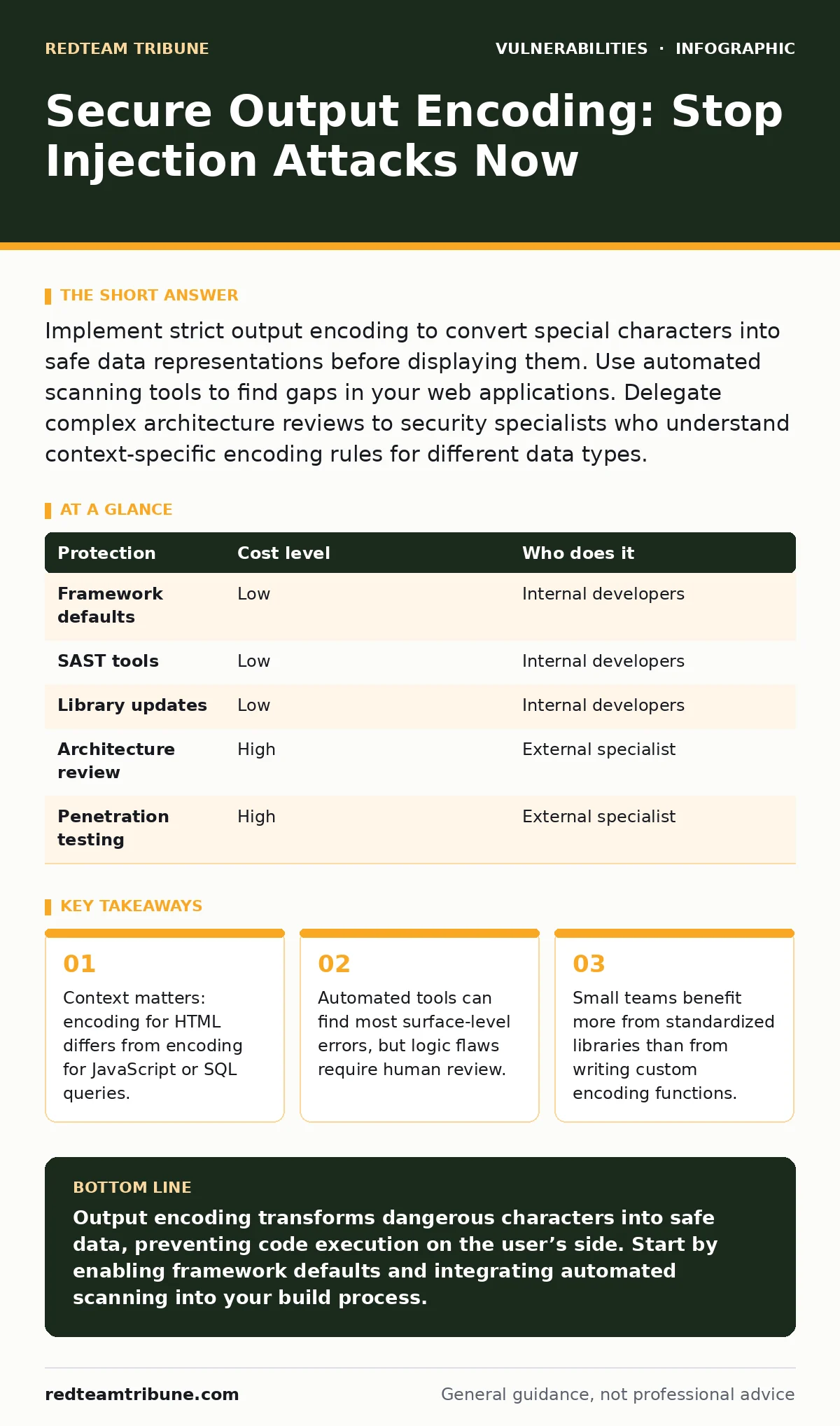
Implement strict output encoding to convert special characters into safe data representations before displaying them. Use automated scanning tools to find gaps in your web applications. Delegate complex architecture reviews to security specialists who understand context-specific encoding rules for different data types.
The Hidden Cost of Unencoded Data
Many teams believe input validation is enough to stop attacks. This is a dangerous misconception. Input validation checks data when it enters your system. Output encoding protects data when it leaves your system. You cannot predict every place where data will be displayed or processed later.
If you validate input but forget to encode output, an attacker can bypass your filters. They might use different character encodings or split their payload into multiple requests. The validation passes, but the encoding step fails. The malicious code executes on the user’s side.
This risk is higher for small teams. You likely reuse code snippets or share databases across different services. A variable used in a database query might later appear in an HTML page. If the encoding context changes, your previous protection becomes useless. You must treat every output point as a potential breach.
Why Small Teams Struggle with Encoding
Large organizations have dedicated security teams to review code. You likely do not. You wear many hats. You fix servers, answer tickets, and write code. Security often feels like a distraction.
The problem is that encoding is not a one-time fix. It is a continuous discipline. Every time you change how data is displayed, you risk breaking the encoding. A new feature might require rendering user data in a PDF, an email, or a JSON response. Each context requires a different encoding strategy.
If you rely on memory, you will make mistakes. Fatigue leads to overlooked variables. A single unencoded variable can compromise your entire user base. The cost of fixing a breach far exceeds the cost of implementing proper encoding from the start.
Affordable Ways to Enforce Encoding
You do not need expensive consultants to start. Modern development frameworks include built-in encoding mechanisms. These are often enabled by default but can be disabled by accident. Check your framework documentation. Ensure that automatic encoding is active for all templating engines.
Use well-established libraries for manual encoding. Do not write your own encoding functions. Custom code often misses edge cases or new attack vectors. Established libraries are tested by thousands of developers. They handle complex character sets and context switching correctly.
Integrate static application security testing tools into your build process. These tools scan your code for common encoding errors before you deploy them. They run automatically on your server. This adds little to no cost but catches many obvious mistakes early. It acts as a safety net for your team.
| Protection | Cost level | Who does it |
|---|---|---|
| Framework defaults | Low | Internal developers |
| SAST tools | Low | Internal developers |
| Library updates | Low | Internal developers |
| Architecture review | High | External specialist |
| Penetration testing | High | External specialist |
What to Delegate to Experts
While you can handle basic encoding, complex architecture requires deeper expertise. Suppose you build a custom API that serves data to mobile apps and web browsers. The encoding requirements differ significantly between these channels.
An external specialist can review your data flow. They identify where context changes occur. They ensure that your system handles these transitions safely. This is especially important for business logic flaws where the code is correct but the flow allows abuse.
You should also delegate periodic penetration testing. Automated tools cannot think like an attacker. A human tester can find ways to bypass your encoding by chaining multiple vulnerabilities. This complements your automated defenses. For more on how to prioritize these findings, review our guide on vulnerability severity ratings.
Common Pitfalls to Avoid
One common mistake is assuming that URL encoding is enough. URL encoding protects data during transmission. It does not protect data when it is rendered in a browser. If you take URL-encoded data and display it in HTML without HTML encoding, you are still vulnerable.
Another pitfall is double encoding. If you encode data twice, the system may decode it once, leaving the malicious payload active. Or it may display the encoded characters literally, breaking the user interface. Consistency is key. Encode at the point of output, not at the point of storage.
Be careful with rich text editors. These tools allow users to format text with HTML. If you store the raw HTML and display it later, you must sanitize it carefully. Simple encoding may break the formatting. You need a specialized library that understands both security and formatting rules.
See also: Content Security Policy unsafe-inline: What It Does and How to Remove It · How to Write an Access Control Policy That Stops Broken Access Control
Integrating Encoding into Your Workflow
Make encoding part of your development lifecycle. Do not treat it as an afterthought. When a developer writes a new feature, they must specify the output context. Is it HTML? Is it JavaScript? Is it a database query?
Use code review checklists. Include a specific item for output encoding. Ask: "Where does this data go?" and "Is it encoded for that context?" This simple question catches many errors before they reach production.
Automate as much as possible. Use pre-commit hooks to run checks. Use CI/CD pipelines to enforce standards. This reduces the cognitive load on your team. They can focus on features while the system handles security basics. For details on keeping these tools updated, see change management for security patches.
When Standard Advice Fails
Standard advice often suggests blocking all special characters. This fails when you need to allow user input for names or addresses. Names often contain apostrophes or accents. Blocking these characters ruins the user experience.
Instead of blocking, encode. Convert the special characters into safe representations. The data remains intact but cannot be executed as code. This balances security with usability.
Another failure point is third-party components. You might use a library that handles user input. If that library has a flaw, your encoding might not help. You must monitor the components you use. Look for insecure deserialization issues in external libraries. These can bypass your encoding entirely.
Building a Resilient Foundation
Output encoding is not a silver bullet. It works best with other controls. Use web cache poisoning prevention to ensure attackers cannot inject malicious content into cached responses. Combine encoding with content security policies to limit what scripts can run.
Remember that mass assignment vulnerabilities can allow attackers to modify data fields you did not intend to be public. Encoding protects the output, but input validation protects the data structure. Use both.
For small teams, the goal is not perfection. It is risk reduction. Implement basic encoding everywhere. Automate checks. Delegate complex reviews. This approach provides strong protection without overwhelming your resources.
If you are unsure about your current posture, consider reviewing your password rotation policies as well. Weak credentials can bypass even the best encoding by allowing direct access to admin interfaces.
Key takeaways
- Context matters: encoding for HTML differs from encoding for JavaScript or SQL queries.
- Automated tools can find most surface-level errors, but logic flaws require human review.
- Small teams benefit more from standardized libraries than from writing custom encoding functions.
Output encoding transforms dangerous characters into safe data, preventing code execution on the user’s side. Start by enabling framework defaults and integrating automated scanning into your build process.
Frequently asked questions
Does output encoding protect against all types of injection attacks?
No, it primarily prevents cross-site scripting and some SQL injection variants. It does not stop logic flaws or authentication bypasses.
Should I encode data before saving it to the database?
No, store data in its raw form. Encode only when displaying or processing the data in a specific context.
Can automated tools replace manual code reviews?
No, automated tools find syntax errors. Humans are needed to understand context and business logic.
How often should I update my encoding libraries?
Update them as soon as patches are released. Vulnerabilities in encoding libraries are common and actively exploited.
How this guide was produced: written by the RedTeam Tribune editorial team with AI assistance, checked against the public references listed below, and reviewed when the facts change. See our editorial policy or report an error.