Windows 11 Remote Desktop Bypass Flaw Exposes Admin Protection Weakness
A cryptographic vulnerability in Windows Remote Desktop allows attackers to bypass security features, complicating recent update issues for managed devices.
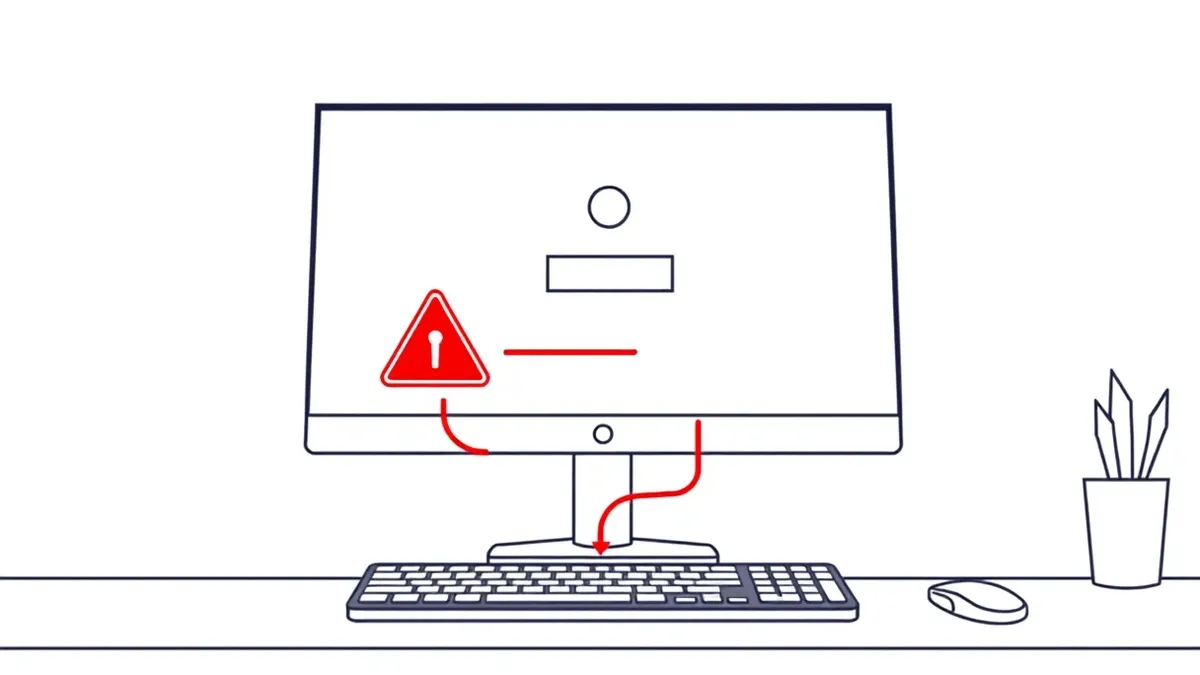
Key points
- CVE-2026-59116 allows remote bypass of security features via broken cryptography.
- Recent updates disrupted Remote Desktop for non-admin users on Windows 11.
- Microsoft advises disabling Administrator protection as a temporary workaround.
An attacker exploiting CVE-2026-59116 gains the ability to bypass security features in Windows Remote Desktop over a network. This vulnerability relies on the use of a broken or risky cryptographic algorithm. The flaw allows unauthorized access to bypass security controls. It is distinct from the recent Remote Desktop connection failures affecting non-administrator users.
How it unfolded
- Microsoft published an advisory for CVE-2026-59116, identifying a cryptographic bypass in Remote Desktop.
- TechRepublic reported on October 14 that Windows 11 updates disrupted Remote Desktop connections.
- Microsoft linked the disruption to Administrator protection and the September 22 preview update KB5124010.
- The company provided a workaround involving the temporary disabling of the security feature.
Who is affected
Enterprise-managed Windows 11 devices running versions 24H2, 25H2, 26H1, and 26H2 are affected by the connection failures. Non-administrator users connecting to these hosts may encounter error 0xC000000D. The issue arises when Administrator protection is enabled, which is standard in Microsoft’s security baselines for these versions. This differs from a separate Remote Desktop Services regression reported in September 2026.
The fix
Microsoft has not confirmed a permanent patch for the Remote Desktop connection failures. The current guidance is a temporary workaround. Administrators must disable Administrator protection on affected Remote Desktop hosts to restore access. This action reduces a security safeguard. Organizations should monitor for future updates that may resolve the token-validation failure without compromising security.
What made it possible
Credential validation failures often stem from how systems handle privilege escalation tokens. When a security feature restricts administrative rights, it must verify user intent through specific authentication mechanisms. If the underlying cryptographic implementation is flawed or the token validation logic is brittle, attackers can bypass these controls. Teams usually audit how remote access services handle privileged sessions. Check whether your environment enforces strict token validation for non-admin users connecting to managed hosts.
What to do and how to stay safe: Windows 11
- Review your Remote Desktop hosts for CVE-2026-59116 and apply Microsoft’s security updates.
- Monitor logs for error 0xC000000D to identify affected non-administrator connections.
- Evaluate the risk of disabling Administrator protection before implementing the workaround.
- Verify that your Windows 11 version matches Microsoft’s affected list for this issue.
Step-by-step guide: What Is Virtual Patching: How It Works Without Code Changes
General security guidance from the RedTeam Tribune newsroom. It is not confirmed advice from the organisations named in this story.
Frequently asked questions
Does CVE-2026-59116 allow remote code execution?
No, the advisory states it allows an attacker to bypass a security feature over a network.
Which Windows 11 versions are affected by the Remote Desktop failure?
Versions 24H2, 25H2, 26H1, and 26H2 with Administrator protection enabled are affected.
Is there a permanent fix for the Remote Desktop connection errors?
No permanent fix is confirmed; Microsoft currently advises a temporary workaround.