Implement Password Rotation Without Breaking Access Controls
Forcing frequent password changes often weakens security by driving users to predictable patterns, making the implementation method more critical than the frequency.

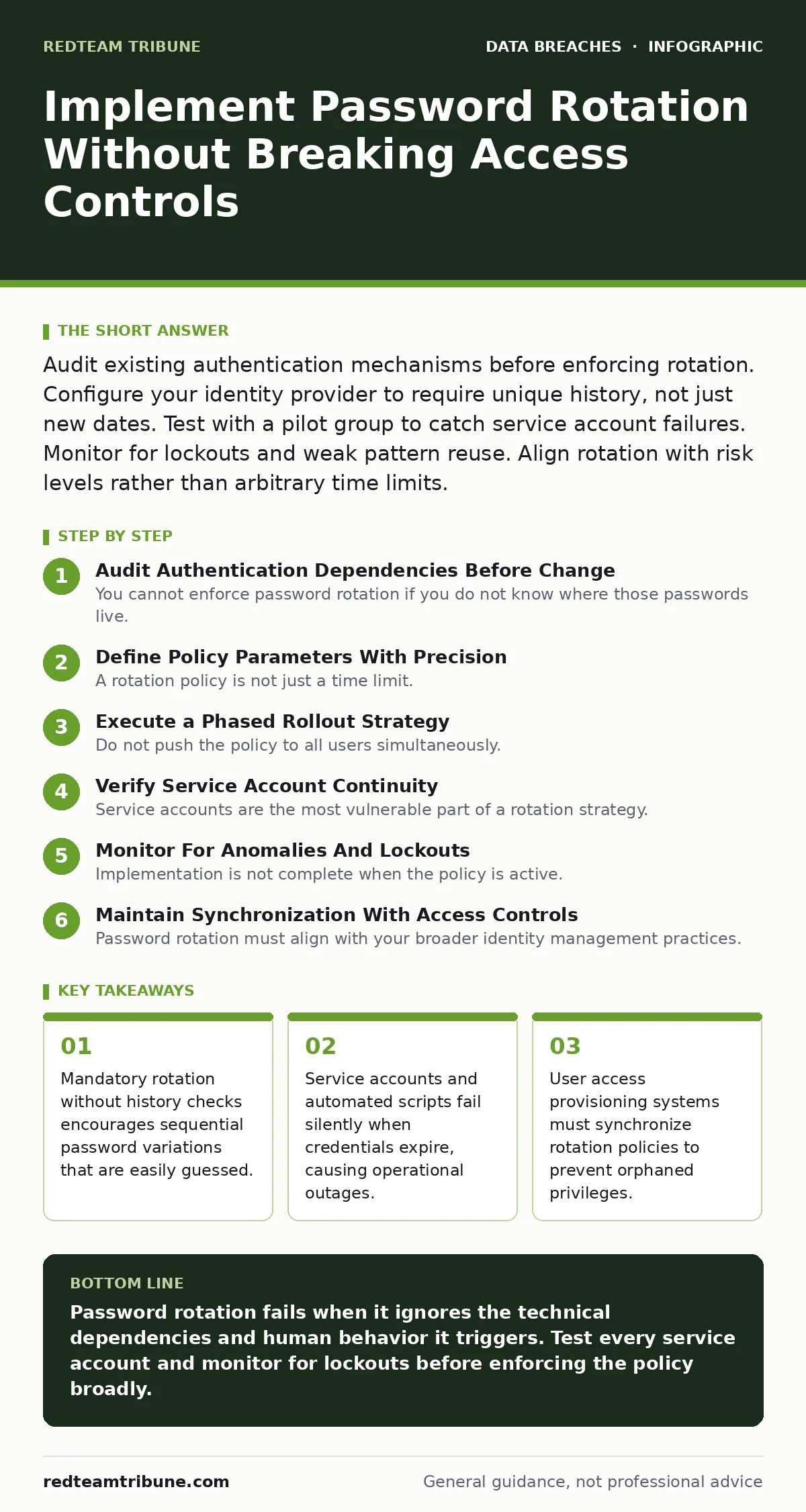
Audit existing authentication mechanisms before enforcing rotation. Configure your identity provider to require unique history, not just new dates. Test with a pilot group to catch service account failures. Monitor for lockouts and weak pattern reuse. Align rotation with risk levels rather than arbitrary time limits.
Audit Authentication Dependencies Before Change
You cannot enforce password rotation if you do not know where those passwords live. Many organizations assume their identity provider is the single source of truth. This assumption is frequently incorrect. Legacy applications, embedded database credentials, and third-party integrations often store static passwords that never change.
When you mandate rotation, these static credentials become invalid. The application stops working. Users report outages. Support teams scramble to find the broken connection. This delay increases the window of exposure if the old credential was already compromised.
Map every service account and automated process that relies on password authentication. Identify which systems support programmatic credential updates. Mark those that do not for immediate remediation or replacement. This audit prevents the silent failures that plague poorly planned rollouts.
Define Policy Parameters With Precision
A rotation policy is not just a time limit. It is a set of constraints that define what constitutes a valid new credential. Setting a ninety-day expiration without other controls is insufficient. Users will simply change "Password1" to "Password2". This behavior is predictable and easily cracked by attackers who understand human patterns.
Configure your identity system to enforce history constraints. The system must reject any new password that matches the last ten to twenty previous entries. This forces genuine entropy rather than sequential variation. You must also define complexity requirements that are realistic for humans to remember but difficult for machines to guess.
Consider the trade-off between frequency and quality. Rotating passwords monthly with weak complexity rules is worse than rotating them annually with strong history checks and multi-factor authentication. Align your policy with the sensitivity of the data. High-risk accounts need stricter controls, while low-risk accounts can tolerate more flexibility.
Execute a Phased Rollout Strategy
Do not push the policy to all users simultaneously. A sudden change affects thousands of accounts at once. This overwhelms help desks with lockout requests and password reset tickets. It also hides technical failures in the noise of normal user error.
Start with a pilot group. Select a diverse set of users from different departments. Include those who use mobile devices, those who rely on single sign-on, and those who manage privileged accounts. Monitor this group for two weeks. Track help desk tickets related to authentication. Look for patterns in failed logins.
Expand to the next group only after you confirm the pilot succeeded. Adjust the policy if you find systemic issues. For example, if many users are getting locked out, your complexity rules may be too strict. If users are reusing old passwords, your history check may be bypassed. Iterate until the process is smooth.
Verify Service Account Continuity
Service accounts are the most vulnerable part of a rotation strategy. These accounts run automated tasks, backups, and integrations. They do not receive email notifications when their password expires. They do not click a "reset" link. They simply stop working.
Test each service account in a non-production environment first. Simulate the password expiration. Verify that the dependent application can retrieve the new credential. If the application stores the password in a configuration file, you must have a process to update that file. If it uses a secrets manager, verify the rotation API works.
Document every service account and its owner. Assign responsibility for updating credentials. Without clear ownership, expired service accounts become orphaned. They sit in your network, unable to perform their function, potentially hiding data corruption or sync failures.
Monitor For Anomalies And Lockouts
Implementation is not complete when the policy is active. You must monitor the system for signs of stress. A spike in failed login attempts indicates users are struggling with the new rules. It may also indicate an attacker is testing common password patterns.
Set up alerts for unusual authentication activity. Watch for accounts that are locked out repeatedly. Investigate these cases immediately. Determine if it is user error or a targeted attack. Review the logs to see if the failed attempts are coming from unexpected locations or devices.
Check for successful logins followed by immediate failures. This pattern can indicate that a user is trying multiple password variations. It can also signal that a script is attempting to brute-force an account. Your monitoring tools must distinguish between human error and malicious intent.
See also: Overprivileged Cloud Identities: Risks and Protection for Small Businesses · Implement Access Key Rotation Without Downtime: A Step-by-Step Plan
Maintain Synchronization With Access Controls
Password rotation must align with your broader identity management practices. If a user leaves the organization, their access must be revoked immediately. If a user changes roles, their permissions must update. Rotation policies complicate this lifecycle.
Ensure your user access provisioning system triggers rotation events correctly. When a role changes, the system should prompt for a new credential if the current one is near expiration. This prevents users from holding onto old credentials that no longer match their job function.
Regularly review the rotation logs. Check for accounts that have not rotated as expected. These outliers may indicate misconfigured policies or manual overrides. Investigate each exception. Determine if it is a legitimate business need or a security gap.
Conduct Post-Implementation Review
After the rollout stabilizes, evaluate the effectiveness of the policy. Did the number of help desk tickets decrease? Did users adapt to the new complexity requirements? Were there any service outages caused by expired credentials?
Gather feedback from IT support teams. They see the direct impact of the policy on users. Ask them about common pain points. Use this information to refine the policy. Perhaps the history constraint is too long. Perhaps the rotation period is too short for certain roles.
Document the lessons learned. This documentation helps future implementations. It also serves as evidence for compliance audits. Show that you considered the risks and mitigated them. This demonstrates a mature approach to identity management.
Checklist For Successful Rotation
Use this list to verify your implementation.
- All service accounts identified and tested for rotation compatibility.
- Password history constraints configured to prevent sequential reuse.
- Pilot group monitored for lockouts and help desk spikes.
- Service account owners assigned and responsible for updates.
- Alerts set for unusual authentication activity.
- User access provisioning synchronized with rotation events.
- Post-implementation review scheduled to assess effectiveness.
Key takeaways
- Mandatory rotation without history checks encourages sequential password variations that are easily guessed.
- Service accounts and automated scripts fail silently when credentials expire, causing operational outages.
- User access provisioning systems must synchronize rotation policies to prevent orphaned privileges.
Password rotation fails when it ignores the technical dependencies and human behavior it triggers. Test every service account and monitor for lockouts before enforcing the policy broadly.
Frequently asked questions
How often should passwords be rotated?
Rotate based on risk level. High-risk accounts may need quarterly rotation, while low-risk accounts can rotate annually. The frequency matters less than the quality of the new credential and the history constraints.
How do you handle service account passwords?
Use a secrets manager to store and rotate service account credentials automatically. Ensure the application can retrieve new credentials without human intervention. Test this process thoroughly before enabling rotation.
How this guide was produced: written by the RedTeam Tribune editorial team with AI assistance, checked against the public references listed below, and reviewed when the facts change. See our editorial policy or report an error.