Manage End-of-Life Software Without Breaking the Bank
Unsupported software creates silent data leaks that standard firewalls cannot stop, turning every legacy device into an open door for attackers.
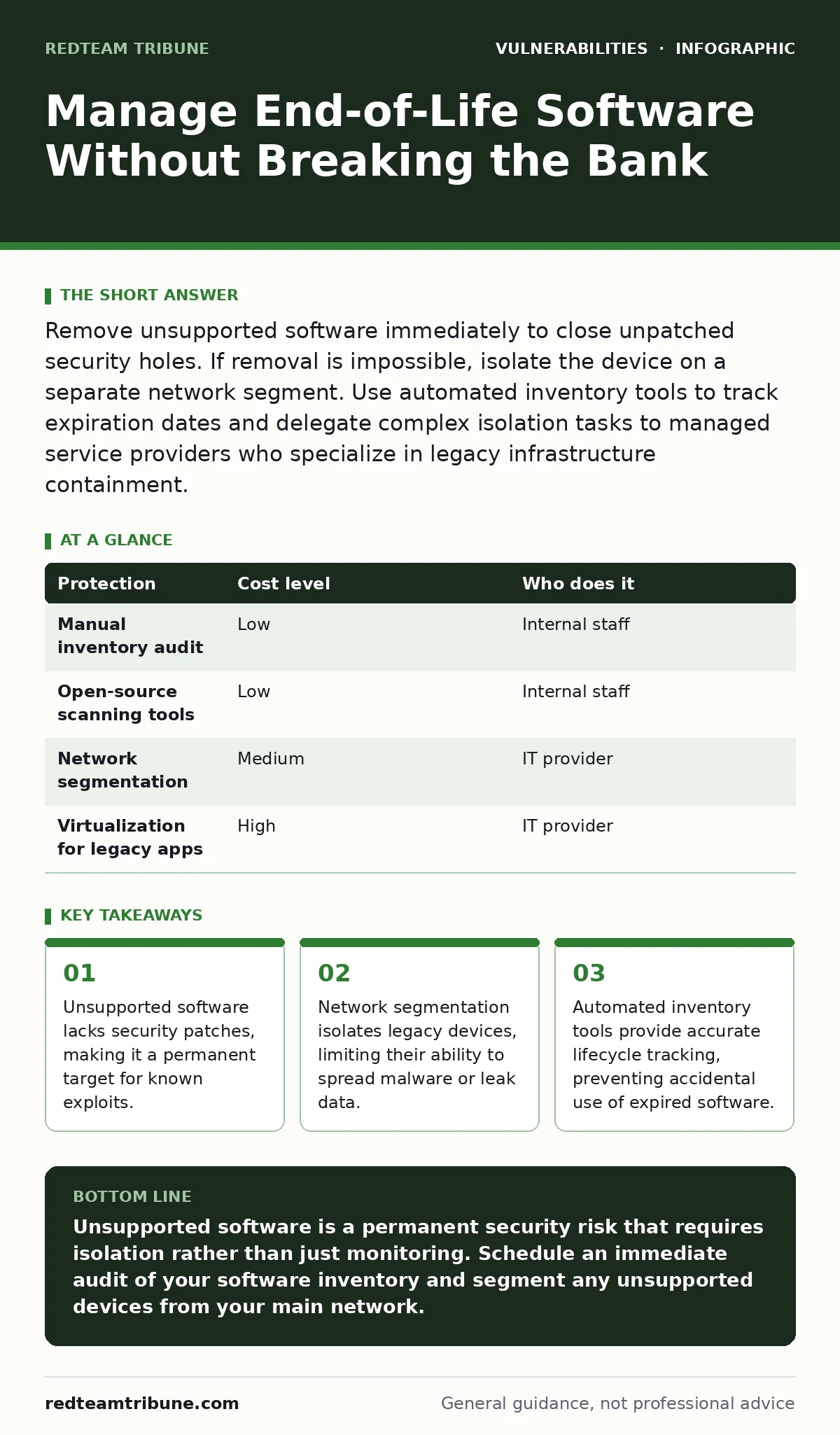
Remove unsupported software immediately to close unpatched security holes. If removal is impossible, isolate the device on a separate network segment. Use automated inventory tools to track expiration dates and delegate complex isolation tasks to managed service providers who specialize in legacy infrastructure containment.
The Hidden Cost of Legacy Software
Small organizations often view software lifecycle management as an IT overhead rather than a security imperative. This mindset is dangerous. When a vendor stops supporting a product, they stop issuing security patches. Your systems remain vulnerable to every flaw discovered after that date. Attackers scan for these specific versions because they are easy targets.
The risk compounds when legacy software interacts with modern networks. A single unpatched device can serve as a bridge for attackers to reach critical servers. You cannot rely on traditional perimeter defenses to stop threats originating from inside your own trusted network. The vulnerability exists in the code itself, not in the network boundary.
Why Small Teams Struggle Most
Large enterprises have dedicated teams to manage software versions. Small teams often lack the bandwidth to track every license and version. This gap creates a blind spot. You might believe your systems are secure because you run antivirus software. Antivirus programs detect known malware signatures, but they cannot fix broken code logic.
Consider the mechanics of broken access control. This vulnerability occurs when an application fails to properly restrict user permissions. If your legacy software has this flaw and receives no patches, an attacker can escalate privileges indefinitely. The same principle applies to insecure deserialization, where untrusted data is processed unsafely. Without vendor fixes, these flaws remain permanent weaknesses in your infrastructure.
Affordable Inventory and Tracking Methods
You do not need expensive enterprise tools to manage software lifecycles. Start with a manual audit, but automate the ongoing tracking. Use open-source asset management tools that scan your network and report installed software versions. These tools create a baseline inventory. You can then cross-reference this list with vendor support end-dates.
Regular audits prevent drift. New software installs often go unnoticed. Employees install tools to solve immediate problems, unaware of the security implications. Automated scanning runs in the background, detecting new installations and version changes. This continuous monitoring ensures your inventory remains accurate. Accuracy is the foundation of effective risk management. If you do not know what you have, you cannot protect it.
| Protection | Cost level | Who does it |
|---|---|---|
| Manual inventory audit | Low | Internal staff |
| Open-source scanning tools | Low | Internal staff |
| Network segmentation | Medium | IT provider |
| Virtualization for legacy apps | High | IT provider |
Isolating Unsupported Assets
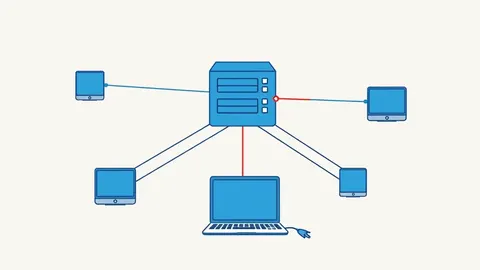
When you cannot remove unsupported software, you must contain it. Network segmentation is the primary defense. Create a separate VLAN for legacy devices. This virtual local area network isolates traffic from the main corporate network. Attackers who compromise a legacy device cannot easily pivot to sensitive servers.
Restrict outbound connections for these devices. Legacy software often attempts to phone home or update from insecure sources. Blocking unnecessary outbound traffic limits data exfiltration. Monitor inbound traffic strictly. Only allow specific, necessary ports. This reduces the attack surface significantly.
Imagine a scenario where a legacy printer is connected to the main network. An attacker exploits a firmware flaw to inject malicious code. Because the printer is isolated, the malware cannot reach the file server. The damage is contained. This principle applies to all unsupported assets. Isolation buys you time to find a replacement.
Virtualization and Application Sandboxing
If legacy software must run on modern hardware, use virtualization. A virtual machine creates a sandboxed environment. The legacy operating system runs inside this container, separate from the host system. If the virtual machine is compromised, the host remains secure.
Application sandboxing offers a lighter alternative. It restricts the resources an application can access. The software can only read and write to specific directories. It cannot access the system registry or other applications. This limits the impact of exploits like server-side template injection (SSTI). Even if an attacker injects malicious code, the sandbox prevents it from executing system-level commands.
These methods add complexity. Virtual machines require additional CPU and memory resources. Sandboxing can break application functionality if not configured correctly. Test thoroughly before deploying to production. The goal is to balance security with usability.
What to Delegate to Experts
Some tasks require specialized knowledge. Network segmentation design is one example. Incorrect configuration can break business-critical applications. An IT provider with experience in legacy infrastructure can design a safe architecture. They understand the trade-offs between security and performance.
Another area for delegation is vulnerability assessment. Providers can scan your isolated networks for known exploits. They can identify which vulnerabilities are actively being exploited in the wild. This prioritization helps you focus on the most critical risks. You do not need to patch everything at once. Focus on the flaws that attackers are currently targeting.
Consider the complexity of time-of-check to time-of-use (TOCTOU) bugs. These race conditions are difficult to detect and mitigate. An expert can implement additional controls to reduce the likelihood of exploitation. Delegating these technical tasks allows you to focus on business operations. It also ensures that security measures are implemented correctly.
Questions for Your IT Provider
When selecting a partner, ask specific questions about their approach to legacy software. Do not accept vague promises of security. Demand concrete details about their methodology.
- How do you inventory unsupported software in our environment?
- What is your process for isolating legacy devices from the main network?
- How do you monitor traffic from isolated segments for suspicious activity?
- Can you provide examples of successful legacy software containment projects?
- What are the costs associated with maintaining isolated environments?
These questions reveal the provider's depth of knowledge. A competent provider will discuss technical details like VLAN tagging, firewall rules, and monitoring alerts. They will also discuss the limitations of their approach. No solution is perfect. Understanding the limitations helps you make informed decisions.
Maintaining Long-Term Security
Security is not a one-time project. It is a continuous process. Regularly review your software inventory. Update your isolation strategies as new threats emerge. Vendor support end-dates change. New vulnerabilities are discovered daily. Your defenses must evolve accordingly.
Do not ignore CORS misconfigurations in web applications. Even if the application is legacy, it may still interact with modern browsers. Incorrect cross-origin resource sharing settings can allow attackers to steal data. Review these settings regularly. Ensure they are as restrictive as possible.
Stay informed about emerging threats. Subscribe to security advisories for your critical software. When a new vulnerability is disclosed, assess its impact on your environment. If you are using unsupported software, assume you are vulnerable. Take immediate action to isolate or replace the affected system. Proactive management prevents breaches.
Key takeaways
- Unsupported software lacks security patches, making it a permanent target for known exploits.
- Network segmentation isolates legacy devices, limiting their ability to spread malware or leak data.
- Automated inventory tools provide accurate lifecycle tracking, preventing accidental use of expired software.
Unsupported software is a permanent security risk that requires isolation rather than just monitoring. Schedule an immediate audit of your software inventory and segment any unsupported devices from your main network.
Frequently asked questions
Can antivirus software protect end-of-life operating systems?
Antivirus software detects known malware signatures but cannot fix unpatched code vulnerabilities. It provides limited protection against zero-day exploits targeting legacy systems.
How do I isolate a legacy device without breaking its functionality?
Create a separate VLAN and configure firewall rules to allow only necessary traffic. Test all required connections before enforcing the isolation to ensure the device can still perform its intended tasks.
Is virtualization a permanent solution for unsupported software?
Virtualization is a containment strategy, not a permanent fix. It isolates the risk but does not eliminate the underlying vulnerabilities. You should still plan to replace the software with a supported alternative.
What are the signs that a legacy system has been compromised?
Look for unusual network traffic, unexpected process executions, or changes in file permissions. Isolated systems should have minimal traffic. Any deviation from the baseline warrants immediate investigation.
How this guide was produced: written by the RedTeam Tribune editorial team with AI assistance, checked against the public references listed below, and reviewed when the facts change. See our editorial policy or report an error.